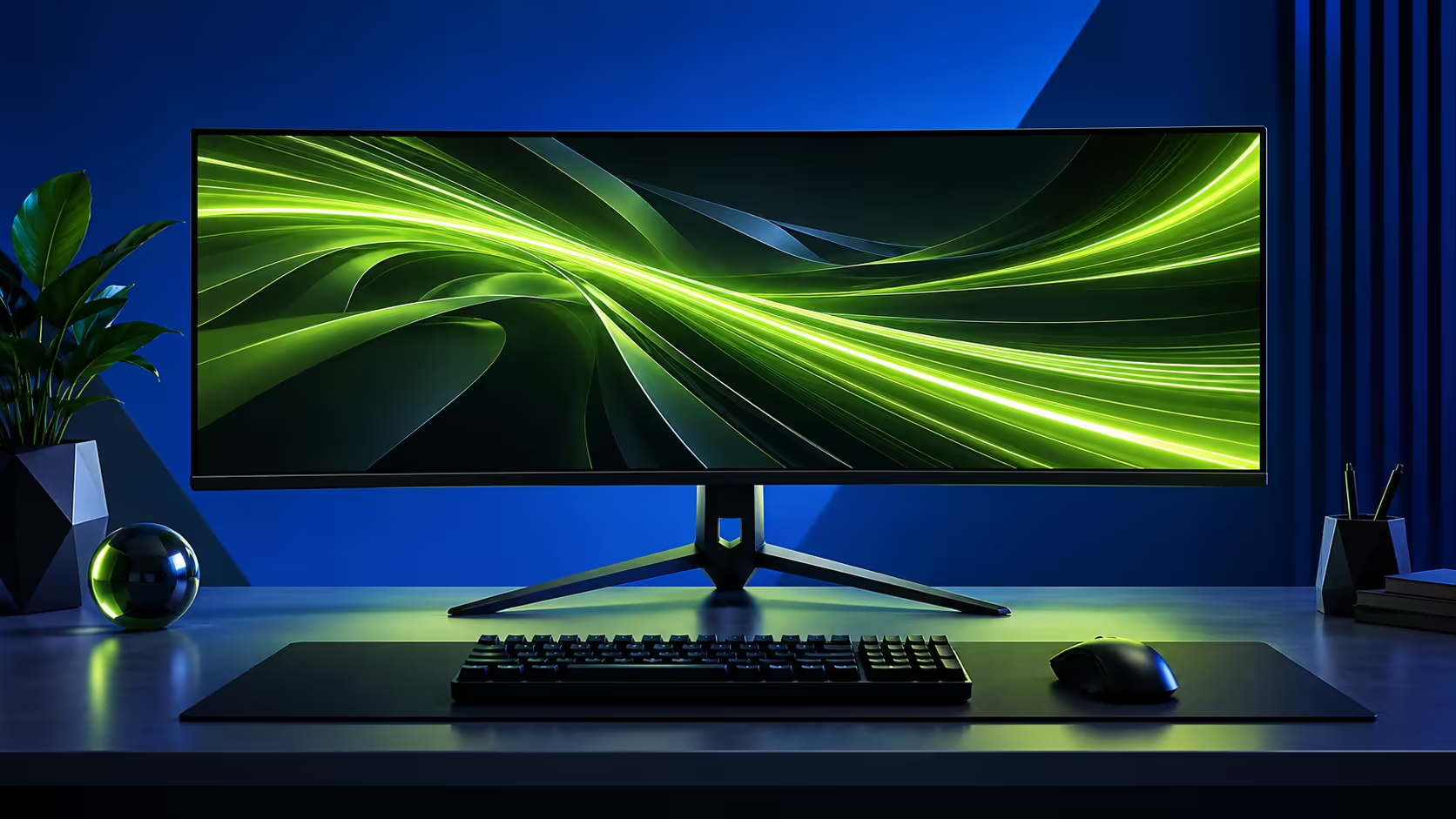
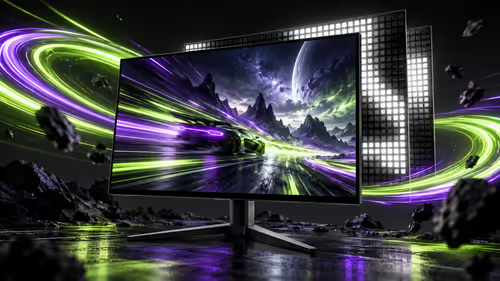
The Lenovo Legion 27Q-20 is now appearing in China-market launch coverage, following Lenovo's earlier announcement of the model. Its QHD panel and 320Hz specification raise a useful buying question: can the rest of your setup make use of that refresh rate?
Quick Answer
The 27Q-20 is a 27-inch 2560x1440 IPS gaming monitor with a stated 320Hz refresh rate. Check supported input modes and your PC's sustained frame rate before choosing it. A separate ViewSonic VA1903H-2 office monitor was listed at R1,269 in the 19 October catalogue read; this is a local budget reference, not the Lenovo's price or an equivalent display.
🖥️ Keep the two Lenovo models separate
Lenovo's earlier announcement distinguishes the QHD 27Q-20 from the 27U-20, which has a dual-mode specification. A similar product name is an easy way to bring the wrong resolution or mode into a comparison. Read the full model on the listing rather than assuming the larger number changes only one feature.
For the 27Q-20, begin with whether a 27-inch QHD workspace suits your viewing distance. That affects everyday text, the room needed on the desk and the rendering workload in games. A faster refresh figure does not decide those preferences. Neither does it establish how clear moving objects will look in a particular tested mode.
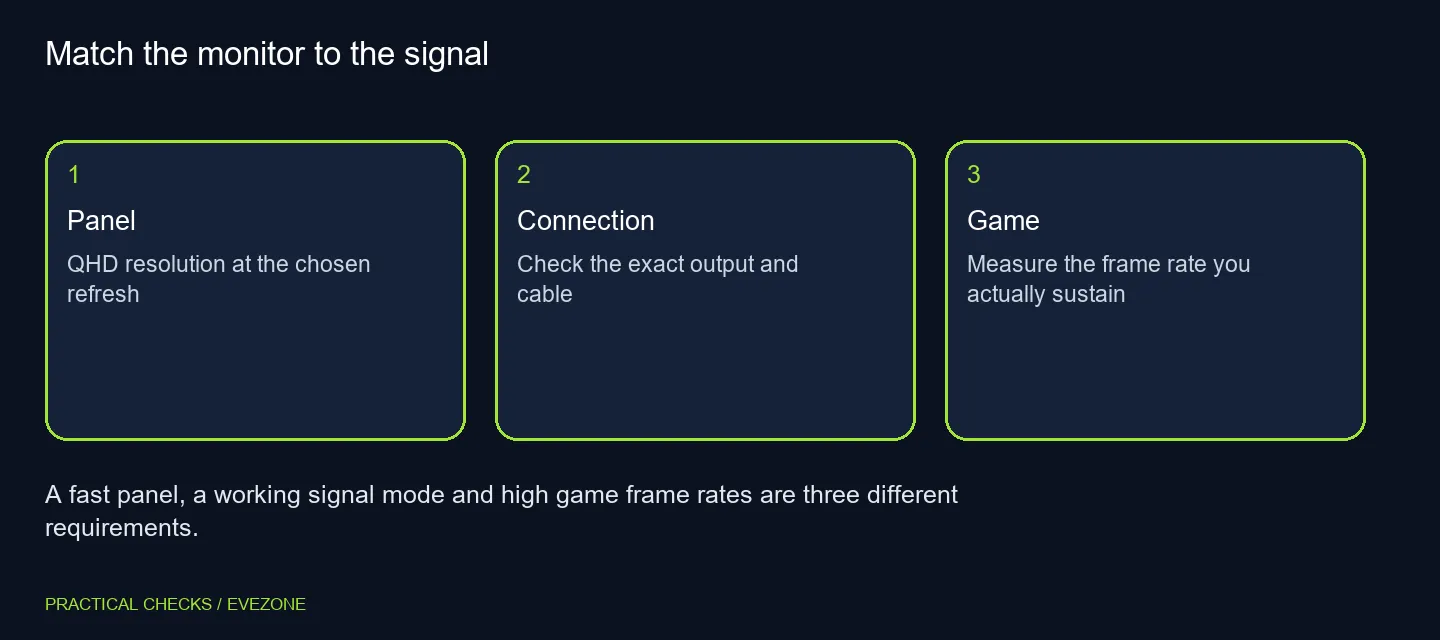
🔌 Check the complete display path
Launch coverage lists two HDMI 2.1 FRL connections and DisplayPort 1.4. Those names are a starting point for checking compatibility, not proof that every connected device will expose the maximum refresh option. Read the exact supported modes for the input you intend to use, including any bandwidth or compression requirements in the manual.
A laptop dock or adapter adds another device to that path. If Windows offers a lower mode than expected, test a direct connection with a suitable cable before deciding the monitor or graphics hardware is faulty. Make the output resolution and refresh rate explicit when comparing specifications; the connector shape alone cannot answer the question.
🎮 Measure the games that matter to you
A competitive player may value a high refresh ceiling, but the PC still needs to render frames consistently. Compare the games you actually play, at QHD and the settings you are willing to use. A demanding single-player title and a lighter competitive game can place very different demands on the same graphics card.
Do not treat a monitor launch as a reason to buy a new GPU automatically. First measure your present performance and identify whether the limitation is rendering, connection mode or a display preference. That gives you a clearer choice between keeping the existing screen, changing settings or budgeting for a coordinated upgrade.
📏 Put stand fit and the local offer on the list
The report describes an adjustable stand and VESA support. Check the adjustment range against your desk, eye level and keyboard position. A monitor arm also needs the correct mounting pattern, weight capacity and clearance; having VESA support does not mean any arm will fit.
Compare gaming monitors by the complete specification and current Rand listing. The R1,269 office monitor example shows a different local price tier rather than a substitute for competitive QHD gaming. Use monitors if your main need is a general-purpose screen. Wait for an exact South African 27Q-20 offer before making claims about local stock, support or final cost. Today's regional launch is useful information, but those local purchasing details remain separate checks.
Frequently Asked Questions
Is this a 4K dual-mode model?
No. The 27Q-20 is the QHD model. Lenovo separates it from the 27U-20 dual-mode display.
What size and resolution are reported?
The listing and launch coverage identify a 27-inch IPS panel with 2560x1440 resolution.
Does 320Hz mean every game runs at 320fps?
No. Refresh capability belongs to the monitor; game frame rate depends on the PC, game and chosen settings.
Which connections need checking?
Coverage lists two HDMI 2.1 FRL inputs and DisplayPort 1.4. Confirm the supported mode for your output and cable.
Does the China price give a local price?
No. A foreign launch price is not a South African offer, delivery cost or warranty commitment.
Why mention a R1,269 monitor?
That dated ViewSonic office-screen listing is a separate budget reference. It is not a comparable 320Hz gaming display.
Choosing a high-refresh display?
Compare Evetech gaming monitors against the resolution, input and desk requirements you can actually support.