A mouse can advertise a faster report rate and still sit badly in your hand. The Pulsar eS Xlite launch puts a revised ergonomic shape beside a new receiver with physical controls, making fit and everyday adjustment the useful questions for a South African desk.
Quick Answer
Pulsar has launched the eS Xlite with a 51g stated weight, revised palm support and up to 8K polling in wired and wireless use. A separate local comparison point is the Marvo M292 listed at R119 in the catalogue read on 19 October; it is not an equivalent model or the Pulsar's price. Keep your existing mouse unless this launch addresses a specific grip or control need.
🖐️ Compare where the shell meets your hand
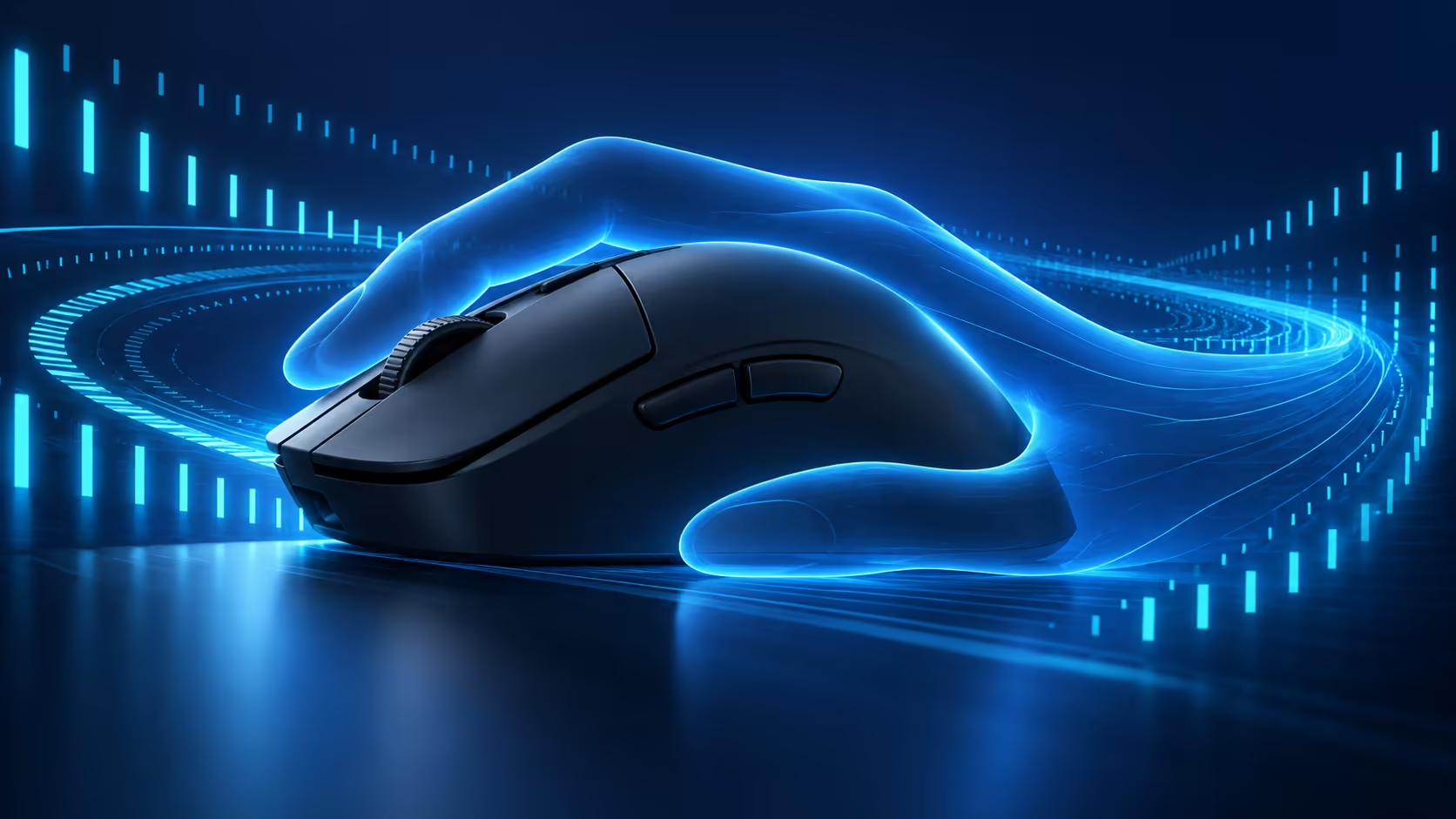
The release describes a slimmer waist, a raised rear and a balance shifted towards the back. Those changes are more useful to evaluate than a sensor headline alone. A palm-grip user may want support under the rear of the hand, while somebody who steers mainly with their fingertips may prefer a different shape entirely.
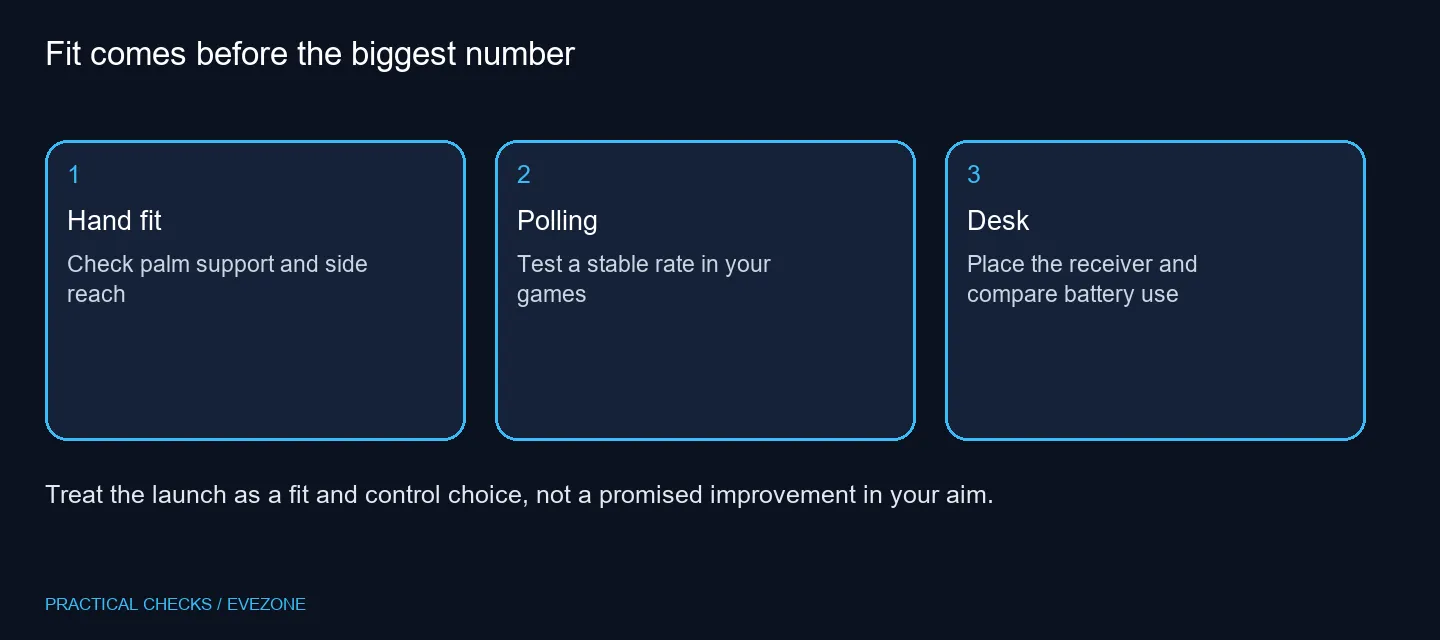
Start with the mouse you own. Note whether you reach too far for a side button, squeeze the sides to lift it or lose support during a long session. Compare those observations with dimensions and photographs when a full listing is available. A shape described as ergonomic is a design direction, not a promise that every hand will find it comfortable.
🎯 Treat polling as a setting to test
The XS2 sensor and maximum 8K polling are manufacturer specifications. They do not establish a measured improvement on your particular PC. Try a familiar game with consistent settings and compare control, frame behaviour and battery use before settling on a report rate.
Do not change sensitivity, polling, grip and in-game settings together. That makes it difficult to tell which change helped. Save a baseline profile first, then make one adjustment and play long enough to notice whether it solves the original complaint. Returning to a lower rate is a valid choice when the faster option brings no practical benefit.
🔘 Put the receiver within useful reach
The Link dongle has buttons for settings such as DPI, polling rate and profiles. This is useful if you prefer a physical control on the desk rather than turning the mouse over during a session. Initial setup and the way each control is assigned still deserve attention before a competitive match.
Think about where the receiver will sit, whether its cable reaches and whether you might press a button accidentally. Also compare your intended polling setting with the battery specification for that setting. A single advertised maximum runtime should not be treated as the expected life at every report rate.
💰 Spend on a problem you can name
Browse gaming mice by shape and connection type before comparing the final price. The R119 catalogue example is a basic wired alternative, included to show that a functioning pointing device can sit in a different price class. It is not evidence that the launch mouse is overpriced or that the two products perform alike.
Keep room for the rest of the desk, including the layout of gaming keyboards. A cramped keyboard position can restrict mouse movement regardless of sensor capability. Wait for an exact local offer if you need Rand pricing, warranty terms and delivery certainty. The launch date alone supplies none of those details.
Frequently Asked Questions
What is new about the shape?
The launch describes a narrower waist, raised rear and sensor moved forward. Compare that geometry with the mouse you already find comfortable.
Is the eS Xlite a limited edition?
The launch release describes running production rather than a limited edition. That does not establish local stock.
What does the Link dongle do?
Its buttons let you change settings such as DPI, polling rate and profiles after setup.
Does 8K polling guarantee better aim?
No. Hand fit, stable frame delivery and familiar sensitivity still matter. A maximum polling figure is not a game benchmark.
Is a South African price confirmed?
No local launch price is established here. Check the current product listing and warranty before committing a budget.
Must I replace a working mouse?
Keep it if tracking, grip and clicks already suit you. An upgrade should solve a particular problem, not just raise a specification.
Ready to compare mouse shapes?
Use Evetech gaming mice to shortlist the grip and connection that fit your desk, then check the exact listing before ordering.