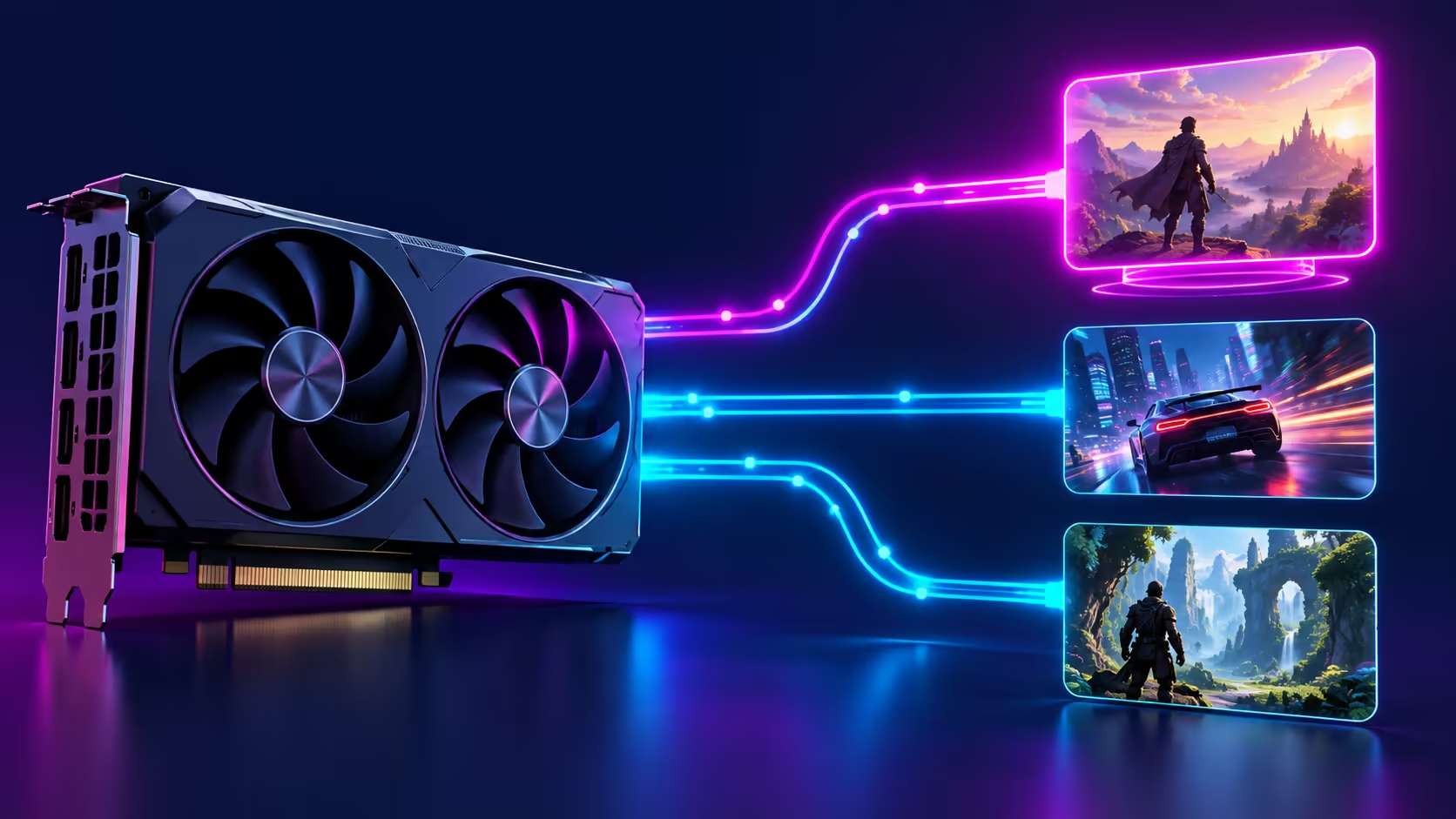
Changing the same rendering library across a large game collection can be repetitive. The DLSS Swapper bulk update adds a batch workflow, but the time saved in clicking should not replace a careful comparison in one game first. For an SA buyer, the useful distinction is between improving a software workflow and needing new graphics hardware.
Quick Answer
DLSS Swapper 1.2.7.0, released on 18 October, adds bulk DLL and preset changes for multiple games. Test one supported title and confirm how to restore its original library before expanding the selection. This workflow check costs R0 in extra hardware; the R4,399 RTX 3050 6GB catalogue example is a separate buying reference, not a requirement or performance promise.
🧩 Know what this release actually changes
The new operation lets users select several games and apply changes in one pass. It reduces repeated work. It does not establish that every selected game should use the same library version or preset, and it does not make a rendering feature compatible with hardware that cannot support it.
Keep the project identity exact when looking up the release. The relevant version is 1.2.7.0 from the established maintainer's project, not a similarly named utility. Read the release notes and project guidance before choosing a download, and avoid treating a search result with a familiar name as proof that it is the same tool.
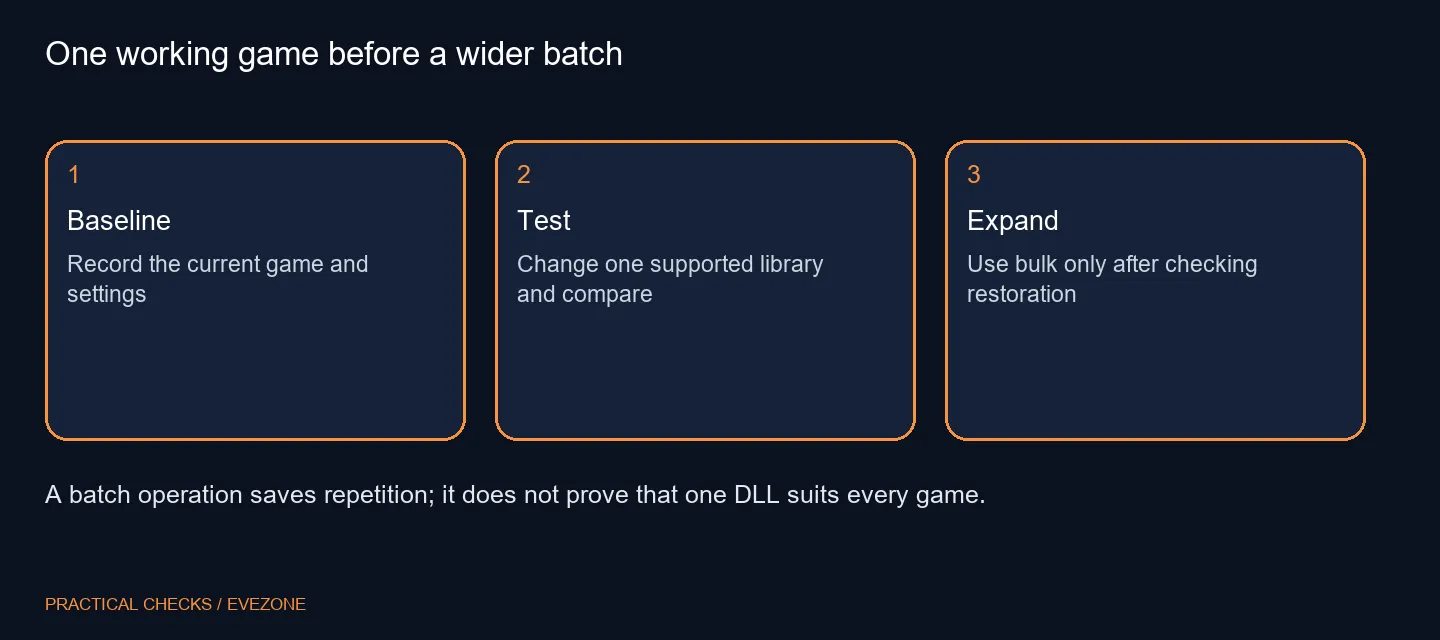
🎮 Establish one repeatable comparison
Choose a game you understand and record the settings you currently use. Keep resolution, graphics options and the scene as consistent as practical. Compare image quality and stability alongside the frame rate; a higher number alone can conceal an unwanted visual change.
Before changing a library, understand which technology the game already uses and what the tool can manage for it. A DLL is not a universal switch that enables every upscaling or frame-generation feature. If a game or its protection system restricts file modifications, follow the game's own rules rather than assuming a successful change elsewhere makes this one suitable.
↩️ Check recovery before expanding the batch
A batch feature can spread an unsuitable choice quickly. Make sure you understand the restore option and retain a record of what was changed in the first title. If the game updates later, check the current state again instead of assuming the library and your earlier comparison remain unchanged.
Do not apply several unrelated tweaks at the same time. Driver changes, graphics settings and library substitutions can all affect the result, leaving you unable to explain a new fault. Keep a working baseline so that undoing the experiment is a deliberate step, not an attempt to remember which files used to be there.
💰 Separate software convenience from a GPU purchase
Today's update is tied to the rendering software used with graphics cards, rather than a new card launch. A sensible first outcome may be to keep the existing setup because the tested change brings no useful improvement. That is different from concluding that the PC needs replacing.
If you have a separate performance shortfall, compare all nvidia geforce graphics cards and all amd radeon graphics cards against the game, resolution and feature support you need. The dated R4,399 RTX 3050 6GB listing shows one local budget point only. It does not prove the card is the right upgrade or that all rendering technologies are available on it. Measure the actual limitation, then budget for hardware only when the software checks cannot address that requirement.
Frequently Asked Questions
Which release adds the bulk operation?
The maintainer release notes identify version 1.2.7.0, released on 18 October 2026.
What can the bulk operation change?
The release describes applying DLL and preset changes across multiple selected games.
Does swapping add unsupported GPU hardware?
No. A library replacement does not create a hardware capability or guarantee an unsupported game will work.
Should I select every game first?
Start with one compatible title, compare it with your baseline and check the restore path before extending a change.
Does a newer DLL guarantee more frames?
No. Performance and image quality vary by game and configuration. Compare the result rather than assuming a gain.
Is a new graphics card required?
The workflow change itself does not require a purchase. Check your existing GPU and game support before budgeting for hardware.
Working out whether the GPU needs changing?
Test one supported game carefully, then compare Evetech graphics cards against the feature and performance requirement you have measured.