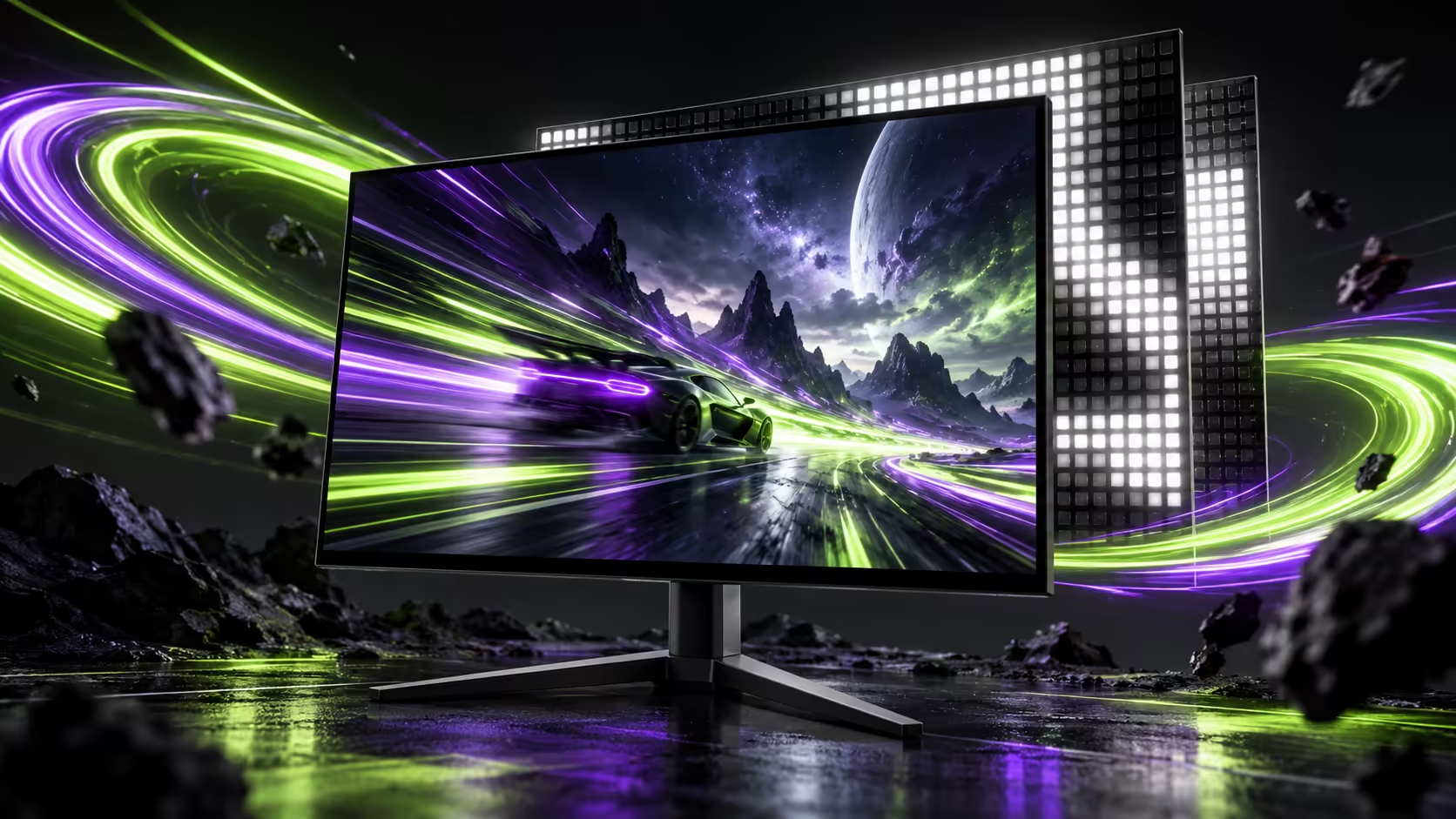
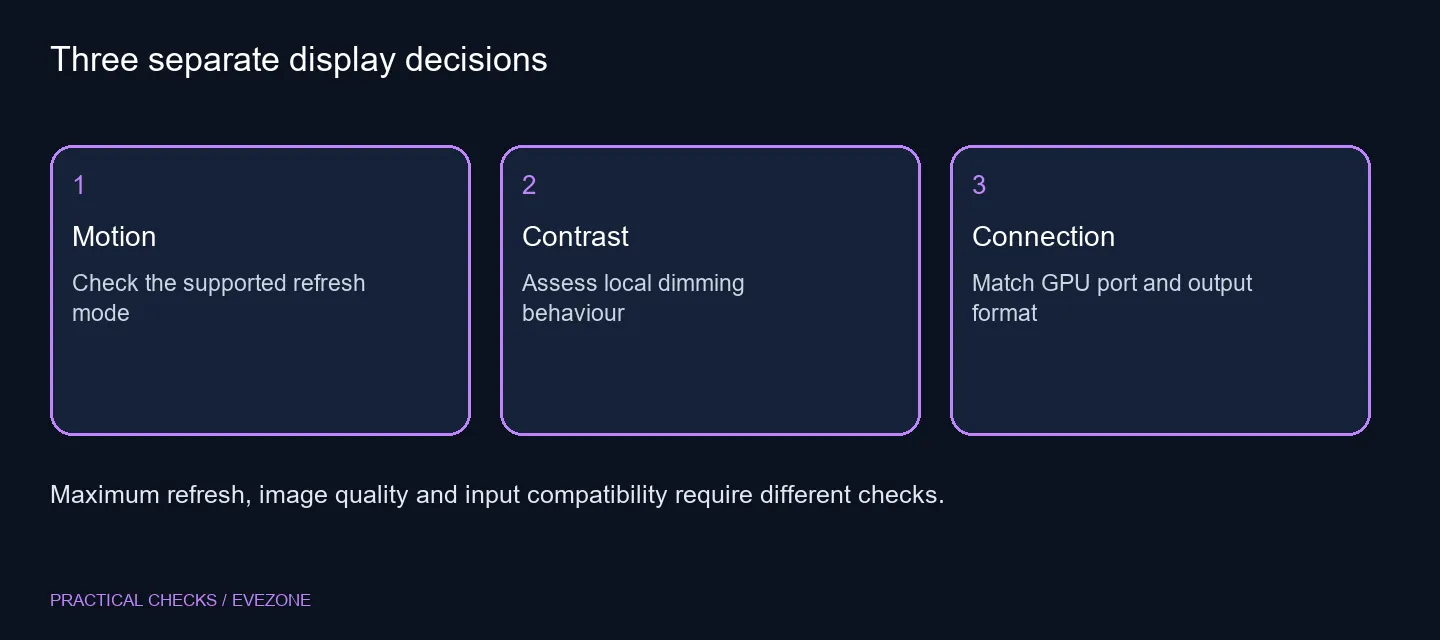
The AOC AGP277QKM puts two attractive ideas in one screen: rapid QHD gaming and a Mini LED backlight. They solve different problems. South African buyers should assess motion, HDR presentation and connection compatibility separately before a headline refresh rate becomes the entire shopping decision.
Quick Answer
This new 27-inch QHD model has an overclocked maximum of 425Hz and 1,152 local dimming zones. Neither number proves how every game will look. No SA price is confirmed here; an 18 October Evetech catalogue example, the ViewSonic VA1903H-2 at R1,269, is a basic office display rather than an equivalent gaming option.
🎯 Match the mode to your games
A fast screen is most interesting when your PC can deliver a consistent stream of frames in the games you play. Start with your usual resolution and image settings, then observe performance in a demanding match or scene. An empty practice area is not a reliable description of every gaming session.
The 425Hz figure needs an additional distinction: it is the overclocked maximum. Manufacturer guidance reported with the launch recommends 400Hz if problems occur at the higher setting. That is a useful reminder to choose a stable mode and inspect the picture, rather than treating the last selectable number as compulsory.
Use aoc monitors to compare exact model identities. AGP277QKM is a specific model name; a similar-looking name can describe a different panel or refresh capability. Record the full suffix when requesting a quote or checking a specification.
🌗 Judge the backlight in real scenes
Local dimming can make parts of an LCD image darker while retaining bright areas elsewhere. A zone still covers a region of the picture, so zone count does not establish perfect black borders around every small bright object. Look at subtitles, dark menus and the games you actually use.
The useful question is whether the backlight behaviour suits your content. Compare the available dimming settings rather than assuming that the strongest setting is always the most comfortable. A daylight desktop, a dark film and a competitive shooter can make different limitations visible.
🔗 Inspect the signal path
The announced connections include DisplayPort 2.1 and HDMI 2.1. Those labels should lead to a mode check, not end one. Confirm the supported resolution, refresh rate, bit depth and compression combination for the GPU output you will actually use.
A laptop dock adds another device to that chain. Test a direct connection before concluding that a screen is faulty when a high mode is missing. The port on the computer, the cable and the selected monitor input all need to participate in the desired signal format. Do not buy an adapter without identifying which part is limiting the connection.
💰 Decide what is worth waiting for
Compare gaming monitors by purpose and total cost. Competitive motion, contrast performance, screen size and desk comfort belong in that budget alongside the headline refresh number. A cheaper office screen is not a meaningful performance alternative merely because both products display a Windows desktop.
This launch does not establish South African stock, warranty arrangements or a Rand selling price for the AGP277QKM. Avoid converting a China offer into a pretend local quotation. If you need a display this week, select an available option around your existing PC and games; revisit the new model when its local offer and relevant testing can be assessed.
Before paying, save the exact intended mode and connector requirements with the quotation. That gives you a concrete question to resolve if a future listing looks similar but omits the overclock note or substitutes a different suffix.
Frequently Asked Questions
Is 425Hz the normal base mode?
The maximum 425Hz mode is an overclock. The reported manufacturer guidance suggests 400Hz if it causes problems.
Is Mini LED an OLED panel?
No. Mini LED describes the backlight behind an LCD panel; it does not turn each pixel into an OLED light source.
Does 425Hz guarantee 425fps?
No. Your game, settings and PC determine delivered frame rates.
Can I use any display cable?
Check the required mode against both device ports, cable capability, colour format and compression support.
Is there a South African launch price?
No local price or launch commitment is established for this exact model here.
Should I wait if I need a monitor now?
Only wait if its specific features solve a clear need and your current display remains usable.
Choose a screen around your actual signal
Explore Evetech monitors with your GPU ports, game performance and desk requirements in hand.