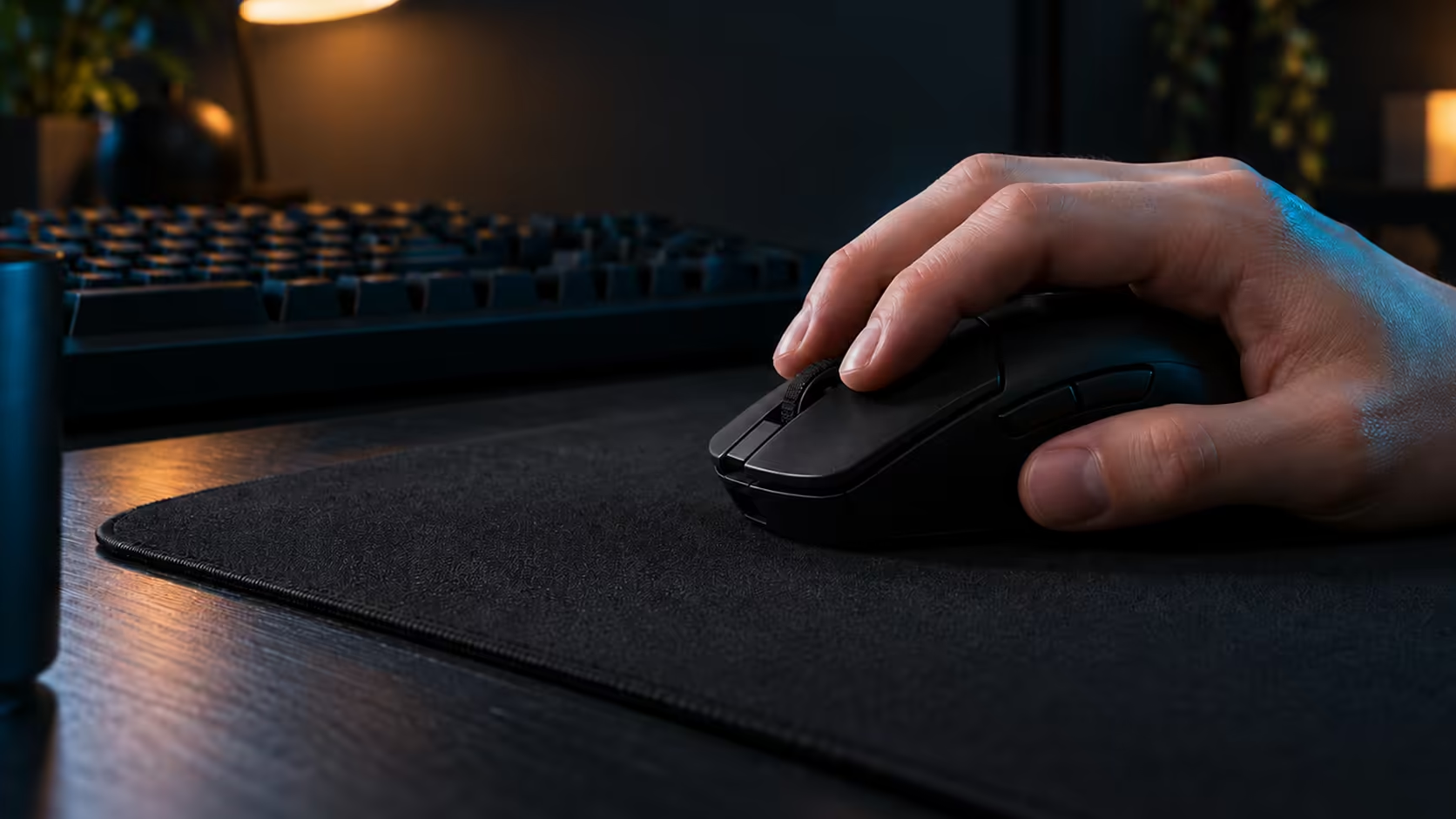
When a mouse lets you set its click point in software, the buying question changes. You are no longer choosing a fixed switch and hoping it suits you. You are choosing a click you will tune, so the features that matter are the ones that let you adjust it, save it and check it against a real game. Here is what to look for before you spend money on that kind of mouse.
Quick Answer
Look for a mouse whose click point you can set in software, then check the haptic feel and reset values it offers. The Logitech G PRO X3 SUPERSTRIKE gives you tunable actuation, rapid trigger reset and haptic feel through HITS, at R3,799 including VAT at Evetech. Test each setting in a game before you weigh it against the price.
🧾 Four checks before you pay for adjustable clicks
First, count the settings. A mouse with one tunable value is different from one with three, and you should know which you are buying. Second, check the range of each value: a click point with 3 clear steps is easier to test than one with a hundred positions you cannot tell apart.
Third, look at the feedback. Some mice give a haptic confirmation, some give none, and the strength may or may not adjust. Feel the confirmation in the shop if you can, or ask what it does before you buy. Fourth, check whether the software saves your values so you can return to them after a reinstall or a new PC.
Work through those four in about 10 minutes, before the price decides for you. A tunable click that you cannot save or repeat is a feature you will stop using within a month.
🔍 What the software needs to show you
The software is where the tuning lives, so judge it as carefully as the mouse. Look for values shown as numbers rather than sliders with no marks, because a number lets you write it down and repeat it. Check that the software tells you the current value after you change it, and that a reset to default is easy to find.
A good test is to change the click point, close the software, reopen it and check the value is still there. Do the same after 2 restarts of the PC, since a value that survives one restart can still fail on the second. If the value changes or disappears, you will spend more time fighting the software than playing.
Keep a note of the software version too. Menus move between releases, and a guide that gives exact steps only helps if you know which version it describes.
Browse the wireless gaming mice range to see which models have tunable clicks, and compare the software details on each product page before you order.
🎮 Matching the click to your game
Adjustable actuation matters most in games that reward fast, repeated presses. A shooter that needs quick taps or a tracking game with frequent target switches will show a difference within a few minutes. A slower strategy game may never reveal it, and the feature becomes a nice extra rather than a need.
Test the click in the game you play most. Start with the click point, set at 3 values, and play 20 minutes at each. Note which value gives you clean presses without accidental clicks, then move on to the reset. If you play two very different games, test both, because the best value for one may not suit the other.
Compare the result with a mouse you already know. A tunable click is only an upgrade if it does something your current mouse cannot, and the easiest way to know is to play both in the same session.
Frequently Asked Questions
Do I need adjustable actuation for casual play?
No. It helps most in fast shooters and tracking games, and a slower game may never show a difference. Buy it for the games you actually play.
Is haptic feedback a gimmick?
It is a feel setting, not a performance boost. Some players find the confirmation helpful, and others turn it down. Test it at a gentle level before you decide it is worth paying for.
What should I test first?
Start with the click point, since it sets when a press begins. Then set the reset, and finish with the haptic feel, testing after each change.
Can I compare two mice this way?
Yes. Use the same game, the same sensitivity and the same session for both. The mouse that gives you cleaner presses over 20 minutes is the one that suits your hand.
Browse the gaming mice category for every click style, then look at the best-selling gaming mice to see what other buyers pick.
Found the click you want?
Browse our gaming mice, check the tuning options on each model, and pick the one you can test properly.