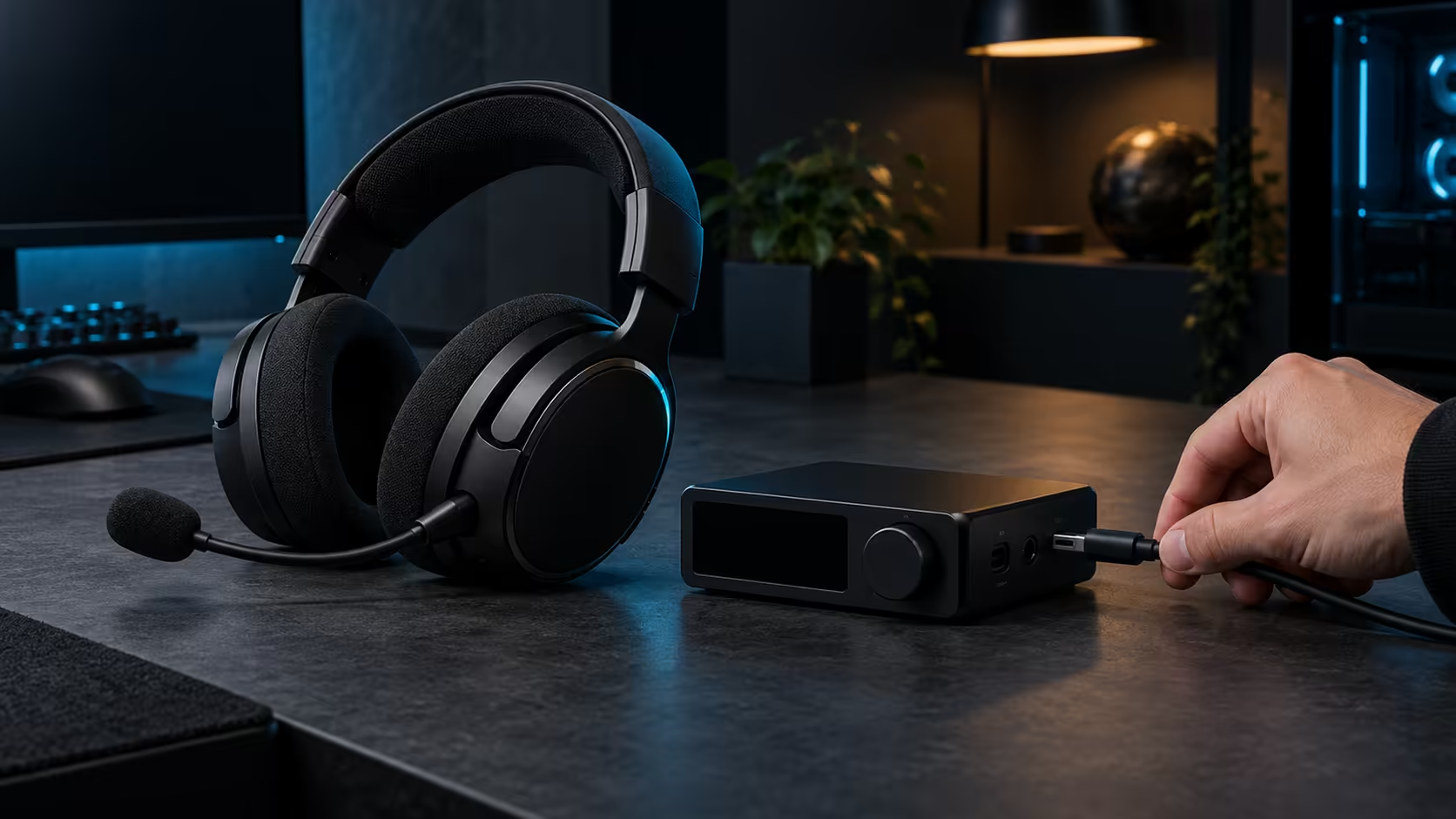
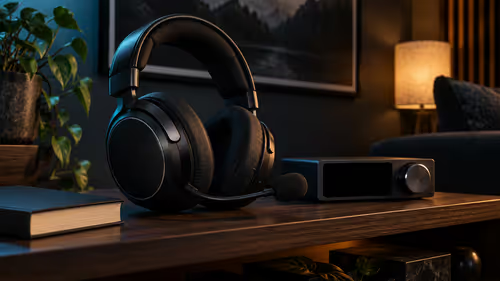
Wireless audio terms pile up fast. 2.4GHz, Bluetooth 5.3, LE Audio, latency and ping all get used in the same sentence, often as if they meant the same thing. They do not. The 2.4GHz link carries your game audio, Bluetooth carries the phone, and ping is a network measurement that has nothing to do with either. This guide separates the three, so you know which one to check when something feels wrong on the Arctis Nova Pro Omni.
Quick Answer
A 2.4GHz link carries game audio to the base station, while Bluetooth 5.3 LE Audio handles a phone. Neither affects game ping, which depends on the route to a Johannesburg or Cape Town server, so check the server list before you queue. At R9,699 (VAT included), the Omni's two radio links live apart from the connection your game uses to reach its server.
📡 What the 2.4GHz link is and what it carries
The 2.4GHz band is a radio frequency that many devices share, from routers to baby monitors. The Omni's 2.4GHz link uses that band to send game audio from the GameHub base to the headset. The base sits on your desk or in the lounge, so the path is short and the link works within the room.
Because the band is shared, the link can be crowded in the evening. Home routers usually expose three clean 2.4GHz slots, channels 1, 6 and 11, which never overlap.
Keep the 2.4GHz link in mind as the route for sound, not for the game's data. It moves audio between the base and your ears, and nothing else.
🎶 What LE Audio changes, and what it does not
LE Audio is Bluetooth's newer audio design, built around the LC3 codec. Each Bluetooth LE channel is 2MHz wide, which is why the link hops across the band. It uses a codec called LC3, which carries audio at a good quality with less data than the older audio profiles need. It was introduced with Bluetooth 5.2, and the Omni supports it through Bluetooth 5.3. For a phone, the practical benefit is audio that uses the link more efficiently.
LE Audio does not make a phone faster in a game, and it does not change your game server connection. It is an audio standard for the phone route, and that is all it does. A phone playing music or a video through the headset gains from the standard, while a phone sitting idle gains nothing.
If you ever see a claim that LE Audio cuts lag in a game, check what the claim measures. Audio delay on the phone route and network delay to a game server are different numbers.
🌍 Ping is a different problem
Ping is the time it takes for your game to talk to a server and back, measured in milliseconds. It depends on the route between your home and the server, and that route runs through your internet provider, the network exchange and the game's servers. The headset's radio links are not part of that route.
South African players often connect to servers in Johannesburg or Cape Town, and the best server depends on where you live and which network you use. Check the server list in your game before you queue, and note the ping shown for each option. Compare the two or three closest options for 5 minutes each, and pick the one with the steadiest number.
For the audio side, the Bluetooth headset range and the wireless headset range show the options that use these links, and the gaming headset range covers the wider set.
A headset cannot fix a poor ping. A slow route to a distant server will feel slow whether you play through the Omni or a wired headset, so the fix lives in the server choice and the internet connection, not the audio link.
Frequently Asked Questions
What does the 2.4GHz link do on the Omni?
It carries game audio and chat from the GameHub base to the headset. It is a radio link for sound, not for game data.
What is LE Audio?
The newer Bluetooth audio standard, which uses the LC3 codec to carry audio efficiently. The Omni supports it through Bluetooth 5.3.
Does the headset affect my ping?
No. Ping is the network time to the game server, and the headset's radio links are not on that route. Check the server list for the lowest steady ping.
Which server should I choose from South Africa?
The one with the steadiest ping for your home and network. Test the closest options for 5 minutes each, whether they are in Johannesburg or Cape Town.
Ready to sort out your audio links?
Check the route that is failing, then compare our Bluetooth headset range for a headset that suits the phone you carry.