An upgrade only makes sense when it fixes the thing that is holding you back. Before a programmable keypad goes on the shopping list, the order of upgrades matters: a PC that cannot run your games well will hold you back before any peripheral does, and a crowded bind list is the one case where a keypad is the right next step. This guide works through that order for a South African setup, places the Razer Tartarus V2 Pro in it, and shows the signs that a keypad is the right purchase now rather than later.
Quick Answer
A programmable keypad is a smart upgrade when your PC already runs your games well and your binds are crowded, because it adds controls without touching the rest of the build. At R4,799 incl. VAT from Evetech, the Tartarus V2 Pro suits a shared home PC that already plays smoothly, and it is best bought after the core machine is sorted rather than before.
🧭 Put the upgrades in order
Start with the thing that limits your play most. If the game stutters, the PC or the graphics card comes first, because no keypad fixes a slow frame rate. If the screen is hard to see, the monitor comes first. If your hand is the bottleneck, with binds stretched across the keyboard and the mouse hand doing too much, the keypad is the right next step.
That order saves money. A keypad on a PC that drops frames is a keypad you will blame for a problem it cannot solve, so check the basics before you spend on peripherals.
✅ Signs the keypad is the right next step
The keypad earns its place when your PC runs your main games smoothly at the settings you want, and your binds are crowded. You will notice the signs in play: fingers stretching across the board, a pause to find a key, or a bind you avoid because it is too far away. Three stalls in one evening, each a few seconds long, add up to a real cost. Three stalls in one evening, each lasting 5 seconds, add up.
Count those moments over a session. If you find yourself hunting for keys several times in an evening, the keypad will help. If the game runs well and your binds sit comfortably, the keypad is a nice extra rather than a fix.
🔌 What the keypad adds to a working build
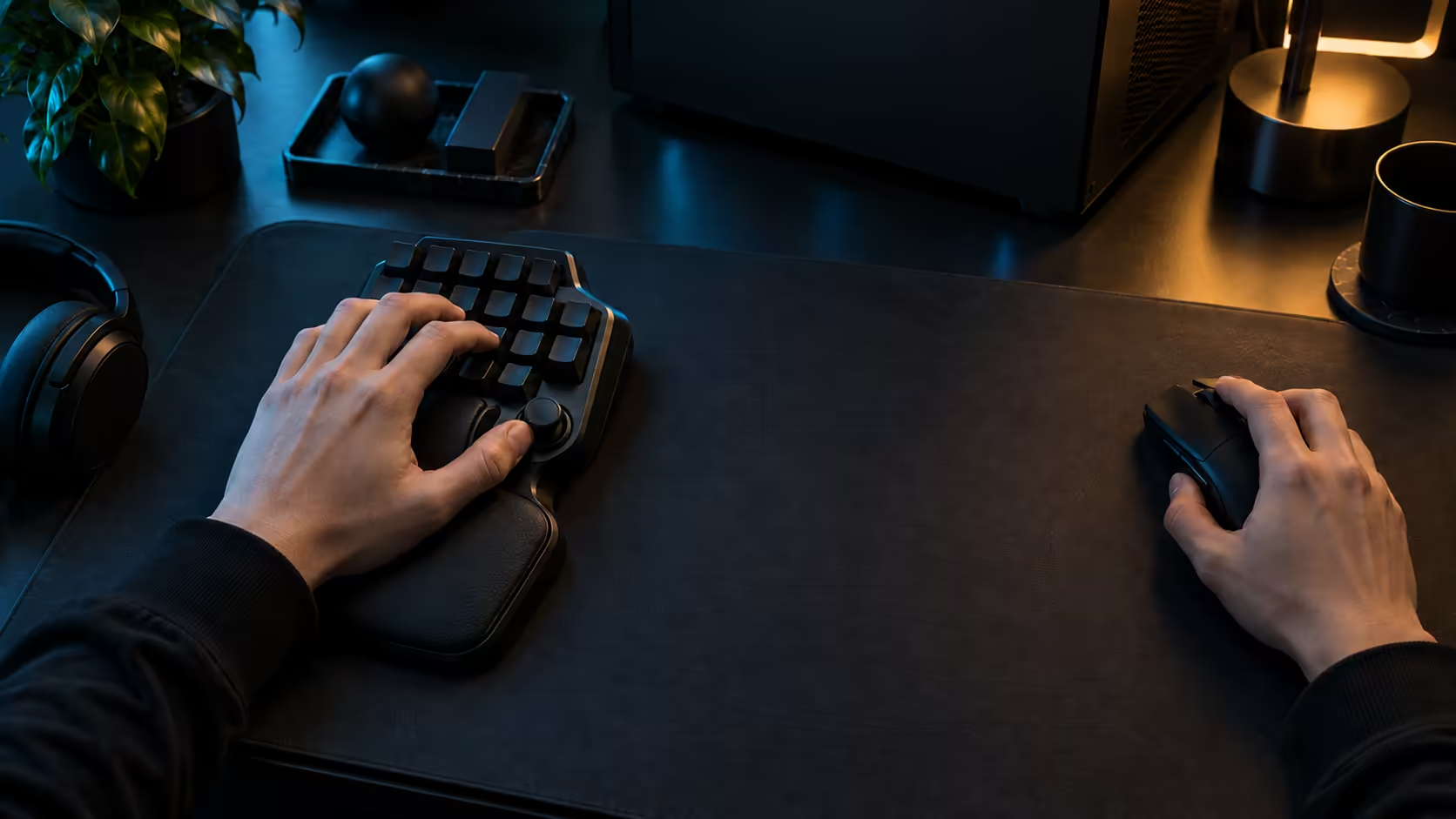
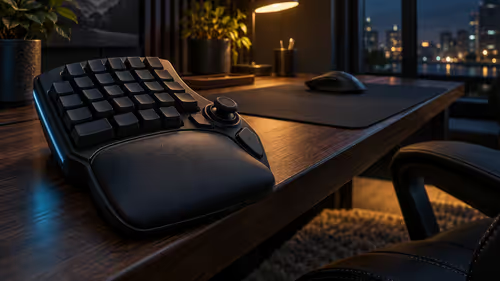
Once the PC is sound, the Tartarus V2 Pro adds 31 programmable controls, analog depth switches running 0.1mm-4.0mm, plus Rapid Trigger and a TMR thumbstick with three dedicated buttons. Those features sit on the desk beside the keyboard, so they do not change the PC, the graphics card or the monitor.
That is what makes the keypad a clean upgrade. It takes the strain off your hand without asking for a new machine, and you can set it up in an afternoon using the binds you already know.
🏡 A shared home PC in South Africa
In many South African homes one PC is shared between family members, and that changes the upgrade question. A keypad helps the person who games most, but it needs its own Windows account and its own binds, so the others are not affected. Set that up before you buy, so the keypad does not become a source of arguments.
Check the desk too. A shared desk in a Johannesburg flat often has one keyboard, one mouse and one set of power points, and the keypad wants open desk under the left hand. Measure before you order, and keep the cleaning routine simple, since Highveld dust settles between keys quickly.
Deciding now or later
Decide now if the signs above match your play and your PC runs your games well. Decide later if the PC or the monitor is the real bottleneck, since the keypad will not solve those. The cost matters too: R4,799 with VAT counted is a considered purchase for many buyers, so weigh it against the other upgrades on your list. Whichever you choose, write down the upgrade order you used. A note of what you bought and why saves you from repeating the same debate next year.
Frequently Asked Questions
When is a keypad a smart upgrade?
When your PC already runs your main games smoothly and your binds are crowded. If the game stutters or the screen is hard to see, fix those first.
Should I buy a keypad before a new graphics card?
Usually not. A slow frame rate is a graphics or processor problem, and a keypad will not fix it. Check the basics before you spend on peripherals.
Does the keypad need its own PC setup?
Not beyond the software and the binds. On a shared PC, give the person who games most their own Windows account, so their binds stay separate.
What does the keypad include at R4,799?
It is R4,799 including VAT from Evetech, and that bundle covers 31 controls, depth switches, a thumbstick with three extra buttons, and a rest.
The gaming setups shows complete builds around a desk, and the gaming keyboard shelf holds the keypad itself.
Think your binds are the bottleneck?
Browse our gaming keyboards and setups, then check your PC runs smoothly before you add a keypad.