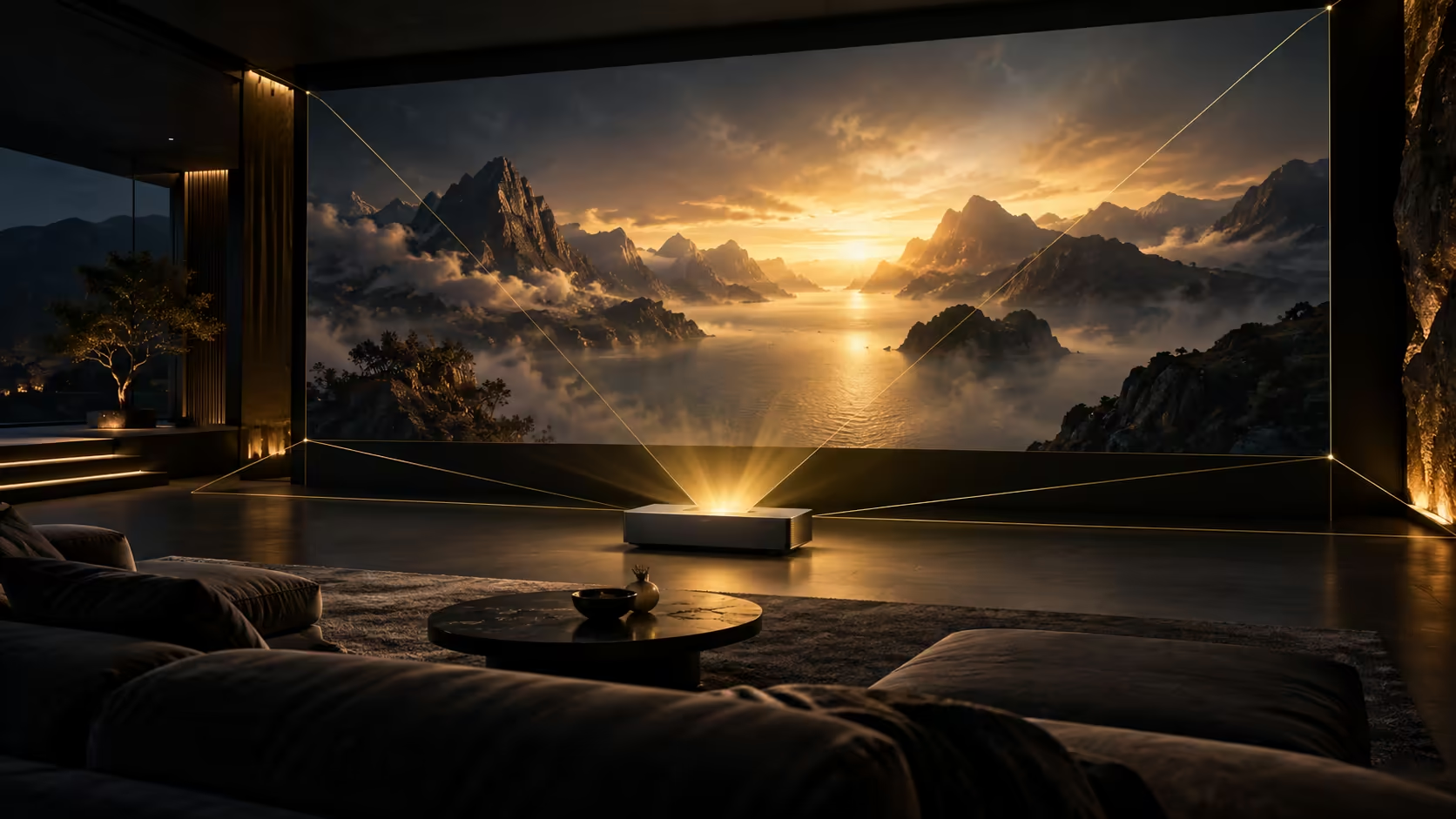
The hardest part of a giant gaming image may be fitting it neatly into the room. AWOL LuxVision projector returns to the news with a preorder announcement after its earlier IFA appearance. Its optical adjustment is interesting, but a South African buyer should draw the screen and cabinet positions before deciding what the headline specifications are worth.
Quick Answer
LuxVision advertises end-to-end 4K 120Hz projection and motorised vertical optical shift, with the latest preorder announcement naming 3 November as its launch date. No SA installation price is established. For a separate modest desk-accessory reference, Evetech's 16 October catalogue lists a Yaber T1 Pro Mini Cinema Projector at R3,799; that is a different projector, not a LuxVision price or performance equivalent.
📐 Treat optical adjustment as a measured range
Vertical optical shift helps reposition the image without making digital correction the first response to a placement problem. It still works within specified limits. Measure the screen height, cabinet height and seating position together, then compare those measurements with the installation guidance for your chosen image size.
The short throw is useful in rooms where a projector across the ceiling would be awkward. It also makes the furniture immediately below the screen part of the installation. Leave room for the chassis, ventilation and cable bends rather than judging fit only from the distance between the unit and wall.
A claimed 120-inch image from a short quoted distance should not become a universal cabinet depth. Check where that distance is measured from and what clearance the full enclosure needs. A paper plan costs little compared with changing furniture after delivery. Browse projectors with those physical limits already written down.
🎮 Separate the refresh path from game performance
The buying guide describes 4K at 120Hz from input to output. That makes the connection path relevant to high-refresh play, but does not tell you how fast a demanding game will run on your PC. Establish a realistic resolution and rendering target before deciding which display capability matters.
Likewise, latency and brightness numbers in the announcement are manufacturer claims. They are useful specifications to compare, not measurements from your own room. Ambient light, the screen surface and picture settings influence what you will actually see. Ask for a demonstration resembling your intended lighting where possible.
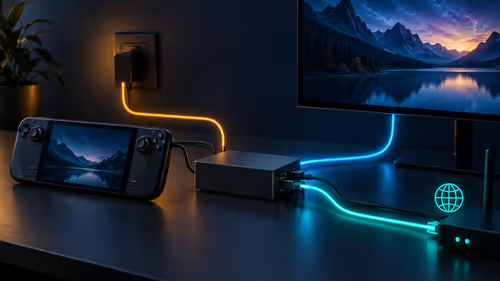
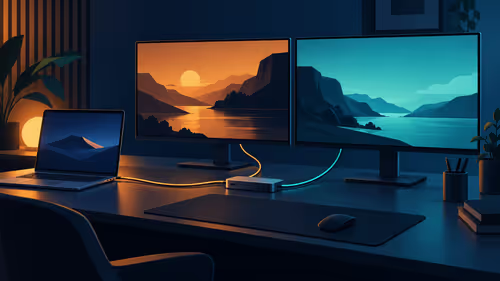
VRR and ALLM require compatible equipment and settings along the signal chain. Check the computer or console output and cable as well as the projector. If most of your play happens at a desk, consider whether a suitable option from gaming monitors fits the task with less installation work.
🧾 Price the system instead of the reservation
The latest report gives a reservation window and a future launch milestone. A deposit is not the full installed cost, and an overseas offer is not evidence of a South African price, delivery date or warranty arrangement. Obtain those local details explicitly before treating a reservation as a finished plan.
Screen bundles also need careful reading. Compare the supplied size and material with your room, and distinguish optional multiview or finish upgrades from the standard equipment. A feature shown in launch material can belong to an extra-cost option rather than the box you intend to buy.
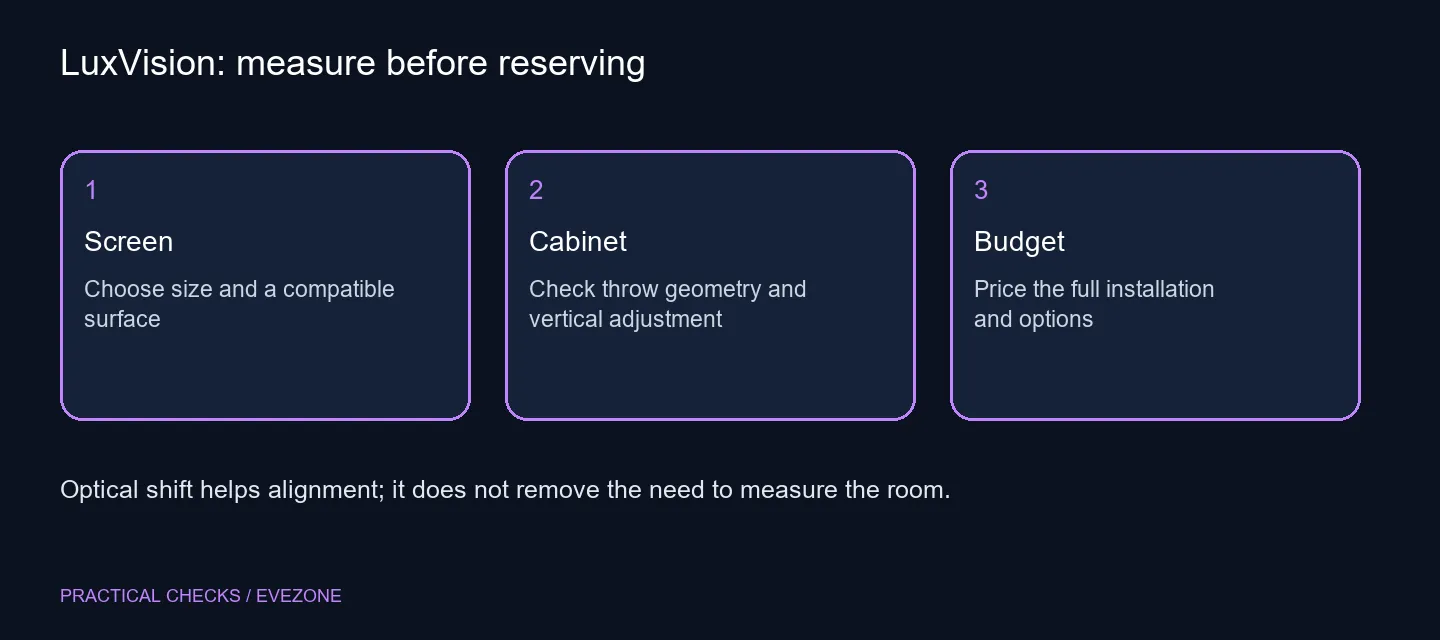
Keep a final checklist with the screen, mounting or furniture work, cables and any chosen options. That turns a striking product announcement into a practical decision. The point of optical shift is easier alignment inside a suitable setup; it does not replace choosing that setup in the first place.
Frequently Asked Questions
Is this a newly revealed projector?
No. LuxVision was shown at IFA. This story follows the preorder announcement and its stated November launch milestone.
What does optical shift change?
It moves the projected image optically within the supported vertical range, helping alignment without relying solely on digital correction.
Does the 120Hz claim mean my PC renders 120fps?
No. Input-to-output refresh capability does not establish the rendering performance of your computer or game.
Can any wall replace a projector screen?
Do not assume so. Surface flatness, material, ambient light and the projector's geometry affect the finished picture.
Are all the advertised extras standard?
No. The announcement describes optional upgrades. Check the exact bundle and included screen rather than adding every feature together.
Is the SA installation price established?
No. Obtain a local complete quotation covering the projector, screen and fitting. Overseas figures are not a Rand offer.
Plan the big picture before the purchase?
Measure the room and compare a complete projector or monitor setup against the way you actually play.