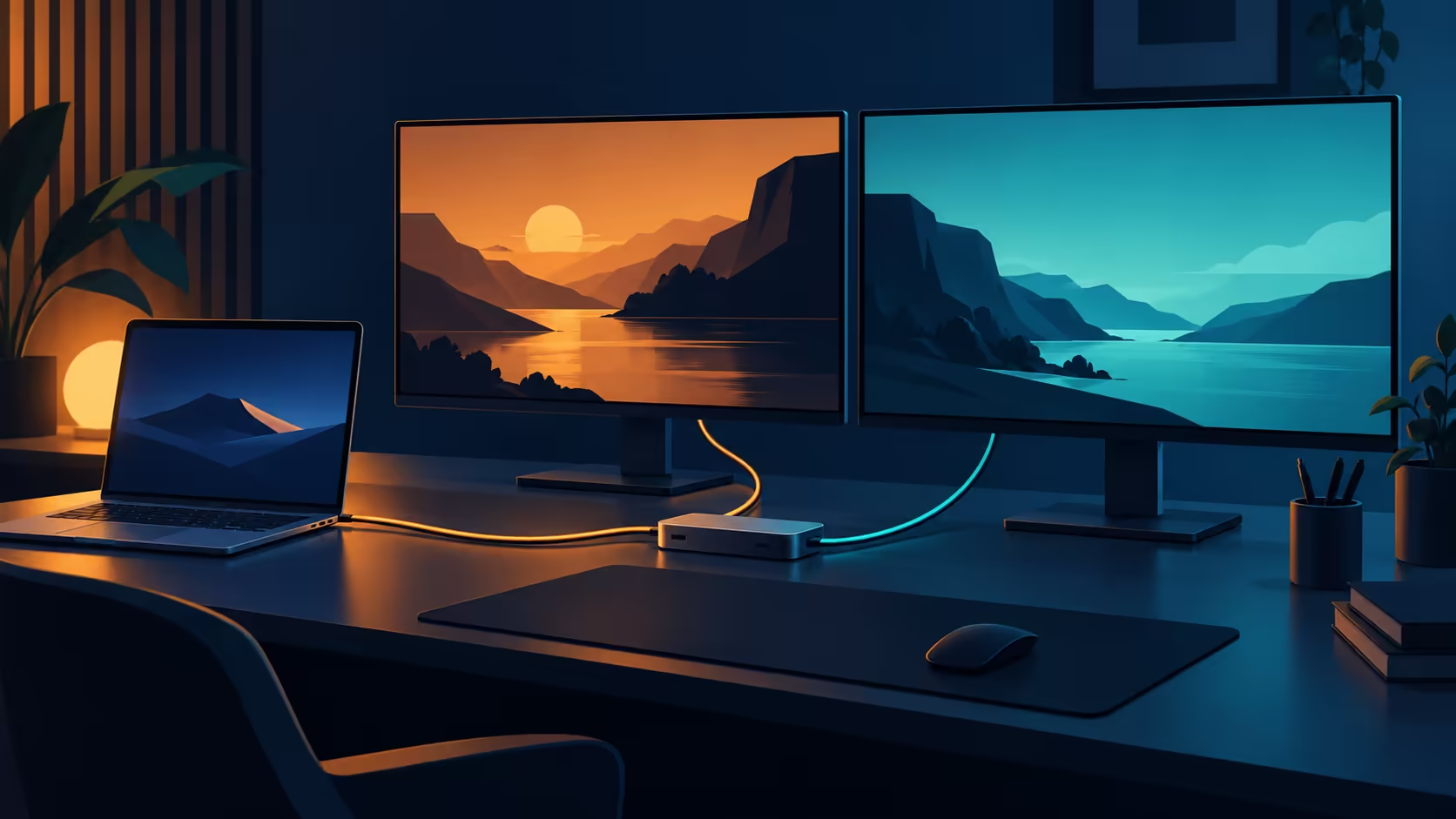
A tidy one-cable desk still needs several separate compatibility checks. StarTech USB-C Smart Dock adds a remote-management layer to a dual-monitor dock announced on 14 October. Its most useful feature for a managed workspace may be visibility into the dock, while a home buyer first needs to establish that the laptop, screens and charging arrangement fit.
Quick Answer
The 194N-USBC-SMARTDOCK supports two external displays, advertised up to 4K 60Hz, with DisplayLink video and up to 96W laptop charging. Check software support and the notebook's power requirement before purchase. A separate local catalogue reference is Evetech's ASUS Vivobook X1504ZA at R7,999 on 15 October; neither dock pricing nor compatibility with that laptop is established by this reference.
🖥️ Count displays instead of sockets
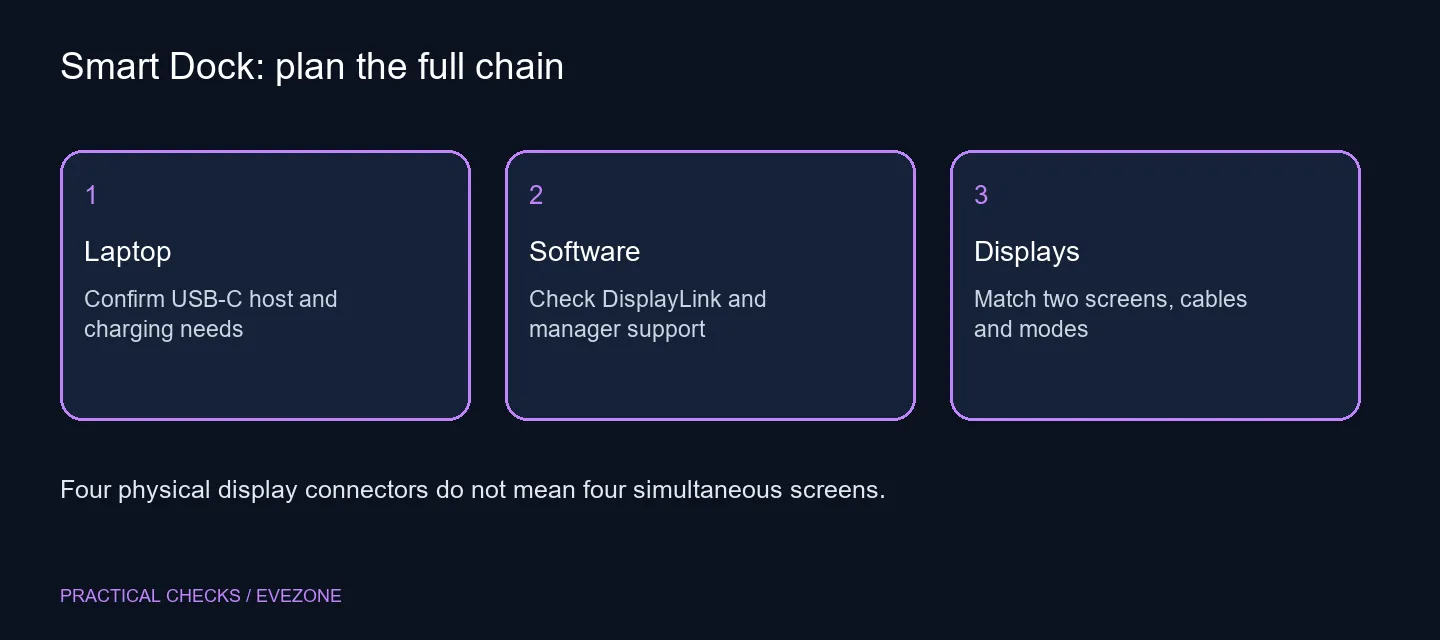
The product offers HDMI or DisplayPort connections, but the specified screen count is two. Multiple connector choices give flexibility with different monitors; they do not automatically increase the number of independent desktops. Write down the two screens you want to connect and the inputs each one accepts.
Next, specify the display mode you expect on each screen. The advertised 4K 60Hz ceiling is useful for planning, but it is not a promise of every combination on every host. Ask for confirmation of the exact arrangement, including the operating system, cable and monitor settings.
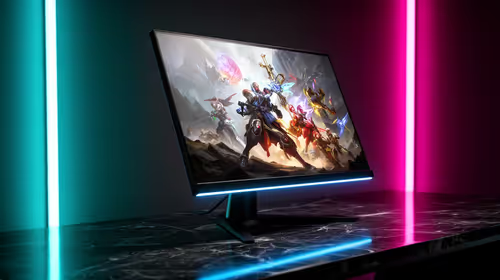
Use gaming monitors when comparing panels, and keep their intended connection modes beside the dock quote. A high-refresh gaming screen does not establish that a dock advertised for 60Hz will carry its fastest mode. Directly connected and docked use should be considered as different proposed setups until each is verified.
🔌 Match power delivery to the notebook
The 96W charging figure needs to be compared with the laptop's documented requirements. A notebook can have a USB-C socket without supporting the charging behaviour you want, and a workstation may need its own power supply for the intended workload. Check the host documentation rather than relying on the shape of its connector.
Also confirm what comes in the local package, including the host cable and power adapter. Avoid planning a shared desk around an accessory assumption. The point of the dock is convenience once the entire connection chain is supported, not merely reducing the number of visible plugs in a promotional image.
Browse asus laptops for notebook context if the computer itself is also changing. Compare the laptop and docking plan together, but retain separate prices and compatibility decisions for each. Replacing the computer solely to match an unverified dock would reverse the useful order of the purchase.
🧰 Decide whether managed features earn their place
The companion management software is intended to expose dock status and support remote checks, firmware management and port controls. Those features can matter across several desks where someone maintains the equipment. A single-user home setup may value a simpler supported connection more than a fleet dashboard.
DisplayLink is another software consideration. Confirm the supported driver for your operating system and whether the device owner permits installation. A managed computer can have restrictions that a personal PC does not, so include that permission check before ordering hardware.
Do not infer a gaming latency result or a performance gain from remote-management features. This guide has not measured either. The new capability is useful administrative control; the practical desk still depends on the correct screen modes, applications and cables.
No South African selling price or local support promise is inferred from the international release. Obtain a complete local quote and compare the same desk requirement with alternatives. Buy when two supported screens, sufficient charging and the management features solve a concrete need. If one of those remains uncertain, keep the current desk arrangement while you confirm it.
Frequently Asked Questions
How many external screens does the dock support?
The manufacturer specifies two displays. HDMI and DisplayPort choices are not a promise of four simultaneous screens.
What display mode is advertised?
Up to 4K at 60Hz. Confirm the supported arrangement for your laptop, operating system and selected connections.
Is 96W enough for every laptop?
No. Compare the laptop's documented power requirement with the dock's advertised delivery before relying on one cable.
Is this a driver-free video adapter?
The specification identifies DisplayLink and software deployment options. Check the driver and permission requirements for your system.
Does remote management improve game frame rates?
Management provides status and control features. It is not evidence of a gaming performance improvement.
Has the dock's SA price been established?
No. The R7,999 Vivobook reference is a separate local laptop price, not a quotation for this dock or a compatibility claim.
Plan the desk as a complete connection chain.
Compare Evetech monitors and laptops, then confirm the dock, cables and supported modes before committing to the arrangement.