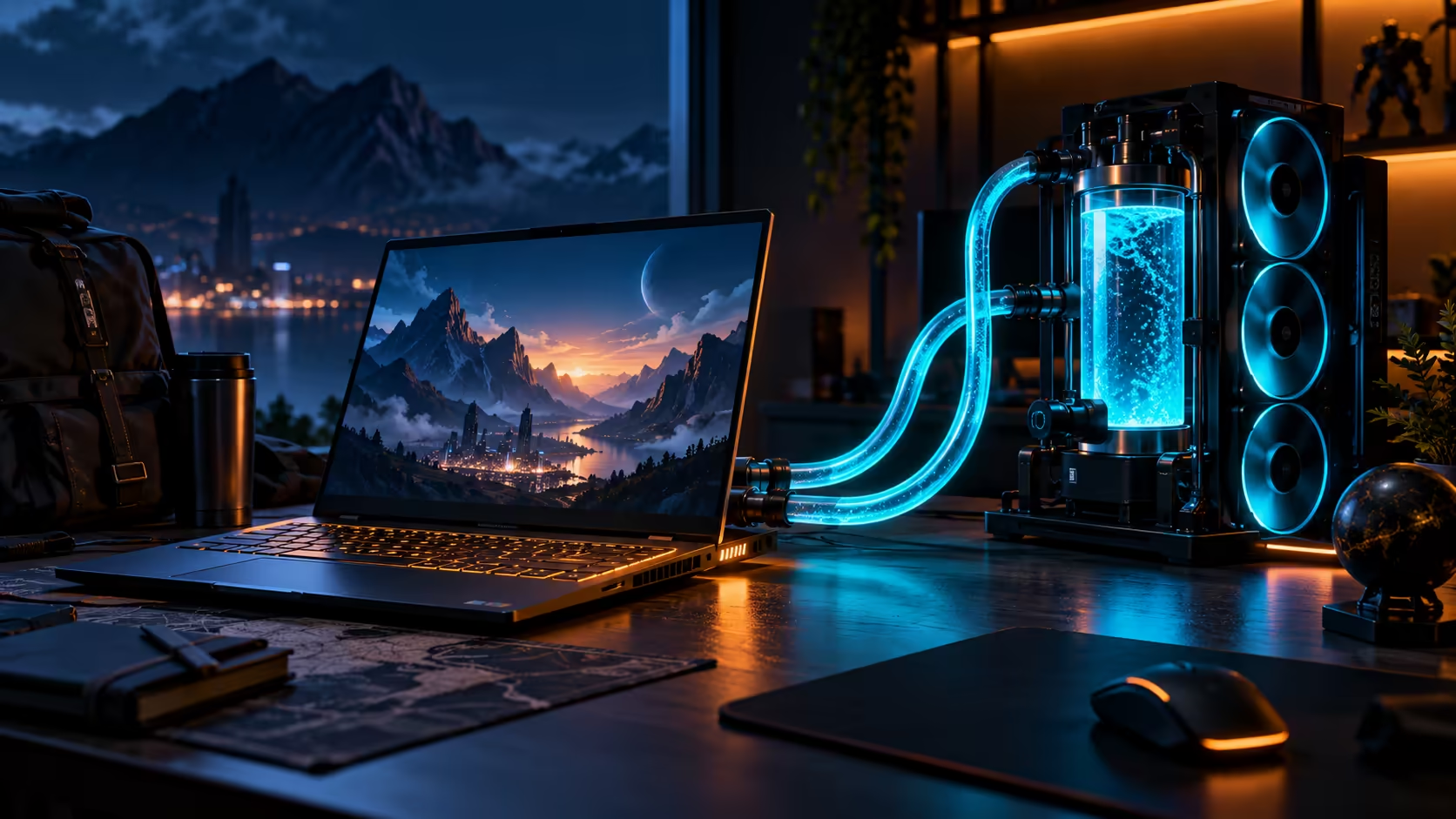
An external cooling station makes sense only if a laptop spends enough time at one desk. TUXEDO Stellaris 16 Gen 8 brings that choice into a new configurable Linux notebook announced on 14 October. The cooling option is interesting, but the computer still needs to work for the games, applications and travel you already have.
Quick Answer
Stellaris 16 Gen 8 is a 16-inch configurable Linux laptop with Core Ultra 9 290HX Plus, GeForce graphics options and an optional Aquaris external cooling station. A local launch price is not established here. Evetech's R7,999 ASUS Vivobook X1504ZA catalogue reference is a different entry-level machine, so it must not be read as the price of this gaming system.
🧊 Decide which cooling arrangement you need
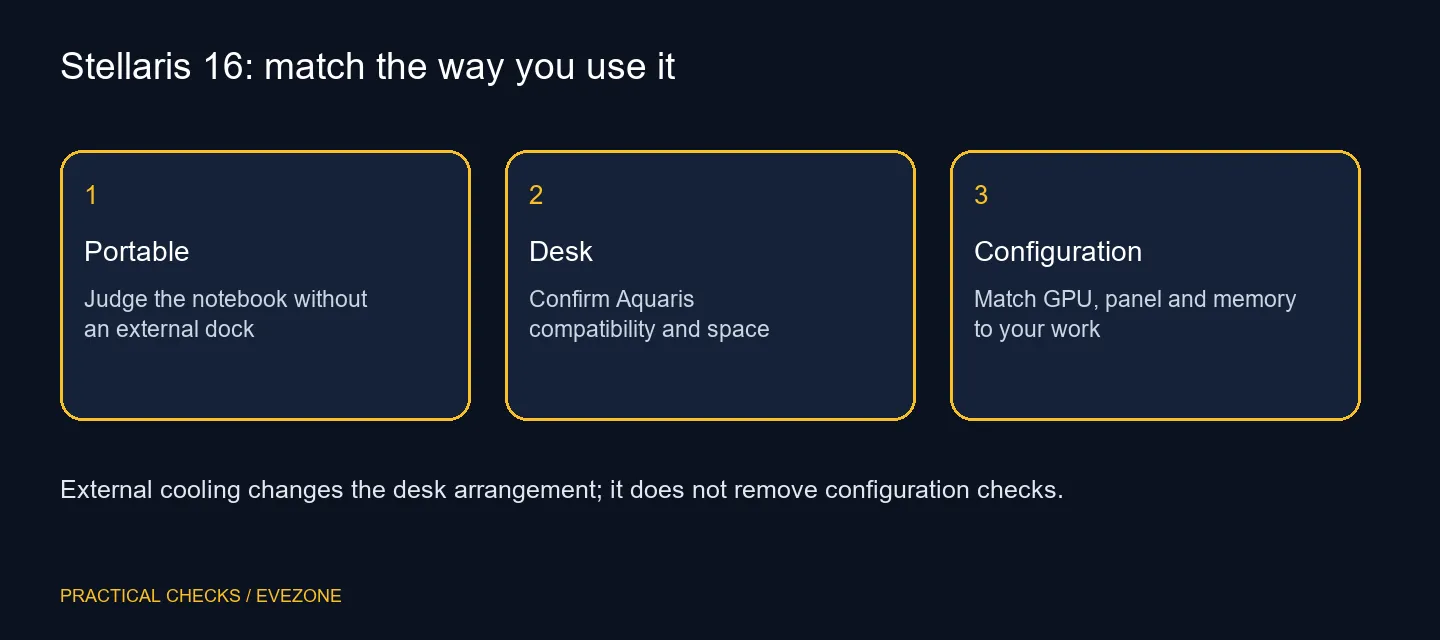
The optional external unit adds another physical part to the desk. Picture where the notebook, power supply, screen and cooling equipment would sit before deciding that the arrangement is convenient. A diagram of your normal workspace can be more useful than a headline about maximum cooling.
Ask which exact configurations support the selected Aquaris option and read the manufacturer's connection and maintenance instructions. Do not assume an older cooling accessory or a similar-looking connector is interchangeable. Keep the notebook's ordinary portable use separate from any claims made for its docked cooling arrangement.
This is also a reason to avoid guessing a noise benefit. Cooling performance depends on configuration and operating settings. Without comparable testing of the two arrangements, the presence of a water loop does not establish a particular sound level for the workload on your desk.
🐧 Make the software list before the specification list
Linux configuration is a defining part of the product. Write down the exact games, creative tools and peripherals you need, then check their supported operating systems and dependencies. A powerful processor cannot replace a missing application or an unsupported required feature.
Include the less obvious items: headset configuration software, game services, capture tools and the workflow used to share documents. Verify them individually. Compatibility with one game says little about another title's online requirements, and an application opening once is not a complete test of its export or plug-in workflow.
For a locally offered Windows alternative, begin with intel gaming laptops and compare the complete machine. That is a choice about your software and support needs, rather than a claim that one operating system is automatically better for every buyer.
🖥️ Match the panel and graphics as one purchase
The official Gen8 listing includes different screen and graphics configurations. Choose the panel you want to look at before paying for a GPU badge. A higher display specification can be useful for one task and unnecessary for another; insist that the quote identifies both parts clearly.
Memory, storage and graphics options should be assessed together. Keep an actual project or game requirement beside the configuration and leave room for the files you plan to store. Family maximums describe what can be configured, not what arrives in the least expensive version.
South African buyers should also compare the delivered cost and written support terms with a machine already offered locally. No SA stock, price or warranty is inferred from the international announcement. Use amd gaming laptops to compare another locally relevant laptop category without pretending that a different notebook is an exact substitute.
Keep your existing system if it already meets the important requirements. The useful reason to change is a specific constraint you can demonstrate, such as a required workload exceeding current capacity. An optional cooling station is worth considering after that decision, once its compatibility and desk footprint are clear.
Frequently Asked Questions
Is liquid cooling built into every purchase?
The Aquaris external cooling station is optional. Confirm the exact notebook configuration and compatible cooling option.
Is this a Linux laptop?
TUXEDO positions it as a Linux-configured notebook. Confirm the supplied operating system and support for your applications.
Does a GPU family name prove laptop performance?
No. Check the exact laptop GPU configuration, power settings and relevant independent tests before comparing performance.
Can I assume every screen option is identical?
No. The product lists multiple panel choices. Choose the exact display, rather than transferring a feature across configurations.
Has a South African price been confirmed here?
No. The R7,999 local catalogue reference is an entry-level Vivobook, not a Stellaris price or gaming substitute.
Should I buy the external cooling station immediately?
First decide how much of your use happens at one desk. Confirm compatibility, maintenance instructions and total cost before adding it.
Build the laptop shortlist around the software.
Compare gaming laptop configurations at Evetech and check the operating system, panel and support terms together.