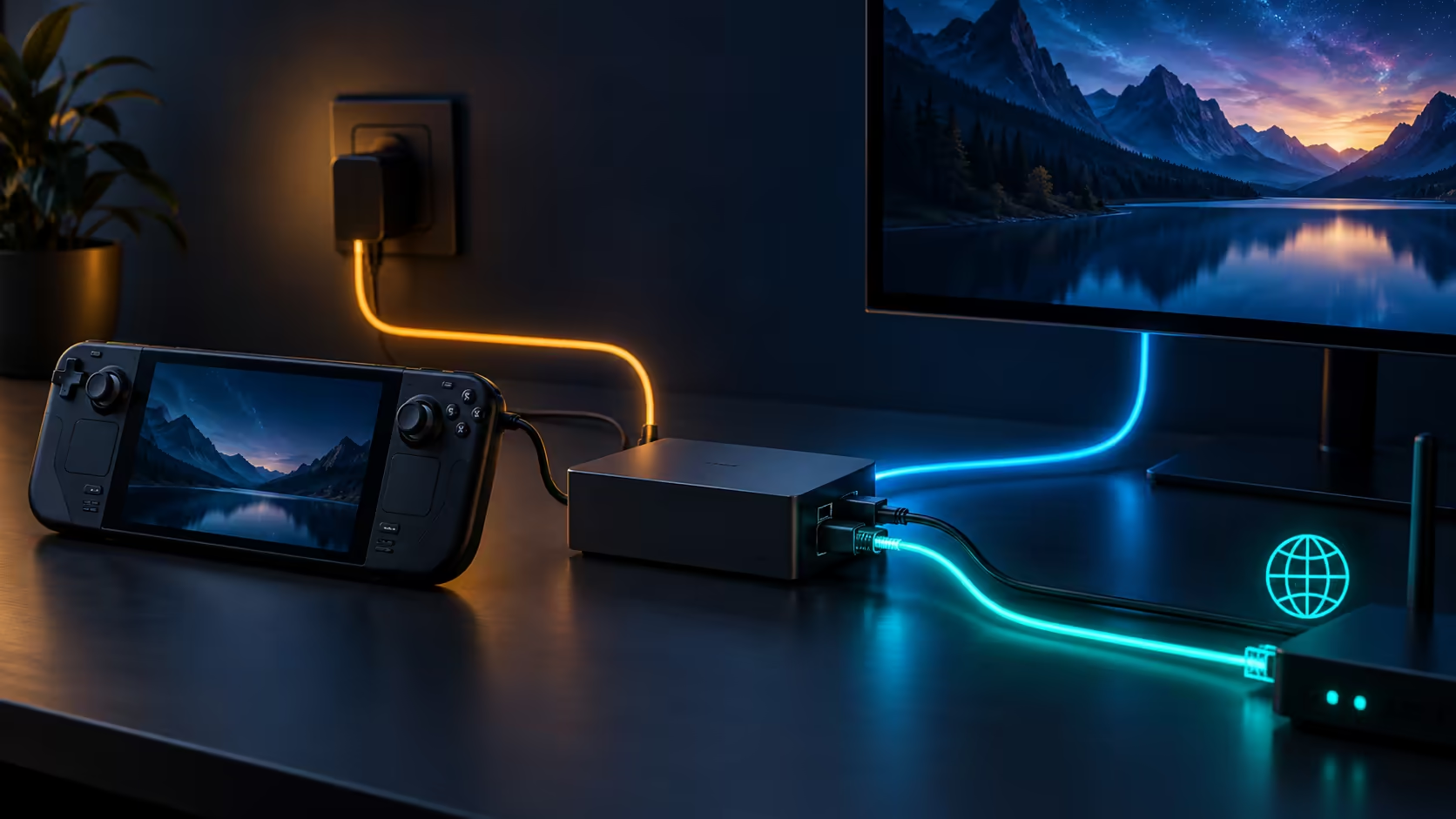
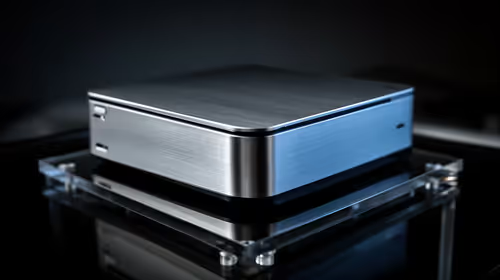
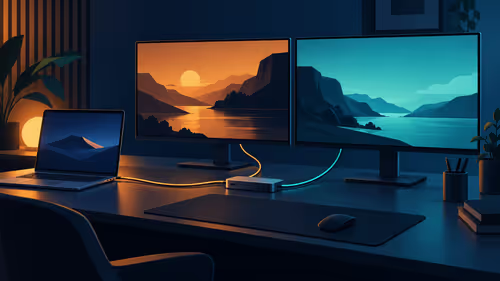
A handheld can become a much tidier desk machine when one cable carries its screen, network and accessories. ROG Bulwark DG310 targets that transition with a stand and a fixed USB-C lead. The announcement is useful for South African players, but the charger and display requirements deserve more attention than the lighting.
Quick Answer
DG310 offers one HDMI 2.1 output, Gigabit Ethernet and three USB-A connections. Its stated maximum charging output is 80W when supplied by an appropriate 100W charger, which is not included. No SA launch price is confirmed; as a separate dated reference, Evetech's 16 October catalogue lists a Dahua LM24-A221Y monitor at R1,699, a separate display cost rather than a dock quote.
🔌 Count power at the handheld end
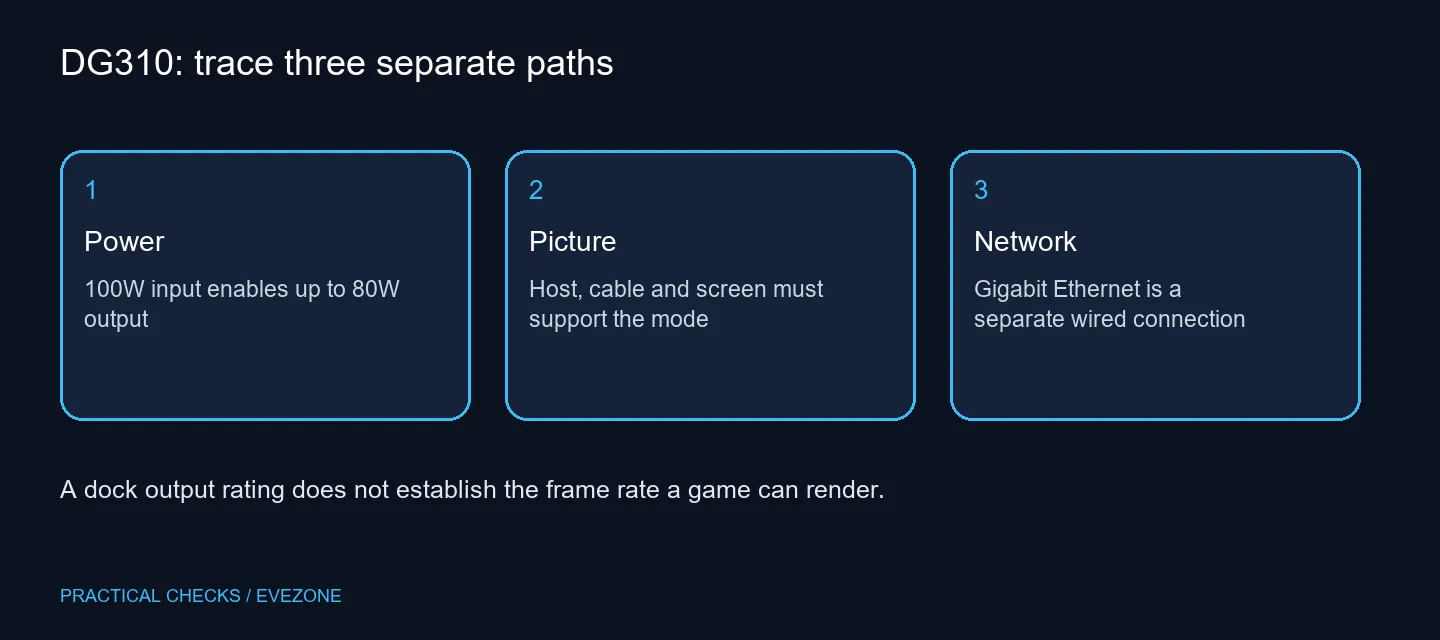
The input rating and the output available to your computer are different numbers. Putting a charger marked 100W into the dock does not mean the handheld receives that entire amount. Use the manufacturer's 80W output limit when comparing charging requirements, and account for the accessories connected around it.
Start with the power supply already in your bag. Check its USB-C PD rating rather than assuming a physically matching plug is enough. If the complete desk kit requires another supply, add that cost before judging the dock against an alternative. Keeping an existing travel charger at home may also change how convenient the arrangement really is.
The fixed cable is 60cm long and uses an angled connector. Plan where the stand will sit relative to the display and power socket. A cable routed tightly across a desk edge can make an otherwise clean installation awkward. The stand is shaped for the Xbox Ally family; other compatible devices may use the connections without sharing that physical fit.
🖥️ Follow the picture through every component
The advertised HDMI ceiling reaches 4K at 144Hz, with VRR, ALLM and HDR support. That is a connection capability, not a promise that a demanding game renders that many frames. A lower rendering resolution can still be the sensible choice on a handheld, even when a large television accepts the higher output mode.
Check the source device, cable and screen input together. A monitor with several HDMI sockets may give them different capabilities. Use the appropriate input and inspect the mode Windows actually selects. Confirm the screen's own game settings before treating the dock as faulty.
There is only one external video output. Anyone expecting two extended desktops should stop at that requirement rather than hoping a USB-A connector is another monitor port. Browse gaming monitors for the display you need, and compare its documented inputs with your complete chain.
🎮 Decide whether one cable solves your routine
Three USB-A ports can accommodate common input accessories while Ethernet offers a wired network path. Neither feature changes the capabilities of the peripherals themselves. Start with a keyboard, mouse and network connection, then add other devices once the basic arrangement behaves as expected.
One-touch Bluetooth pairing is an Ally-focused convenience. It does not justify assuming identical behaviour on every computer with USB-C. The support requirements and your device's video capability still apply. If a full laptop better suits the desk workload, compare asus rog and tuf laptops against the cost of the entire handheld setup.
Save a list of the parts you intend to use before buying: handheld model, charger rating, cable, display input and accessories. That small inventory makes a local quotation much easier to assess. A useful dock removes repeated cable handling; it should not leave you discovering essential missing parts after payment.
Frequently Asked Questions
Does the dock include its own charger?
No. The support FAQ says a charger is not included. Budget for an appropriate USB-C PD supply if your existing one is unsuitable.
Can it drive two monitors?
No. DG310 has one HDMI display output. Do not confuse its six connections with six video outputs.
Does 4K 144Hz mean every game runs at 144fps?
No. The output ceiling describes a supported video mode. Game performance remains dependent on the handheld, settings and software.
What does the Ethernet port provide?
It provides a Gigabit wired network connection. Your router, cabling and service determine the usable connection beyond the dock.
Can any USB-C computer use the display output?
The connected device must support the required video output, such as DisplayPort Alt Mode. A charging-only USB-C port is insufficient.
Is the SA dock price confirmed?
No local DG310 price is established here. Compare a complete local quote including the charger and display cable.
Build a desk around the connections you need?
Compare the display and computer requirements first, then add the accessories that make your handheld setup easier to use.