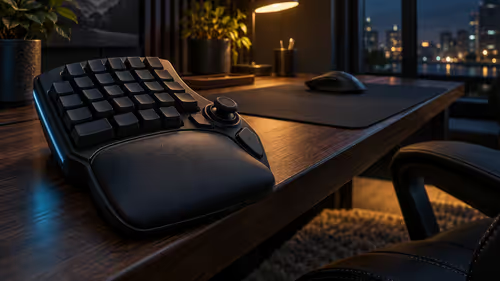
A small main keyboard can free mouse space while making long runs of numbers awkward. Yunzii C21 numpad addresses that trade-off with a separate mechanical numeric pad, a calculator function and a small display. It is worth considering as a workflow choice rather than assuming another screen automatically makes a desk more productive.
Quick Answer
C21 lists 18 keys, a TFT display and wired USB-C, Bluetooth and 2.4GHz wireless connections. No South African C21 price is verified here. For a different low-cost route to number entry, the 17 October Evetech catalogue lists a full-size Logitech K120 at R129; the standalone pad needs to justify its extra features against your actual routine.
🔢 Establish where your numbers belong
Keyboard mode and calculator mode solve different tasks. One sends number entry to the computer; the other provides a calculation workflow on the pad. Before relying on either, open a blank document or spreadsheet and test ordinary values, decimals, correction and confirmation. Watch the active cell or text field, not just the keypad display.
The product also lists a mini-game mode. That is a separate feature, not evidence that its number layout is ideal for a particular game. If you use a compact board, compare gaming keyboards for the main typing layout before adding another device around it. A dedicated pad only saves effort when it lands naturally under your hand.
🔌 Choose a connection with a purpose
The three listed connection methods offer different ways to arrange the desk. Wired USB-C can make a straightforward first setup. Bluetooth can be convenient where the computer supports it, while 2.4GHz uses the appropriate receiver path. Read the supplied instructions rather than applying pairing shortcuts from a different Yunzii product.
Keep the selected mode consistent while diagnosing missing input. Check the active application, the connection setting and the host computer in that order. If the pad is paired with more than one device, confirm the current destination before entering anything important.
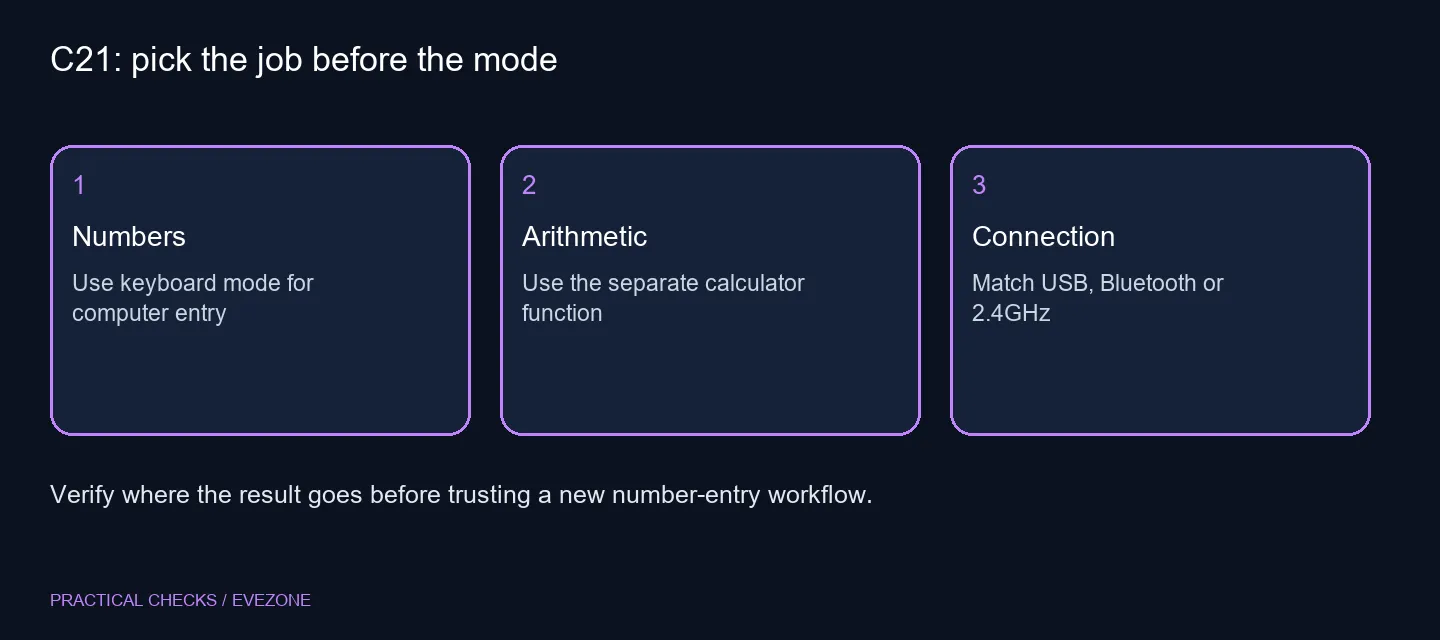
A successful connection is not a guarantee that every application interprets every shortcut identically. Run a harmless sample before using it for a long spreadsheet, a game binding or another repetitive task. This is easier than correcting a page of numbers entered into the wrong place.
📐 Compare the whole desk arrangement
Yunzii specifies a footprint of approximately 98.3 by 152.56mm and a 2500mAh battery. Capacity is not a promise of a particular number of working days; lighting, the display and connection settings can affect use. Check the charging instructions and avoid treating an advertised capacity as a measured runtime.
Try placing a similarly sized paper rectangle beside your main keyboard. Check wrist comfort, mouse travel and how often you reach for the pad. If numbers dominate your day, office keyboards with an integrated number section may be simpler. If numbers are occasional, a movable pad might preserve a more flexible centre space.
Ask for the exact variant, included cable and receiver, warranty terms and final Rand total before deciding. The R129 keyboard example buys a different arrangement with fewer display features. Compare those arrangements honestly rather than calling one automatically better because it has more modes.
Frequently Asked Questions
Does C21 replace a full keyboard?
No. It is a separate numeric pad. Keep a main keyboard for letters, shortcuts and ordinary text editing.
Which connections are listed?
The specification names wired USB-C, Bluetooth and 2.4GHz wireless. Check the exact supplied accessories before buying.
How many keys does it have?
The product specification lists 18 keys with a separate TFT screen. Check the layout against the shortcuts you regularly use.
Can I replace its switches?
Yunzii lists hot-swap support for compatible three-pin or five-pin mechanical switches. Check dimensions and compatibility before changing them.
Is a South African launch price verified?
No. A local full-size Logitech K120 at R129 is a dated alternative for number entry, not a C21 price or feature equivalent.
What should I test first?
Enter sample values in a blank spreadsheet and try the calculator separately. Confirm decimal behaviour and which device receives each result.
Choosing between a separate pad and a full-size board?
Look at the main keyboard layout and number-entry space together before adding a second input device.