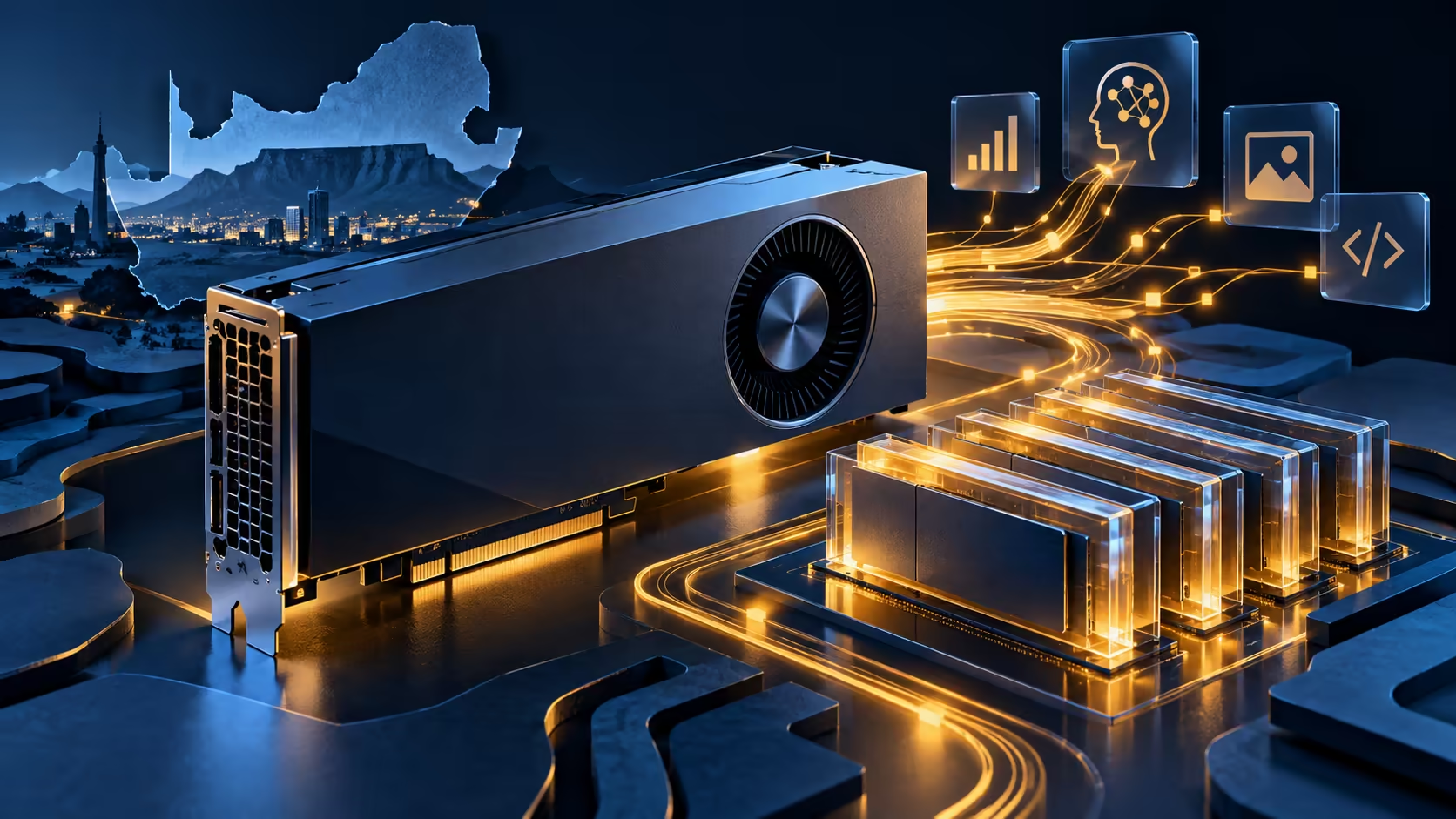
A large memory label can make ASUS UGen Arc Pro B70 look like an obvious local AI purchase. The useful question comes earlier: does the application you want to run have a supported path to this GPU? The newly surfaced professional card deserves a workload check before it earns a place in your build.
Quick Answer
ASUS specifies 32GB of GDDR6 ECC memory, but that alone does not establish application compatibility or speed. No South African selling price is established for this model. For scale only, Evetech's 18 October catalogue lists an ASUS GT 710 2GB at R1,199: a basic display option, not a substitute for AI acceleration.
🧩 Start with the software stack
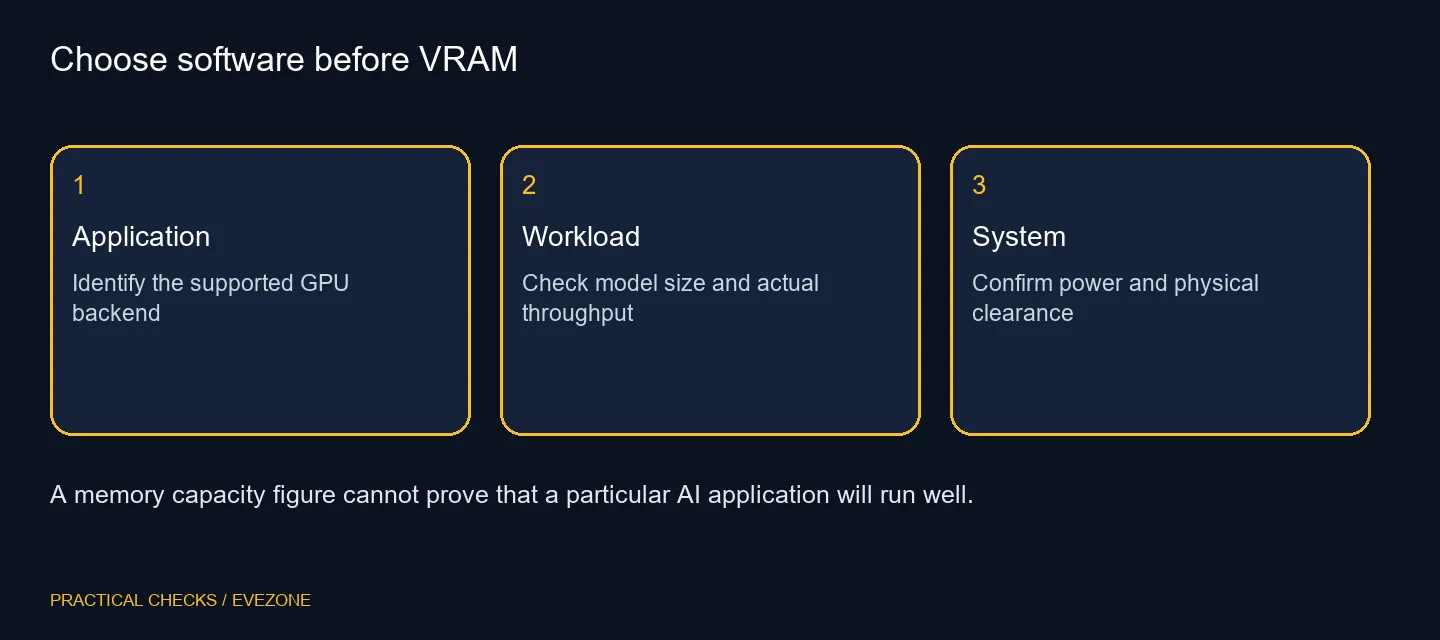
Write down the actual program and model you intend to use. Then identify its GPU backend, supported operating system and installation instructions. A tutorial written around another vendor's acceleration stack may need different packages, or may not support the hardware you are considering at all.
Separate a program opening successfully from a workload completing on the GPU. A useful demonstration shows the model, precision, memory use and inference settings, with the intended accelerator active. Avoid paying for a memory figure and discovering afterwards that the application falls back to the processor.
Browse workstation graphics cards when comparing complete application requirements. Certification, driver support and the behaviour of your chosen tool deserve space in the comparison alongside capacity. A product category is a place to investigate options, not proof that every card supports every workflow.
🔌 Check the whole machine
The manufacturer's specification lists a 310W total board power rating, a 750W recommended supply and a 12V-2x6 power connection. These are planning inputs. They do not mean that adding the card to an arbitrary 750W system is automatically suitable, particularly when the processor and other components also draw power.
The stated dual-slot format and 267mm length help you begin a physical fit check. Measure usable clearance in your case with front radiators and adjacent expansion cards installed. Leave room for the connector and route the cable according to the component instructions rather than forcing it against a side panel.
🧪 Ask for a reproducible workload
Use a small example from the application you actually need. Record loading time, memory consumption and whether the result is acceptable before expanding to a larger model. Keep the software versions with your notes so another test does not silently change the conditions.
More memory can accommodate a different workload, but it cannot by itself predict tokens per second or rendering time. Likewise, an advertised AI operations figure is not a game frame-rate result. Treat those measurements as separate questions and resist a comparison that changes precision or model settings between cards.
🛒 Buy for an identified job
For a gaming-first PC, compare the games, resolution and driver experience that matter to you through all nvidia geforce graphics cards. Do not assume the UGen launch announces a gaming-focused ASUS Arc family, or that professional positioning guarantees better entertainment performance.
If your existing workstation already finishes the required jobs reliably, wait for the missing local offer and application evidence. If a project needs hardware now, choose a supported configuration with a clear total cost. That can be a more useful purchase than reserving money for an unpriced card merely because its memory specification is appealing.
Keep the software test and the purchasing decision together. A seller demonstration that cannot identify the application version or the model used is an incomplete answer to a compatibility question. Spend only once the card solves a named task in your own system plan.
Frequently Asked Questions
Is this a gaming Arc card?
It is marketed as a professional AI accelerator. Gaming suitability needs separate application and driver checks.
How much memory does it have?
ASUS specifies 32GB of GDDR6 ECC memory for this UGen model.
What PSU does ASUS recommend?
The specification lists a 750W recommended supply; assess the complete system and its power cabling.
Will all AI tools use it?
No. Check the exact application, backend and supported package versions before choosing a GPU.
Can I assume a local Rand price?
No South African price is established here. A foreign specification page is not a local offer.
Does a cheap display card replace it?
No. A basic display adapter and a 32GB AI accelerator address very different workloads.
Plan the accelerator around your application
Compare Evetech workstation graphics with your software requirements and complete build before selecting a card.