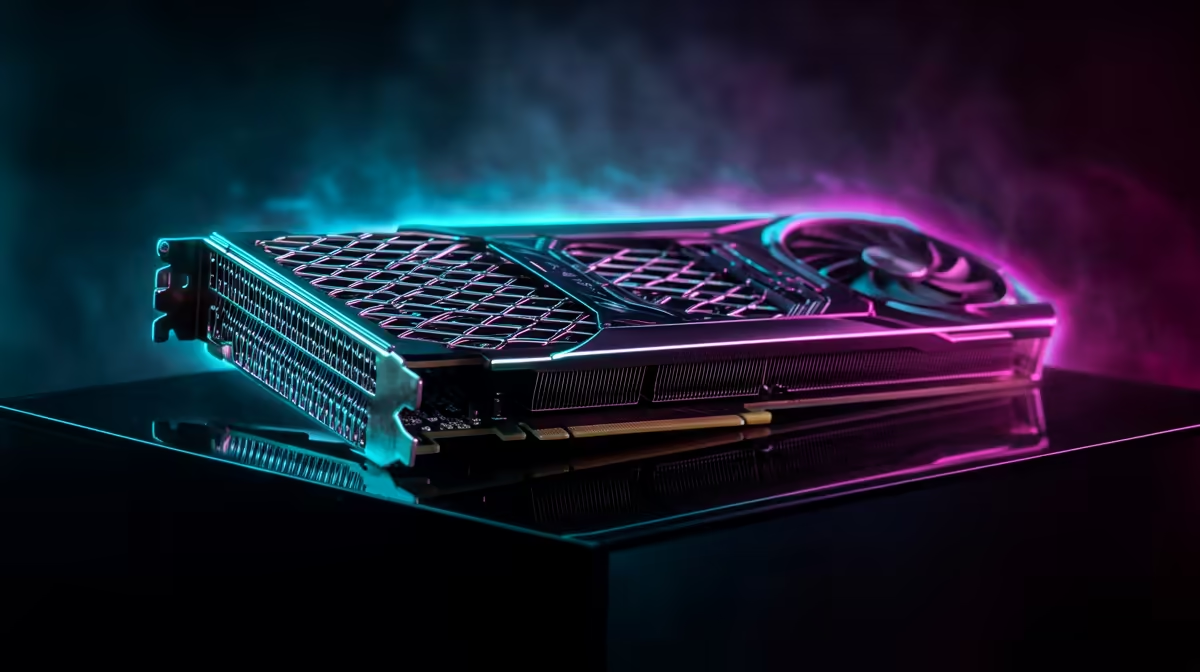
NVIDIA Blackwell RTX 5070 Ti Performance: Everything You Need to Know (South Africa Edition)
If you’re shopping for a new GPU in SA, you’ve probably asked the same question… “Will it run my games smoothly at my resolution?” With the NVIDIA Blackwell RTX 5070 Ti Performance conversation heating up, this guide breaks down what matters for real gameplay: frame rates, power needs, cooling sanity, and the “will it fit my case?” checklist. ⚡
And yes… we’ll keep it practical, because nobody wants to buy twice.
What “NVIDIA Blackwell RTX 5070 Ti Performance” actually means
Performance isn’t one number. It’s how consistently your PC can push frames without stuttering, overheating, or throttling. In the real world, that depends on:
- Resolution: 1080p is often more CPU-bound, while 1440p and 4K are more GPU-heavy.
- Your game settings: High/Ultra doesn’t just add “eye candy”… it changes the GPU load.
- Your platform: CPU, RAM speed, and even your PCIe slot generation can influence results.
- Thermals and power: A GPU that hits limits will drop clocks to protect itself.
Because you’re likely making a purchase decision, we recommend focusing on your target games and resolution first. Then choose a GPU that matches that “comfort zone”.
FPS, smoothness, and the settings that change everything 🚀
Here’s a quick way to predict whether the RTX 5070 Ti Performance will feel great:
Start with your target resolution
- 1080p (High refresh): Aim for stable frame times. Even small dips can feel like “micro-stutter”.
- 1440p (sweet spot for many SA gamers): This is where GPUs like this tend to show their value.
- 4K (big visuals): You’ll want more aggressive settings management like DLSS/Frame Generation style features (if supported by the card and game).
Use “settings laddering” (not blind maxing)
Pick one ladder:
- Ladder A: High settings, target stable FPS.
- Ladder B: Ultra settings, accept occasional dips.
- Ladder C: Mixed settings with upscaling for smoothness.
This stops the classic trap: buying a card for “Ultra”, then realising you need to tune anyway.
Productivity Pro Tip 🔧
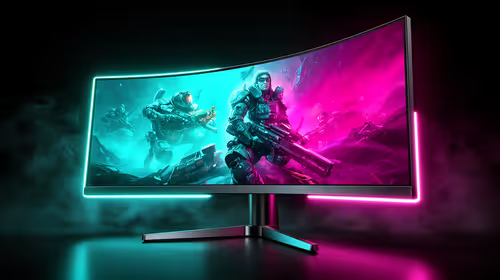
On Windows, use the PowerToys FancyZones utility to create custom snap layouts for your windows. It's a lifesaver for managing multiple apps on an ultrawide monitor, letting you organise your timeline, preview window, and asset folders perfectly for video editing.
Cooling, power, and “will it run in my rig?” checks 🔥
Before you fall in love with performance numbers, verify the basics:
Check physical fit
- GPU length: Measure your case clearance.
- Slot spacing: Some models are thicker and need more clearance behind the motherboard.
- Airflow: Front-to-back airflow still matters, especially in warm SA summers.
Check power planning
A strong GPU is only as good as the power and cooling behind it. If you’re upgrading from an older card, also consider:
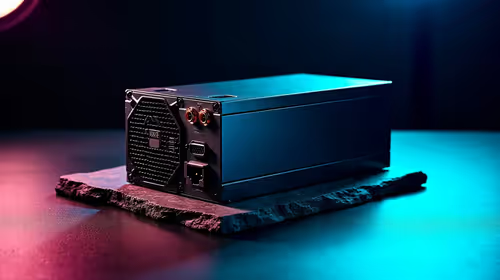
- PSU wattage headroom
- 8-pin/12VHPWR cabling requirements (depends on the specific card model)
- Case fan setup (intake and exhaust)
If you want the right model quickly, browsing structured listings helps. That’s why we’ll point you to Evetech’s NVIDIA and GeForce category pages.
Finding the right RTX 5070 Ti model on Evetech (without overpaying) ✨
Models differ by brand and cooler design. That’s where your “real” Blackwell RTX 5070 Ti Performance can shift: quieter operation, cooler temps, and sometimes slightly higher boost behaviour depending on thermals.
If you want to compare options fast, use these Evetech category pages:
Explore NVIDIA options across MSI models
Browse the broader NVIDIA and GeForce lineup
Compare the NVIDIA category at a glance
And if you’re cross-shopping, it’s smart to check the alternatives too:
Check Radeon Graphics Cards for side-by-side value
Quick buying checklist before you click “Add to cart”
Use this mini list to make the purchase feel confident:
- Target resolution: 1080p, 1440p, or 4K?
- Target games: The ones you actually play.
- Monitor refresh rate: 60Hz vs 144Hz changes what “good performance” feels like.
- Case clearance: Measure before choosing a specific brand model.
- Power sanity: Make sure your PSU can handle the upgrade.
If you’re unsure about compatibility, it’s worth asking first. Evetech is built for shoppers who want fewer mistakes and faster answers.
Ready to Find Your Perfect Match? The Mac vs Windows debate is complex, but for maximum power, choice, and value in South Africa, Windows is hard to beat. Explore our massive range of laptop specials and find the perfect machine to conquer your world.