


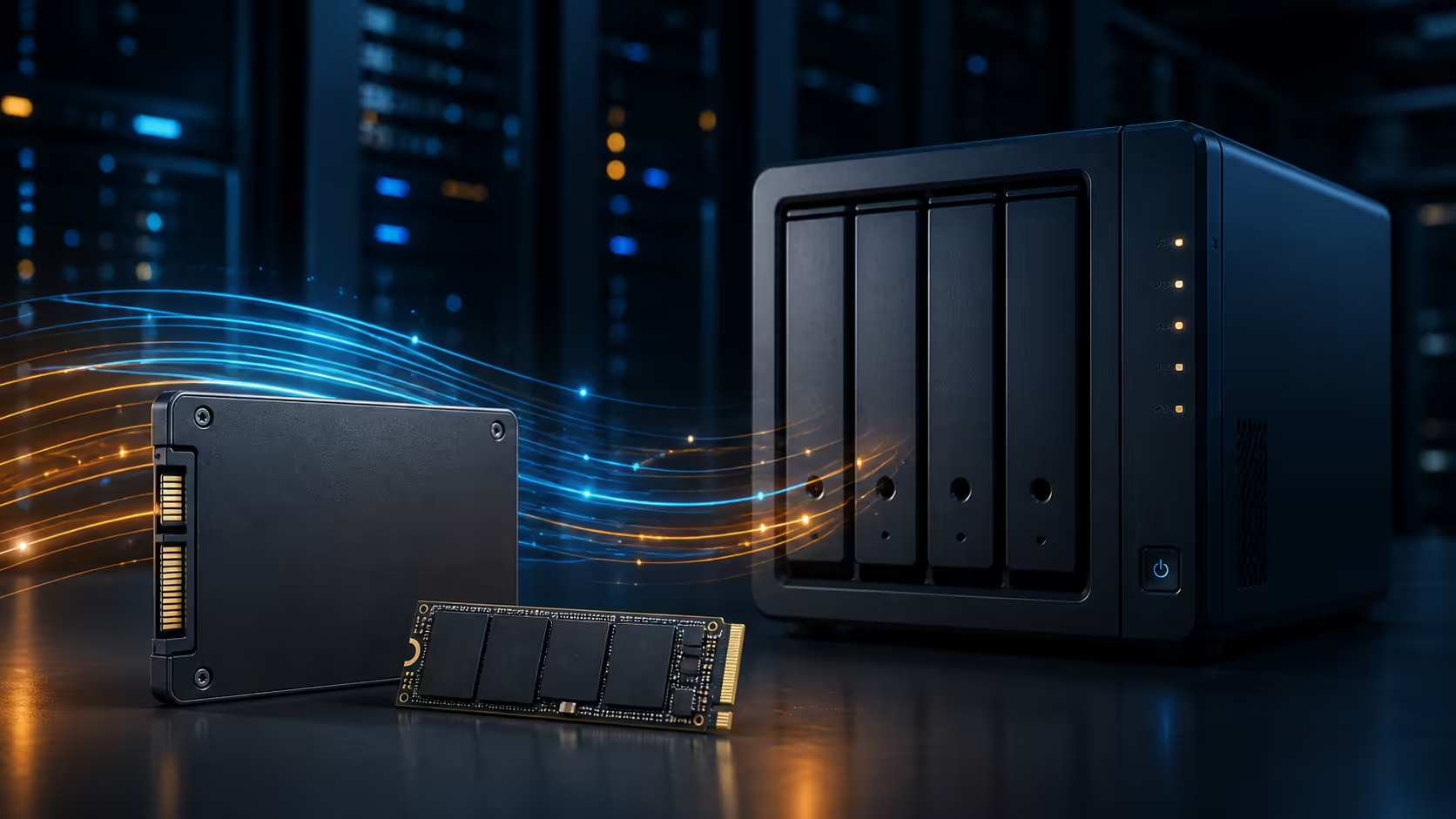
Sandisk has introduced two SSD families for always-on network storage rather than ordinary desktop upgrades. The NAS 600 SATA targets accessible HDD replacement and cache duties, while NAS 800 uses PCIe 5.0 NVMe for far heavier multi-user work. The South African buying question is whether the NAS, network and workload can use the faster lane before anyone pays for a 14,900MB/s headline.
Quick Answer
NAS 600 covers 500GB to 4TB in a 2.5-inch SATA form and reaches up to 560MB/s reads. NAS 800 covers 960GB to 7.68TB in M.2 2280 PCIe 5.0 form and reaches up to 14,900MB/s reads. US starting prices are $179.99 and $309.99, with September availability. No rand price is confirmed. Check NAS compatibility, endurance needs and network limits first.
🗄️ Two families serve different arrays
NAS 600 is designed for systems that accept 2.5-inch SATA drives, either directly or through suitable bay hardware. Sandisk rates the 4TB model for up to 2,500 terabytes written and lists up to 2.25 million hours mean time to failure. Sequential reads reach up to 560MB/s, which is typical for the SATA interface and already beyond what a 2.5Gbps network can carry in a simple single-client transfer.
NAS 800 is a different class. It uses PCIe 5.0 x4 and M.2 2280, with capacities from 960GB to 7.68TB. Selected models reach up to 14,900MB/s reads, 13,200MB/s writes and millions of random input/output operations per second. The 7.68TB capacity is rated up to 14 petabytes written.
Those numbers matter for caching, virtual machines, databases and several users hitting the array at once. They do not make an unsupported NAS slot faster. Start with the internal SSD category only after the NAS vendor's compatibility list confirms the exact form factor, interface and capacity.
🌐 The network can become the ceiling
A single 1Gbps Ethernet link moves far less data than either family can provide. Even 2.5Gbps networking can become the limit before a SATA SSD reaches its sequential ceiling. Faster NVMe storage becomes more useful when several clients share the system, the NAS has faster networking, or the workload depends on random access rather than one large file transfer.
RAID layout, processor capability, memory, file system and cooling also affect the result. M.2 drives packed inside a compact NAS can run hot under sustained use. Confirm heatsink clearance and airflow rather than assuming a desktop Gen 5 setup translates directly into a multi-drive enclosure.
💰 Use local SSD prices as context, not forecasts
The captured 21 August catalogue sample found a 500GB WD Blue SN5100 at R1,999 and a 1TB WD SN8100 Gen 5 model with heatsink at R5,599. The 2TB and 4TB SN8100 versions were R8,699 and R19,499. All were listed in stock. These are desktop SSD comparisons, not NAS 600 or NAS 800 prices.
They show how quickly capacity and PCIe 5.0 performance can increase the spend. The Gen 5 NVMe page helps compare fast current drives, but endurance, power-loss behaviour and the NAS compatibility list still decide whether a desktop model belongs in an always-on array.
🔧 Choose the upgrade path in order
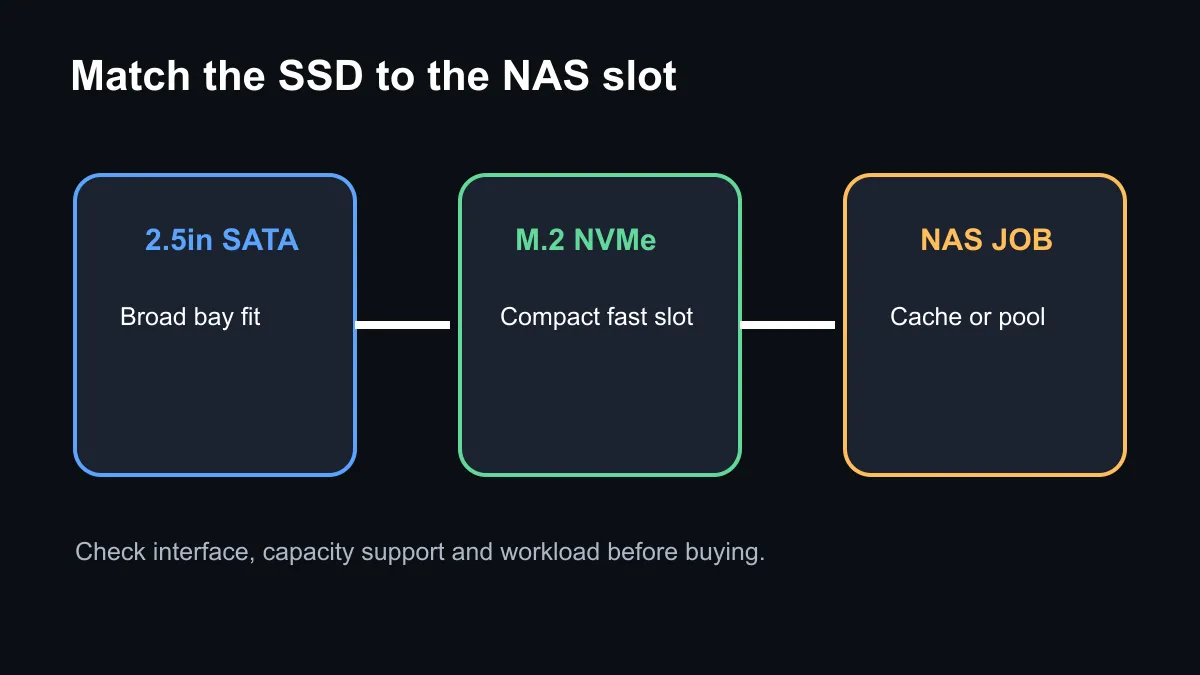
First, identify the supported bay or slot. Second, check the network and real workload. Third, set a usable capacity target after RAID overhead. Fourth, compare endurance and warranty. Only then compare peak speed and final rand cost.
NAS 600 is the natural lane for an existing SATA enclosure, quieter operation and a measured move away from hard drives. NAS 800 fits a newer system built for M.2 NVMe, high-speed networking and several demanding clients. The 2.5-inch SSD page remains useful for SATA comparisons when the enclosure cannot accept NVMe.
Wait for confirmed local listings if the current NAS is healthy. A storage migration deserves a backup, a tested restore path and time to rebuild the array. Speed alone is not a reason to move business or family data onto an unverified configuration.
Frequently Asked Questions
Is NAS 800 a normal desktop SSD?
It is an M.2 PCIe 5.0 SSD designed and tested for demanding NAS use, but the enclosure must explicitly support it.
How fast is NAS 600?
Sandisk lists sequential reads up to 560MB/s, with writes varying by capacity.
Is local pricing available?
No. The US starting prices are not South African retail prices. Current local SSDs provide comparison context only.
Should a 1Gbps NAS use PCIe 5.0 drives?
Usually not for one simple file transfer. Multiple clients, caching and random workloads may still benefit if the NAS supports the drives.
Planning an all-flash NAS? Confirm the bay, network, cooling and endurance target before comparing the final rand cost of SATA and NVMe drives.








