

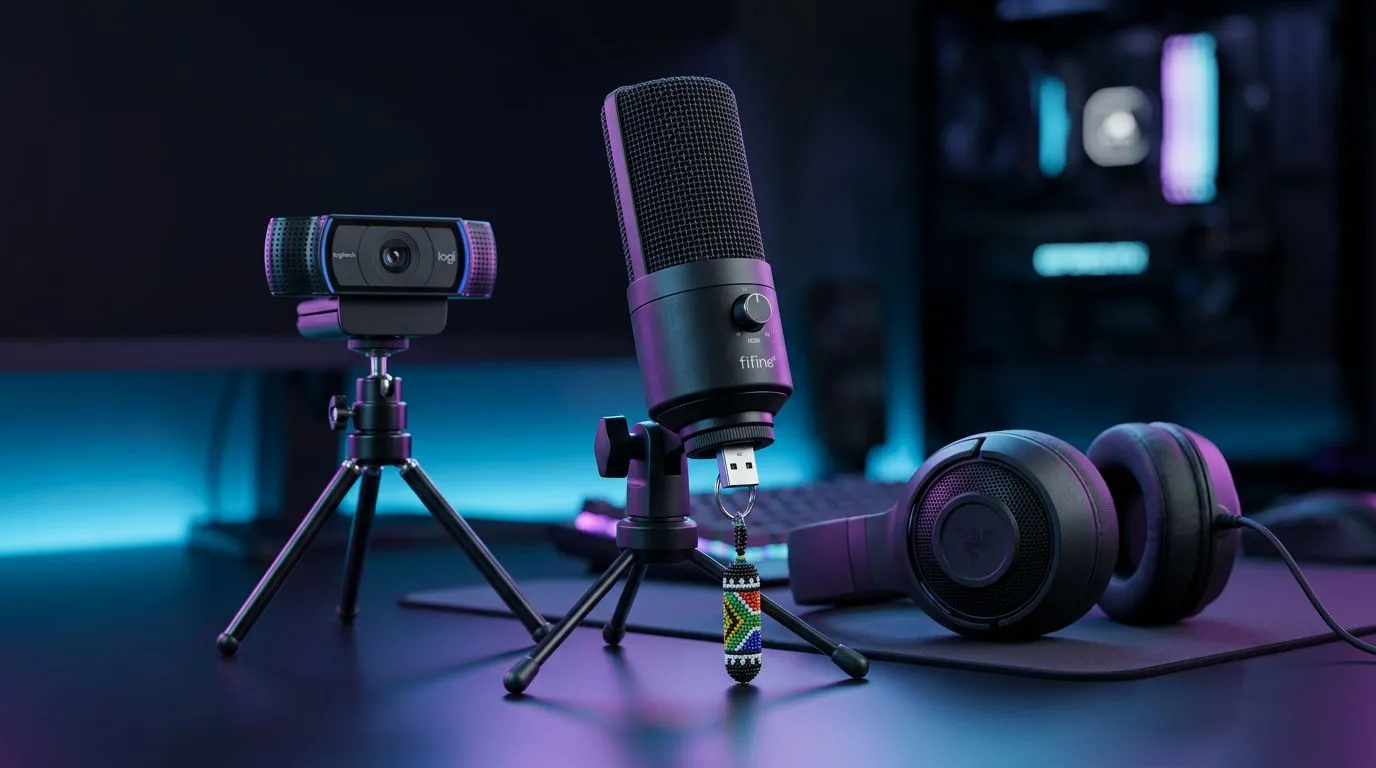
Stream on Twitch South Africa — Quick starter hook 🎥✨
Want to stream on Twitch South Africa without blowing your budget? You can look sharp, sound great, and keep costs under control. Focus on three things: a clear webcam, clean audio, and simple capture. Start smart and upgrade later. For an easy first step, browse our full webcam range to find a model that fits your setup and price point. https://www.evetech.co.za/PC-Components/buy-webcams-145.aspx
Stream on Twitch in South Africa — Webcam essentials
A crisp image builds credibility fast. For many new streamers, a 1080p webcam at 30–60fps is the best value. If you’re on a tight budget, check webcams under R1,000 to get respectable video without extra accessories. Compare models and prices to see what fits your lighting and background. https://www.evetech.co.za/PC-Components/buy-webcams-145.aspx?max-price=1000
Good lighting matters more than frame rate. Pair any webcam with affordable soft lighting or a ring light to reduce noise. If you want sharper details or better low-light performance, mid-range webcams around R2,000 often offer larger sensors and superior autofocus. They’re a sensible next step for consistent streams. https://www.evetech.co.za/PC-Components/buy-webcams-145.aspx?max-price=2000
Streaming on Twitch: South African audio and setup tips 🔧
Audio mistakes tank watch time faster than pixelated video. A USB condenser mic or a dynamic mic with an audio interface will give you a clean voice. Remember: distance from mouth, a simple pop filter, and acoustic treatment do more than fancy gear. For capture, a reliable USB webcam and a lightweight encoder like OBS are perfect for starters.
For those who want top webcam quality without going pro, look at the highest tier under R3,000. These models usually include better glass and superior low-light handling — handy if you stream late at night. Balance that against your PC’s encoding ability to avoid dropped frames. https://www.evetech.co.za/PC-Components/buy-webcams-145.aspx?max-price=3000
Streaming Starter Tip ⚡
Keep your first three streams simple. Test scenes, use an overlay template, and focus on consistent audio. Small improvements each week beat a perfect but infrequent setup.
Stream on Twitch South Africa — Quick build checklist and next steps 🚀
- Webcam: start with a 1080p model and upgrade when you need better low-light performance.
- Microphone: USB dynamic for noise rejection or a condenser with basic treatment.
- Capture and software: OBS Studio; set bitrate based on your upload speed.
- Lighting: two soft lights or a ring for even coverage.
- Practice: run private recordings to check sync and levels.
Want help picking parts or comparing models? Save time by using the Evetech filters and price ranges we linked above. Small investments now save hours later.
Ready to Find Your Perfect Match? The Mac vs Windows debate is complex, but for maximum power, choice, and value in South Africa, Windows is hard to beat. Explore our massive range of laptop specials and find the perfect machine to conquer your world.











