Why Refresh Rates Matter for Masocore Mastery
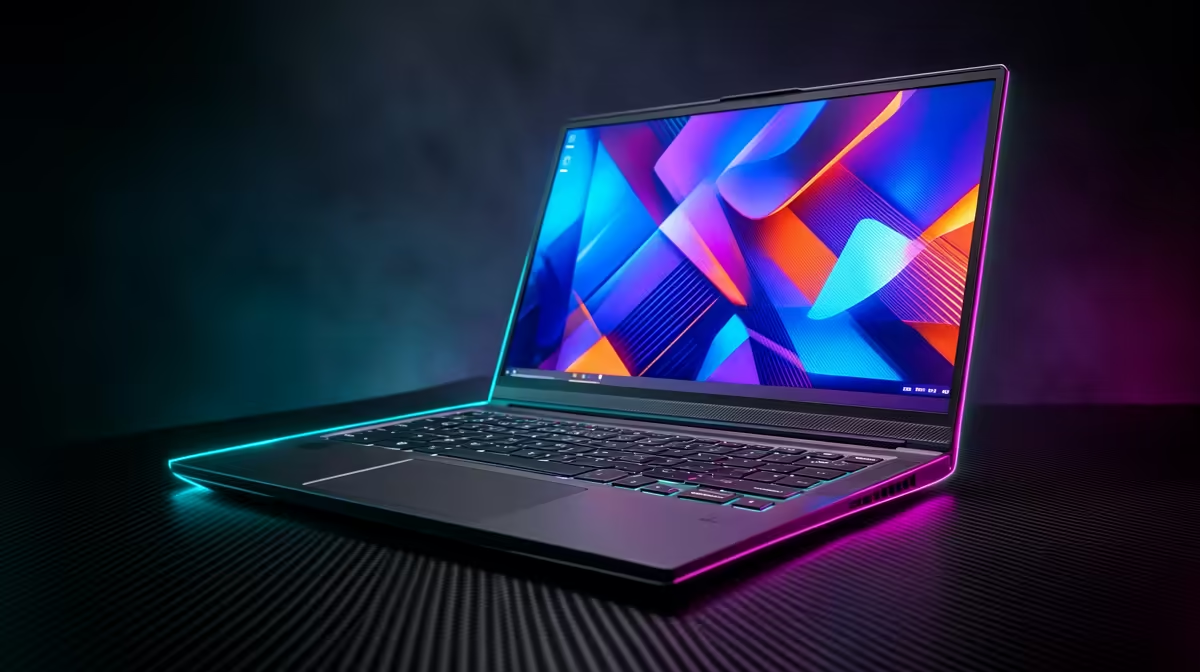
Nioh is a game of inches and split-second decisions. If you are dodging a lethal strike from a Yokai in the Sengoku period, every millisecond counts. High refresh rates are often associated with shooters, but for action RPGs, they are vital. Deciding if you need 144Hz for Nioh on a laptop depends on how much you value fluid combat and precise parry windows. ⚡
The Impact of 144Hz for Nioh on Gameplay Fluidity
Nioh's combat system is built around the Ki Pulse and stance switching. These mechanics require visual cues that are far easier to track when your screen updates 144 times per second. A standard 60Hz panel can feel sluggish during high-intensity boss fights. To drive those extra frames, your processor needs to keep up. You can find high-performance intel laptops on special that provide the clock speeds necessary to avoid frame dips.
When the action speeds up... the clarity provided by a 144Hz display helps you identify enemy telegraphs earlier. This isn't just about aesthetics. It is about reducing input latency. If you are a fan of AMD's efficiency, browsing current ryzen laptop deals will reveal several options that pair powerful CPUs with high-refresh screens.
Nioh Performance Pro Tip ⚡
To get the most out of your 144Hz screen in Nioh, ensure you set the 'Frame Rate Cap' in the game's graphics settings to 120 or 144. If the game is locked to 60fps internally, your high-refresh monitor won't be utilised to its full potential. Always check your Windows display settings to confirm your refresh rate is actually set to 144Hz.
Finding the Right Balance for Your Budget
You do not need to spend a fortune to get a competitive edge. South African gamers have more choices than ever before. If you are looking for the best gaming laptop deals, you will notice that 144Hz has become the new industry standard for mid-range machines. Even those looking to buy gaming laptops under R20k can find excellent units that handle Nioh with grace.
The real secret to maintaining 144Hz for Nioh is the graphics card. Nioh 2, in particular, can be quite demanding when particle effects fill the screen. Exploring geforce rtx gaming laptops on special is highly recommended... especially since features like DLSS can help you maintain those triple-digit frame rates without sacrificing visual quality. ✨
Final Verdict: Is it a Necessity?
While you can technically finish the game on a 60Hz screen, the experience of 144Hz for Nioh on a laptop is transformative. It makes the world of Team Ninja feel more responsive and immersive. If you take your Soulslikes seriously, the upgrade is worth every cent. 🚀
Ready to Find Your Perfect Match? The debate over refresh rates is simple: once you go high-refresh, you never go back. For the best performance and value in South Africa, Evetech has you covered. Explore our massive range of laptop specials and find the perfect machine to conquer your world.