

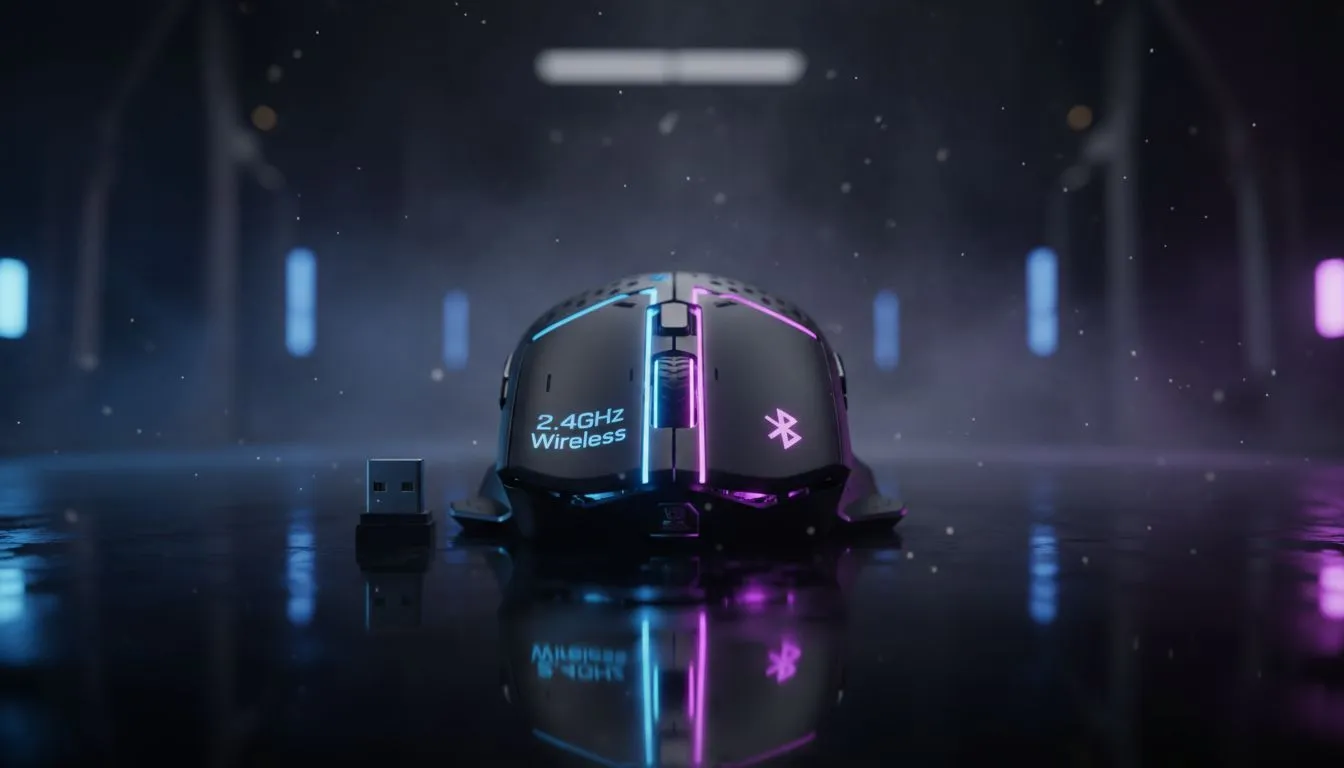
Decoding 2.4GHz vs Bluetooth mouse latency for gamers
Ever felt like your crosshair is dragging through mud during a clutch moment in Apex Legends? That split-second delay isn't just in your head... it is latency. Choosing between 2.4GHz and Bluetooth is the difference between a headshot and a trip back to the lobby. For South African gamers, understanding the technical gap between these wireless standards is vital for peak performance. ⚡
Why 2.4GHz is the gold standard for competitive play
When we talk about 2.4GHz vs Bluetooth mouse latency, the winner is almost always the 2.4GHz connection. This technology uses a dedicated USB dongle to create a direct line to your PC. It allows for a polling rate of up to 1,000Hz or even 8,000Hz in high-end models. This means the mouse reports its position to your computer every single millisecond.
If you are serious about your rank, you need a professional-grade gaming mouse that supports this low-latency protocol. While Bluetooth is great for saving battery, it simply cannot match the raw speed required for flick shots in Counter-Strike 2. The 2.4GHz band is designed to cut through the digital noise... ensuring your clicks register the moment you press them.
Pro Latency Tip ⚡
To reduce interference on the 2.4GHz band, keep your wireless dongle as close to your mouse as possible. Using a USB extender cable to place the receiver on your desk... away from router signals... can drop your input lag significantly during intense matches.
When Bluetooth makes sense for South African setups
Bluetooth is the king of convenience. It does not require a dongle, making it perfect for laptops with limited ports. However, Bluetooth latency usually hovers around 100ms or higher. For browsing the web or working in Excel, a versatile wireless mouse using Bluetooth is perfectly fine. It is also much better for battery life... often lasting months on a single charge.
For a student or professional in Jozi, the lack of a dongle means one less thing to lose in your bag. But if you try to use Bluetooth for a fast-paced raid, you will notice the cursor feels "floaty" or "heavy." This is because Bluetooth prioritises power efficiency over data speed.
Finding the sweet spot in price and performance
You do not have to spend a fortune to get a lag-free experience. Many modern mice offer "dual-mode" connectivity... giving you the best of both worlds. You can use Bluetooth for the office and switch to 2.4GHz when you get home to climb the leaderboards. We often see the best gaming mouse deals featuring these hybrid models for under R1,200. 🔧
Is wired still the king of latency?
Despite how far wireless tech has come, some purists still prefer a cable. A reliable wired mouse offers zero risk of signal interference. In a local LAN environment where dozens of signals are bouncing around, a wire is the only way to guarantee a 1:1 connection. It also means you never have to worry about a battery dying in the middle of a boss fight.
Optimise your desk for the best connection
Regardless of which side of the 2.4GHz vs Bluetooth mouse latency debate you land on, your environment matters. Metal desks or large speakers can block signals. Picking up essential mouse accessories like a high-quality mousepad or a bungee for your wired setup can further improve your accuracy. 🚀
Ready to Find Your Perfect Match? The choice between 2.4GHz and Bluetooth comes down to your need for speed. For the lowest latency and the best competitive edge in South Africa, a dedicated gaming mouse is the only way to go. Explore our massive range of gaming mouse deals and find the perfect tool to dominate your next match.











