


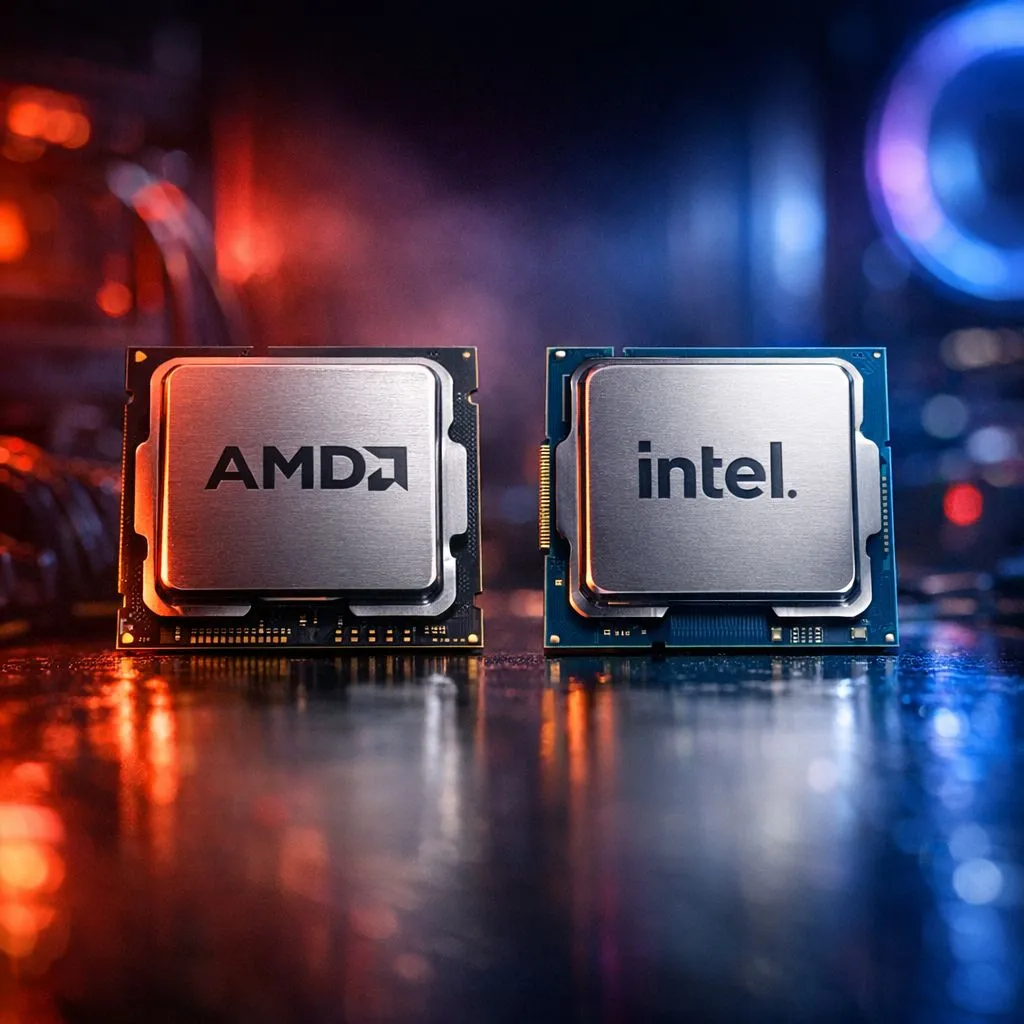
The Battle for Speed: AMD vs Intel Resident Evil Load Times
When you are facing down Lady Dimitrescu or escaping a Ganado mob, every second counts. In South Africa, where gaming time is often squeezed between load shedding slots, waiting for a loading screen feels like an eternity. The AMD vs Intel Resident Evil load times debate is more than just fanboy talk... it is about getting into the action faster. Let's see which silicon giant reigns supreme. ⚡
Analysing the RE Engine Efficiency
Capcom’s RE Engine is remarkably well-optimised for modern hardware. It scales beautifully across different core counts, but it thrives on high instructions per clock (IPC) ratings. When you look at the AMD vs Intel Resident Evil load times, you aren't just looking at raw speed... you are looking at how quickly the system can decompress high-resolution textures.
The Intel Advantage in Single-Core Snappiness
Intel chips have long been the kings of high clock speeds. This raw frequency helps significantly during the initial asset "handshake" when a level loads. If you decide to buy an Intel CPU, you are getting a processor that handles the bursty nature of game loading with ease. In titles like Resident Evil Village, the 14th Gen chips often shave a few milliseconds off the clock compared to older architectures.
AMD’s Cache-Heavy Performance
AMD has taken a different approach with their 3D V-Cache technology. By stacking memory directly on the processor, the CPU can access game data much faster than pulling it from the system RAM. When you buy an AMD CPU from the Ryzen 7000 or 9000 series, you are giving the RE Engine a massive playground to store temporary assets. This results in incredibly smooth transitions between the eerie corridors and the expansive outdoor environments.
Real-World Benchmarks and Local Value
While the AMD vs Intel Resident Evil load times usually differ by less than a second on high-end NVMe drives, the choice often comes down to your budget in ZAR and your multitasking needs. Intel remains a strong choice for those who stream their gameplay... while AMD offers incredible efficiency that keeps your room cooler during a hot Gauteng summer.
Storage Secret ⚡
Even the fastest CPU cannot fix a slow drive. To truly minimise your Resident Evil load times, ensure your game is installed on an NVMe M.2 SSD rather than a traditional SATA drive. This allows your processor to pull assets at lightning speeds... making the transition from the main menu to the village almost instantaneous.
To get the best results, you need a balanced system. It is worth browsing the latest hardware to buy CPU processors online that match your specific motherboard and RAM configuration. Whether you prefer the blue or red team, the gap in loading performance has never been narrower. 🔧
Ready to Slash Your Load Times? Whether you side with Team Red or Team Blue, the right processor makes all the difference in the survival horror experience. Explore our latest CPU deals and upgrade your rig to conquer Resident Evil without the wait.











