

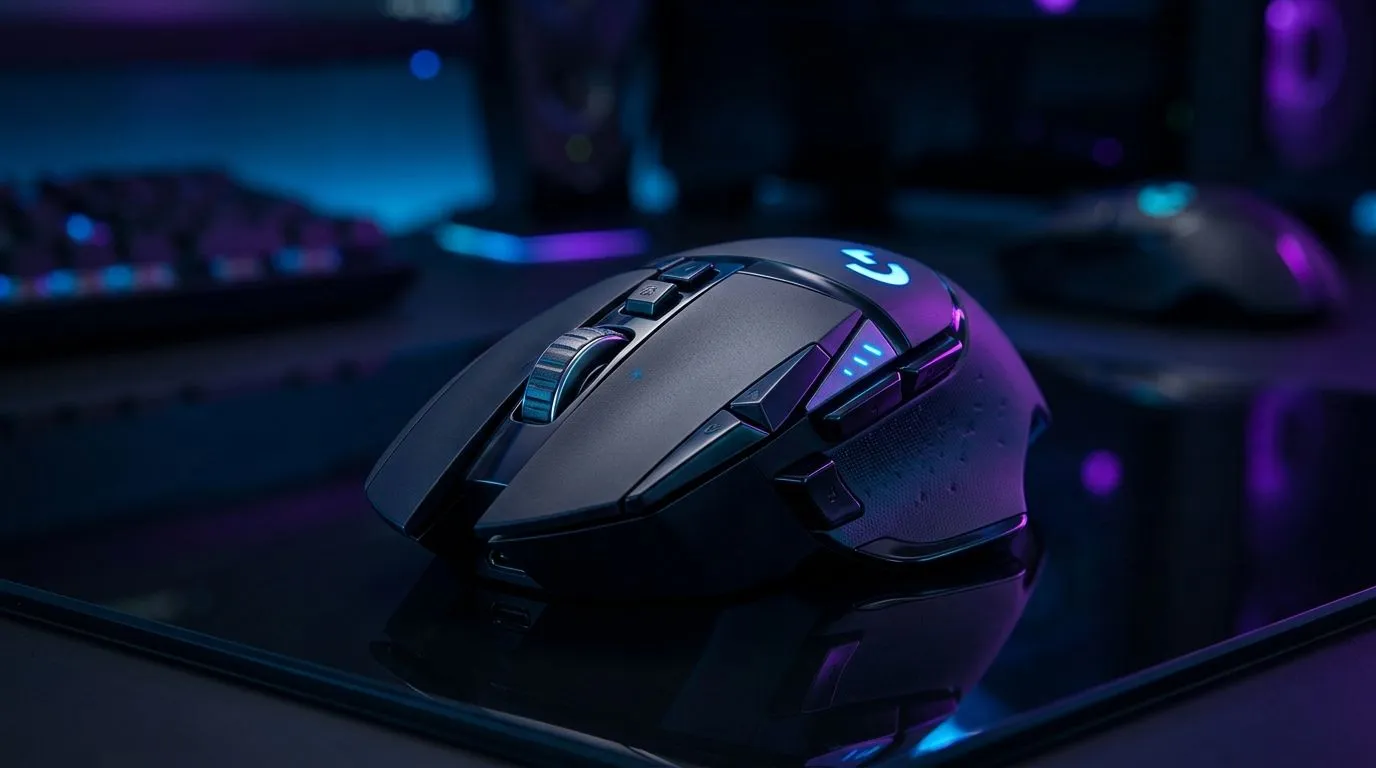
Best Gaming Mouse DPI Settings for Shooters and Daily Productivity: why the right number changes everything 🎯
If your aim feels “floaty” in Warzone, Apex, or Valorant… the problem is often not your sensitivity, it’s your DPI. And if your mouse skips across spreadsheets or drags like it’s stuck in mud, DPI can be part of that too. In South Africa, where you’re juggling FPS tournaments, work deadlines, and power-saving setups… you need settings that stay consistent.
In this guide, I’ll help you dial in the Best Gaming Mouse DPI Settings for Shooters and Daily Productivity so you get stable tracking for both ranked games and day-to-day PC use.
Best Gaming Mouse DPI Settings for Shooters and Daily Productivity: the simple DPI rules 🔧
DPI (dots per inch) controls how far your cursor moves on screen for each inch you move your mouse. Higher DPI usually means less physical movement for the same on-screen distance.
What DPI actually impacts
- Consistency: lower DPI often feels more “locked in” because micro-movements are easier to judge.
- Speed and precision trade-off: higher DPI can help if your mousepad is small, but it can also exaggerate tiny hand tremors.
- Daily comfort: too high can cause overshooting when you’re trying to select text or scroll accurately.
Common starting ranges (that work for most)
Most players land in one of these setups:
- 400–800 DPI: a classic sweet spot for precision
- 800–1600 DPI: good if you prefer faster cursor movement
- Above 1600 DPI: can work, but you’ll want to be extra careful about smoothing, acceleration, and sensor performance
Note: DPI feels different depending on your monitor scaling and in-game sensitivity scaling. That’s why you should test in small increments.
Best Gaming Mouse DPI Settings for Shooters and Daily Productivity: pick a shooter profile first ⚡
For shooters, your goal is repeatable aim, not maximum speed.
Step-by-step tuning method (takes 10 minutes)
- Set your mouse to a baseline DPI (try 800 first).
- In-game, lower sensitivity until you can comfortably do 180-degree turns without wild swings.
- Do a short aim drill, then adjust by tiny steps only.
- Save a separate profile for work tasks if your mouse supports it.
If your mouse supports multiple DPI stages, keep them close to your baseline. Large jumps between stages can make switching feel like a new mouse.
Micro-story: the “same mouse, different desk” problem
A lot of South African players experience this: you come home from a LAN session, change your mousepad size, and suddenly your aim is off. DPI didn’t change… but your real-world movement did. When your mousepad is smaller, you usually compensate with higher effective sensitivity. That’s when DPI profiles help you get back to your comfort zone.
Best Gaming Mouse DPI Settings for Shooters and Daily Productivity: Windows tracking without the wobble ✅
For daily productivity (and for clean aim, honestly), Windows needs to be predictable.
Turn off the “helpful” stuff that creates inconsistency
- Disable Mouse acceleration in Windows mouse settings.
- Keep pointer speed at a neutral point.
- Don’t use extra smoothing unless you’re sure it improves your tracking.
Evetech stocks a wide range of mice and accessories, so if your current mouse isn’t giving you the control you want, it’s worth checking the sensor and tuning features before you keep fighting the settings.
Best Gaming Mouse DPI Settings for Shooters and Daily Productivity: quick pro tips for aim + work ✨
Here’s how to make your settings last through different tasks… and different days.
Productivity Pro Tip ⚡
On Windows, keep display scaling consistent (try 100% if you can) and disable any mouse acceleration features. Then, test DPI changes using the same app you’ll actually work in, like a spreadsheet plus a browser text selection task, so you judge cursor behaviour the same way every time. If you run an ultrawide setup, use consistent window layouts so your mouse movement stays familiar while you tweak sensitivity.
Use mouse profiles like you use game loadouts
If your mouse has onboard memory:
- Profile 1 (Shooter): lower DPI (start 800), minimal “extra” Windows features
- Profile 2 (Productivity): your preferred DPI for comfort, usually similar or slightly higher This reduces the “why does it feel different?” frustration before matches and meetings.
Best Gaming Mouse DPI Settings for Shooters and Daily Productivity: choose a mouse that makes tuning easy 🚀
Not all mice tune the same way. When you’re hunting the best DPI settings, hardware matters too.
If you want a mouse designed for precise tracking and stable performance, start by browsing Evetech’s gaming mouse options here:
Explore gaming mouse options from Evetech
If you’re buying right now, Deals matter in ZAR. Check what’s currently worth grabbing:
See the best gaming mouse deals at Evetech
And if your desk setup leans wireless convenience, compare wireless options here:
Shop wireless mice
Prefer low-latency wired stability for shooters? Start here:
Shop wired mice
Finally, don’t ignore the extras that affect control, like mouse pads and grip accessories. These are often the difference between “almost” and “locked in”:
Browse mouse accessories
Ready to Find Your Perfect Match?
Ready to Find Your Perfect Match? The Mac vs Windows debate is complex, but for maximum power, choice, and value in South Africa, Windows is hard to beat. Explore our massive range of laptop specials and find the perfect machine to conquer your world.











