

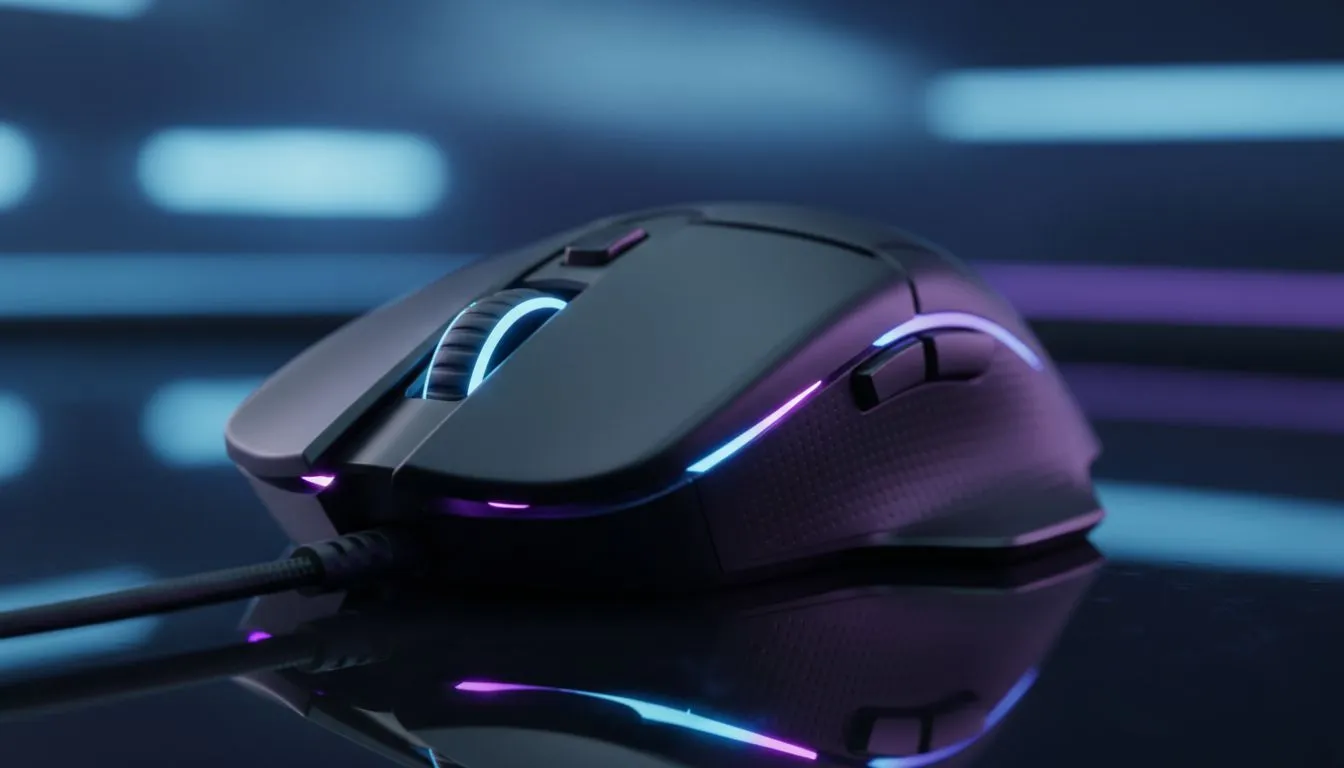
Master Your Aim with the Best Gaming Mouse Settings for FPS Games (Valorant & CS2)
Missing a crucial headshot during a 1v1 clutch in Valorant isn't always down to nerves. Often, your hardware is working against you. Finding the best gaming mouse settings for FPS games (Valorant & CS2) is the quickest way to improve your consistency. In South Africa, where we battle local latency, your mouse configuration must be pixel-perfect to ensure every flick count towards that victory. ⚡
Understanding DPI and Sensitivity for Tactical Shooters
DPI, or Dots Per Inch, is the hardware-level sensitivity of your sensor. While many modern sensors boast 25,000 DPI, most professional players in the CS2 and Valorant circuits stick to 400 or 800 DPI. This lower range allows for more "arm aiming" rather than "wrist aiming," which provides better muscle memory over time. When you browse for a new gaming mouse, look for a flawless sensor that tracks accurately at these lower ranges.
In-game sensitivity is the second half of the equation. For Valorant, a common starting point is a sensitivity between 0.25 and 0.5 at 800 DPI. If you are looking to upgrade your setup without breaking the bank, you can find the best gaming mouse deals in South Africa starting from roughly R499... providing high-end performance for a fraction of the cost.
Sensitivity Pro Tip ⚡
To find your perfect sensitivity, try the '180-degree test'. Place your mouse on the left edge of your mouse pad and move it to the right. One full swipe should result in a 180 to 360-degree turn in-game. If you are spinning twice, your sensitivity is likely too high for precise headshots in tactical shooters like CS2.
Polling Rate and Windows Optimisation
Your polling rate determines how often your mouse reports its position to your PC. For competitive play, 1000Hz is the standard... though some newer models offer 4000Hz or even 8000Hz. Higher polling rates reduce input lag, which is vital when holding tight angles in Valorant.
Before you jump into a match, ensure "Enhance Pointer Precision" is turned off in your Windows mouse settings. This is a form of mouse acceleration that varies your cursor speed based on how fast you move the mouse... making it impossible to build reliable muscle memory. Whether you prefer a wireless mouse for freedom of movement or a traditional wired mouse for zero-latency peace of mind, raw input should always be enabled in your game settings. 🔧
The Importance of Surface and Maintenance
The best settings in the world won't help if your mouse is dragging on a rough surface. A high-quality cloth or hybrid pad is essential for the "stop-and-flick" gameplay of CS2. Over time, dust and skin oils can degrade your glide. Regularly replacing your mouse accessories, such as worn-out PTFE skates or a dirty mouse pad, will keep your aim feeling fresh and responsive. 🚀
Ready to Find Your Perfect Match? Mastering your settings is only half the battle... you need the right tools for the job. Whether you need an ultralight shell or a top-tier optical sensor, we have the gear to help you climb the leaderboard. Explore our massive range of gaming mouse deals and find the perfect weapon to conquer your next match.











