

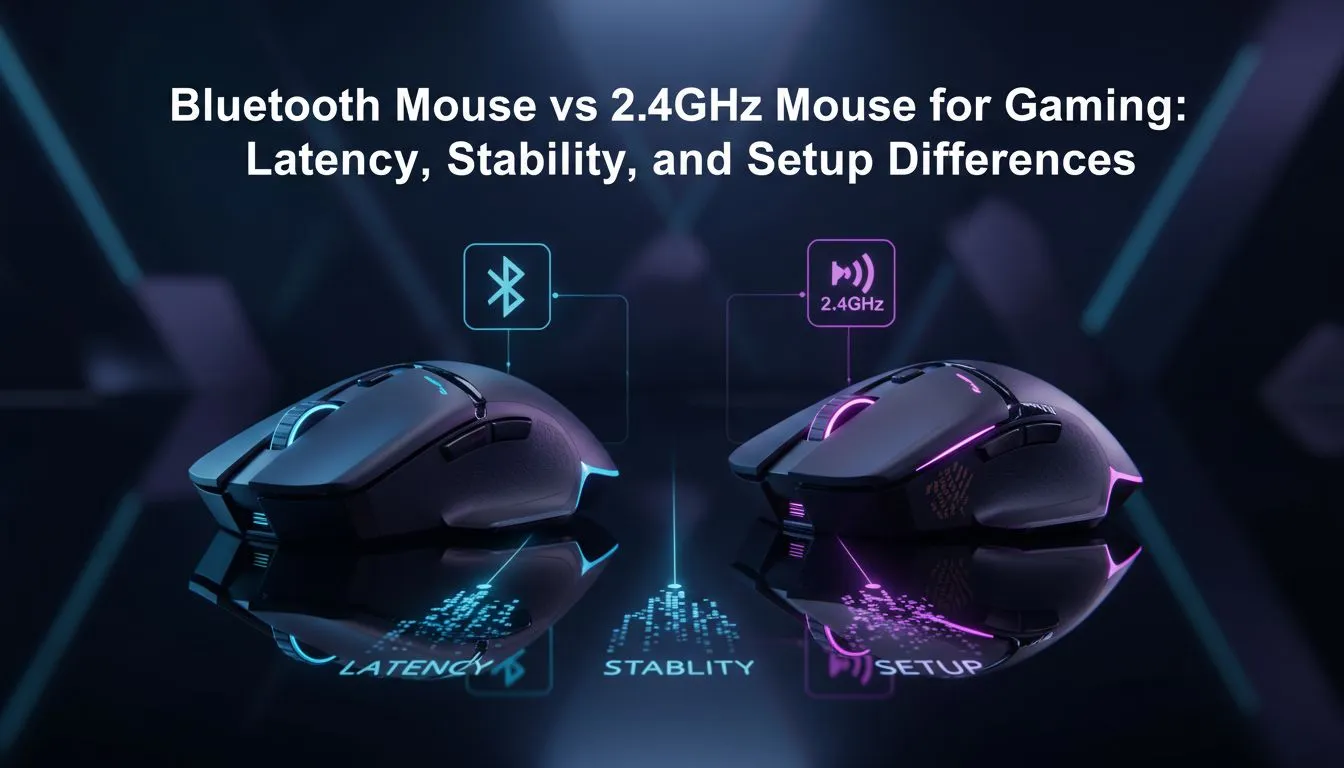
Understanding the Wireless Divide
Tossing a mouse across the room because of a lag spike during a clutch moment in Valorant? We have all been there. Choosing between a Bluetooth vs 2.4GHz mouse for gaming: latency & stability isn't just about convenience... it is about whether your headshot actually registers. In South Africa's competitive scene, every millisecond counts when you are dealing with local server pings and high-stakes ranked matches.
Why 2.4GHz Rules the Competitive Arena
For serious players, the 2.4GHz connection is the gold standard. It uses a dedicated USB dongle to communicate with your PC. This path allows for a 1000Hz polling rate... meaning the mouse reports its position every single millisecond. When you browse for a premium gaming mouse, you are usually looking for this specific technology to eliminate input lag.
Unlike Bluetooth, 2.4GHz wireless tech is designed to handle high data throughput without stuttering. This is vital when you are flicking across a 144Hz or 240Hz monitor. If you want to buy wireless mouse hardware that feels like a wired connection, 2.4GHz is the only way to go.
Latency Pro Tip ⚡
Always plug your 2.4GHz dongle into a USB 2.0 port if possible. USB 3.0 ports can sometimes cause radio frequency interference that results in tiny stutters during intense movement. Keeping the dongle within 20cm of your mousepad using an extension cable is even better for stability.
When Bluetooth Makes Sense for Gamers
Bluetooth has its perks, mostly regarding battery life and compatibility. It does not require a dongle, making it great for gaming on the go with a laptop. However, Bluetooth polling rates are typically capped at 125Hz. This creates a noticeable delay... or "mushy" feeling... in fast-paced titles.
If you are playing slower strategy games or RPGs, you might not mind the trade-off. You can often find incredible value in the best gaming mouse deals that offer "dual-mode" connectivity. This lets you use 2.4GHz for sweatier sessions and Bluetooth for office work to save battery.
Stability and Interference in South African Homes
Our homes are crowded with signals. Wi-Fi routers and microwaves all compete for the 2.4GHz band. A high-quality gaming mouse uses frequency hopping to find the cleanest channel. If your environment is too noisy, you might still prefer to buy wired mouse options to ensure zero interference.
Don't forget that physical obstacles matter too. Even a thick wooden desk can slightly degrade a wireless signal. To keep your connection pristine, you can buy mouse accessories like USB extenders to bring the receiver closer to your mousepad. 🔧
Choosing the Right Gear for Your Setup
Ultimately, the choice depends on your library. For League of Legends or Apex Legends, the 2.4GHz connection is non-negotiable for that raw, 1-to-1 tracking feel. Bluetooth is a secondary feature for convenience... never the primary choice for performance. 🚀
Ready to Find Your Perfect Match? The debate between Bluetooth and 2.4GHz is settled by your playstyle, but for maximum performance in South Africa, 2.4GHz is the winner. Explore our massive range of gaming mouse specials and find the perfect peripheral to dominate the leaderboard.











