

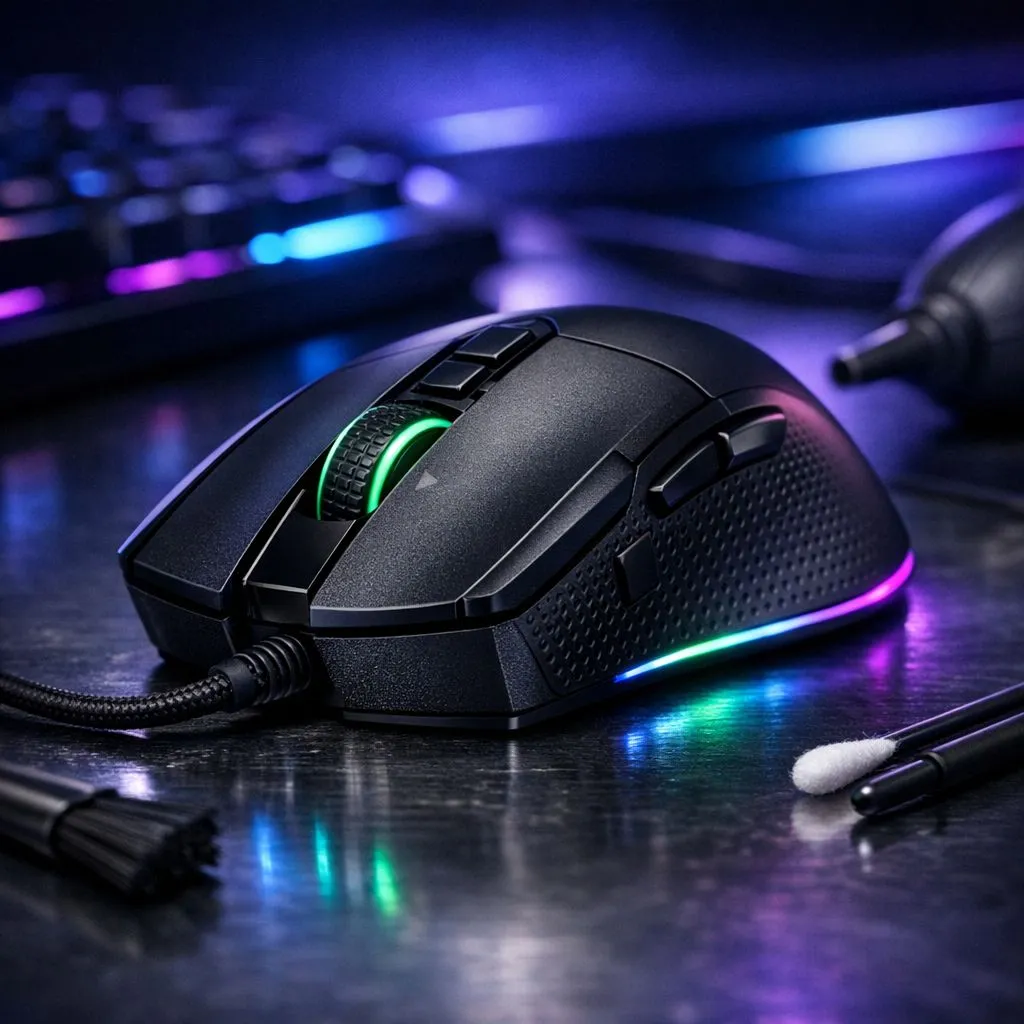
Every South African gamer knows the frustration of a stuttering cursor during a heated match. Dust, skin oils, and crumbs are the enemies of your hardware. Maintaining a clean gaming mouse is vital for consistent performance. If you want to maintain your optical mouse for longevity, a little bit of care goes a long way. This guide helps you keep your gear in peak condition. 🔧
Why Routine Maintenance Matters for Performance
Precision is everything in competitive titles. When you invest in a high-quality gaming mouse, you expect it to last for years. However, the optical sensor is a sensitive piece of technology. Even a tiny hair or a speck of dust can cause "jitter" or skipped frames. In South Africa, our dusty environments mean we need to be extra vigilant. Cleaning your device once a month can prevent hardware degradation.
The Right Way to Clean Your Gear
Start by unplugging your device from the PC. You should avoid using harsh household detergents or bleach. These can strip the protective coating off the plastic. Instead, use a slightly damp microfibre cloth for the outer shell. For deeper grime, you can find specialised mouse accessories like compressed air or cleaning putties. These tools reach into the gaps around the side buttons where skin oils tend to accumulate. ✨
Precision Care Tip ⚡
Never spray liquid directly onto your mouse. Moisture can seep into the switches and cause double-clicking issues. Always apply your cleaning solution to a cloth first. This small habit can save you from a costly replacement and keep your clicks feeling crisp for years.
Caring for Wired and Wireless Sensors
If you use a wired mouse, pay attention to the cable. Wipe it down to prevent it from becoming stiff or dragging on your desk. For those who prefer the freedom of a wireless mouse, remember to check the charging port. Dust inside the USB-C or micro-USB slot can lead to poor connections. Use a dry cotton swab to gently clean the sensor lens... never press hard, as scratches will permanently ruin tracking accuracy.
Protecting Your Investment
A well-maintained peripheral feels better and performs more reliably. If your current sensor is beyond saving or the buttons are failing, you can browse the best gaming mouse deals starting from under R500. Regular maintenance ensures you get the most value for your money. By keeping your sensor clear and your skates clean, you ensure that every flick shot lands exactly where you intended. 🚀
Ready to Upgrade Your Setup? A clean mouse is great, but sometimes a sensor upgrade is the only way to stay ahead of the competition. Explore our massive range of gaming mouse specials and find the perfect tool to dominate your next match.





