

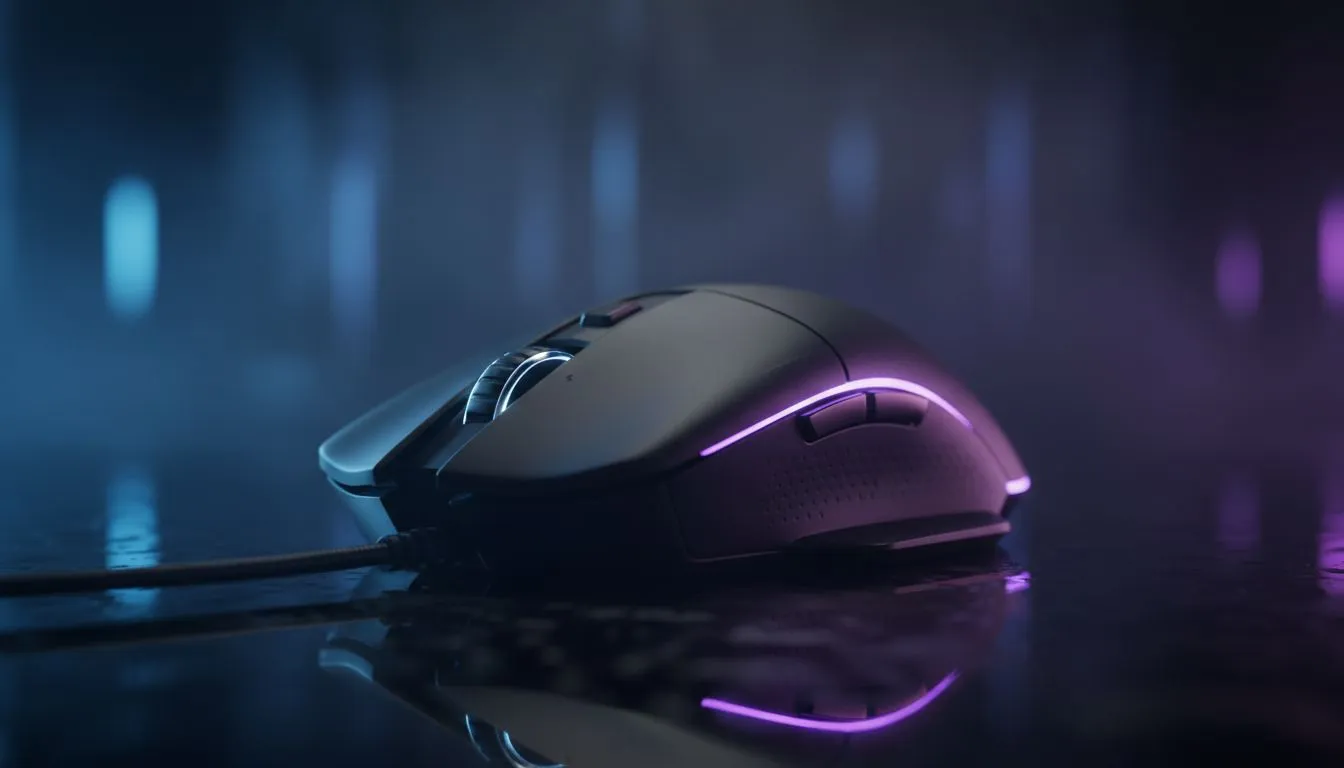
Configure your gaming mouse for CS2 and Valorant — quick win settings 🔧
Want sub-10ms flicks and consistent headshots? Start here. Configure Gaming Mouse for CS2 and Valorant Like a Pro with one deliberate setup session: pick the right sensor, set DPI and polling rate, map two side buttons to utility, and practise recoil bursts in an aim map. This short routine turns inconsistency into muscle memory — and wins more rounds.
Configure your mouse DPI, sensitivity and polling for CS2 and Valorant
DPI, in-game sensitivity and polling rate are the holy trinity. For CS2 and Valorant, pros match low to medium DPI with in-game sensitivity so flicks are predictable. If you’re shopping for hardware first, browse Evetech’s gaming mouse range to compare sensors and buttons — a reliable sensor matters more than RGB squiggles (see gaming mouse range). ⚡
- Start with raw DPI: 400–1200 is a sensible band for precision players.
- Use in-game sensitivity sliders to fine-tune horizontal aim across 180 degrees.
- Set polling to 1000 Hz if your mouse and PC are stable.
If you prefer wireless freedom, check Evetech’s wireless mice selection when considering latency and battery life (see wireless mice).
Configure mouse buttons, profiles and surface calibration for consistency
Map primary utilities to easy-to-reach buttons. Assign a side button to crouch or a grenade bind to free up keys. Use on-board profiles or your software to store CS2 and Valorant profiles. If your sensor includes surface tuning, run it on your actual mouse mat — it reduces micro-drift and keeps aim centred. For wired reliability, compare options on Evetech’s wired mice page to match cable feel and weight (see wired mice). 🚀
Pro Aim Tip ✨
two sensitivity profiles: one for close-quarter maps and one for long-range maps. Practice switching during warm-up so it’s reflexive. Small DPI changes matter more than big ones.
Configure lift-off, angle snapping and advanced settings like debounce
Turn off angle snapping and prediction. Set lift-off distance low for tight mouse control. Adjust debounce time only if you experience double-click issues. For accessories that refine glide and tracking, explore Evetech’s mouse accessories selection — good skates and a quality mat can drop your lift-off variance instantly (see mouse accessories).
Configure muscle memory: drills, micro‑story and real practice
A local Cape Town team I coached found a 15-minute daily routine improved entry accuracy: 5 minutes tracking, 5 minutes flicks, 5 minutes spray control in an aim map. After two weeks their first-peak headshot rate climbed noticeably. Consistency beats gadgets; configuration is the enabler.
Where to go next and buying guide nudges
If you’re upgrading, compare the best gaming mouse deals on Evetech to find a model that matches your playstyle and budget (see best gaming mouse deals). Try a wired model for tournaments or a high-frame wireless if you value cable-free desks. Pair your choice with a low-friction mouse pad and keep firmware updated.
Ready to Find Your Perfect Match? The Mac vs Windows debate is complex, but for maximum power, choice, and value in South Africa, Windows is hard to beat. Explore our massive range of laptop specials and find the perfect machine to conquer your world.








