

144Hz monitor vs 27-inch monitor: Which Should SA Gamers Buy in 2026?
Head-to-head comparison of 144Hz monitor vs 27-inch monitor: Which Should for SA gamers. Performance benchmarks, Rand pricing & which delivers better value.
Read moreIs a CPU bottleneck ruining your gaming in South Africa? 😥 Discover the latest CPU trends, from Intel's P-cores to AMD's 3D V-Cache, and learn how they smash through performance walls. We'll show you how to identify and fix bottlenecks for smoother, faster gameplay. 🚀
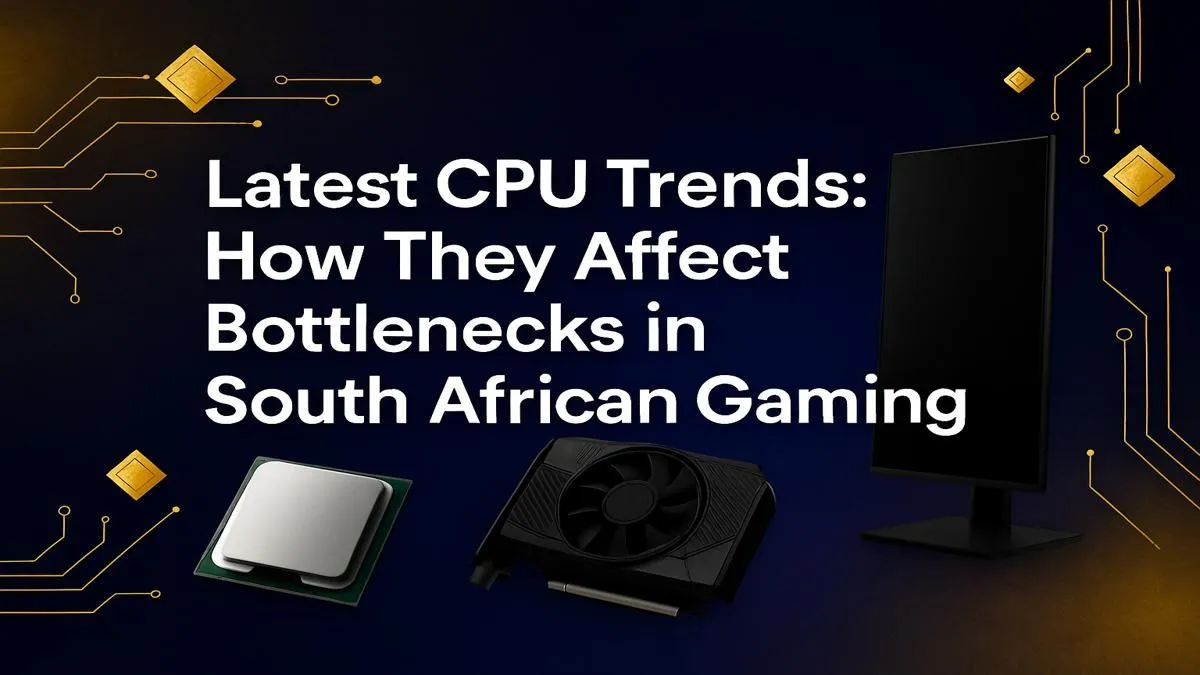
You've just dropped a fat stack of Rands on a shiny new graphics card, expecting buttery-smooth frame rates. You boot up your favourite game, crank the settings to Ultra, and... it stutters. What gives? Welcome to the frustrating world of the CPU bottleneck, a common issue for gamers in South Africa. It’s when your processor can't keep up with your powerful GPU, effectively throttling your rig’s true potential. Let's dig in. 🇿🇦
So, what’s really happening inside your PC case? Think of your GPU as a world-class factory, capable of churning out stunning graphics at lightning speed. Your CPU, however, is the logistics manager. It has to prepare all the data—like game logic, physics, and AI instructions—and feed it to the factory.
If your manager (CPU) is slow, the factory (GPU) sits idle, waiting for work. The result? Lower-than-expected frames per second (FPS), micro-stuttering, and a gaming experience that feels... off. This is especially true in strategy games, large-scale multiplayer shooters, or simulators where the CPU has a massive workload.
The processor landscape is evolving faster than ever, directly impacting how a CPU bottleneck in South Africa can affect your rig. For years, the focus was purely on clock speed. Now, it's a more complex picture:
Keeping up with these trends is key to building a balanced PC. You can see this evolution across the wide variety of CPU processors available online today.
Wondering if your CPU is the culprit? Open Windows Task Manager (Ctrl+Shift+Esc) and go to the Performance tab while your game is running. If your CPU usage is consistently maxed out at 100% while your GPU usage is sitting much lower (e.g., 60-70%), you've likely found your bottleneck.
Spotting the problem is the first step to fixing it. Besides using Task Manager, pay attention to when your performance drops. Does your frame rate tank in crowded city areas of an RPG or during massive 64-player battles, but runs fine in quiet corridors? That’s a classic symptom of a CPU struggling to handle all the complex calculations.
Another sign is upgrading your GPU and seeing minimal performance improvement at 1080p resolution. At lower resolutions, the CPU works harder to prepare frames. A powerful CPU is essential to unlock the full potential of a high-end graphics card, and a mismatch can be a real waste of money. Whether you're on Team Blue with the latest Intel CPUs or Team Red, finding the right balance is crucial.
Okay, so you've identified a bottleneck. What now? The most effective solution is a CPU upgrade. But it's not just about buying the most expensive chip. You need a processor that pairs well with your GPU and motherboard.
For many gamers, upgrading to a modern platform can deliver a massive leap in performance. For instance, moving from an older 4-core CPU to a modern chip from the latest AMD CPU lineup can feel like getting a whole new computer. 🚀
Before you buy, check your motherboard’s compatibility. A simple BIOS update might be all you need to support a newer, more powerful processor on the same platform, saving you a ton of cash. A balanced rig is a happy rig, ensuring every component can perform at its peak.
Ready to Uncap Your FPS? A CPU bottleneck can be frustrating, but the fix is often simpler than you think. A balanced system is key to unlocking the performance you paid for. Explore our massive range of CPUs and find the perfect heart for your gaming rig.
A CPU bottleneck occurs when your processor can't keep up with your graphics card, limiting your PC's overall performance and causing stuttering or low FPS in games.
Monitor your hardware while gaming. If your CPU usage is consistently at 100% while your GPU usage is low, you likely have a CPU bottleneck affecting your frames.
Yes, modern games utilize multiple cores. The latest CPU trends show that a higher core count, especially with hybrid designs like Intel P-cores/E-cores, improves performance.
It depends on where the bottleneck is. If your CPU is the bottleneck, upgrading it will yield the best results. Analyze the CPU vs GPU bottleneck to make the right choice.
The 'best' depends on your budget and GPU. Look for current-gen CPUs from Intel (Core i5/i7) or AMD (Ryzen 5/7) with high clock speeds for excellent value and performance.
Absolutely. Faster RAM, like DDR5, allows your CPU to access data more quickly, which can help alleviate certain bottlenecks and improve overall gaming responsiveness.
Head-to-head comparison of 144Hz monitor vs 27-inch monitor: Which Should for SA gamers. Performance benchmarks, Rand pricing & which delivers better value.
Read more
Head-to-head comparison of ultrawide monitor vs gaming monitor: Which Should for SA gamers. Performance benchmarks, Rand pricing & which delivers better value.
Read more
Head-to-head comparison of Rand vs Dollar: How Exchange Rate Affects Monitor for SA gamers. Performance benchmarks, Rand pricing & which delivers better value.
Read more
Is the 27-inch monitor Worth Buying in South Africa Detailed answer with SA data, expert analysis & practical recommendations for local buyers.
Read more
Head-to-head comparison of 1000R vs 1500R vs 1800R Curve Explained: Which for SA gamers. Performance benchmarks, Rand pricing & which delivers better value.
Read more
Head-to-head comparison of Curved Monitor vs Flat Monitor: Which Should for SA gamers. Performance benchmarks, Rand pricing & which delivers better value.
Read more
Every spec on PCIe 5.0 explained in plain English. What matters for gaming and creator work in 2026, what's marketing fluff, and how each number translates to real-world performance.

A head-to-head look at WiFi 7: real-world performance, ZAR pricing and which option delivers better value for SA builders. The clear answer — no fluff.

Everything you need to set up and tune PCIe 5.0 properly: the prep work, the settings that actually matter, and the mistakes to skip. Written for SA builders in 2026.

Everything you need to set up and tune X870E Motherboard properly: the prep work, the settings that actually matter, and the mistakes to skip. Written for SA builders in 2026.

Wondering what a 512GB SSD capacity really holds? This guide breaks down how many games, photos, and documents fit on 512GB, with real-world ranges 📦💾

Every spec on vrm explained in plain English. What matters for gaming and creator work in 2026, what's marketing fluff, and how each number translates to real-world performance.

Every spec on motherboard explained in plain English. What matters for gaming and creator work in 2026, what's marketing fluff, and how each number translates to real-world performance.

Premium vs Midrange Motherboards in South Africa: real-world performance, SA pricing, power draw and which one delivers better value for your build for SA buyers. The clear answer — without the fluff.
Wondering what a 512GB SSD capacity really holds? This guide breaks down how many games, photos, and documents fit on 512GB, with real-world ranges 📦💾
Every spec on PCIe 5.0 explained in plain English. What matters for gaming and creator work in 2026, what's marketing fluff, and how each number translates to real-world performance.
A head-to-head look at WiFi 7: real-world performance, ZAR pricing and which option delivers better value for SA builders. The clear answer — no fluff.

Every spec on USB4 explained in plain English. What matters for gaming and creator work in 2026, what's marketing fluff, and how each number translates to real-world performance.