


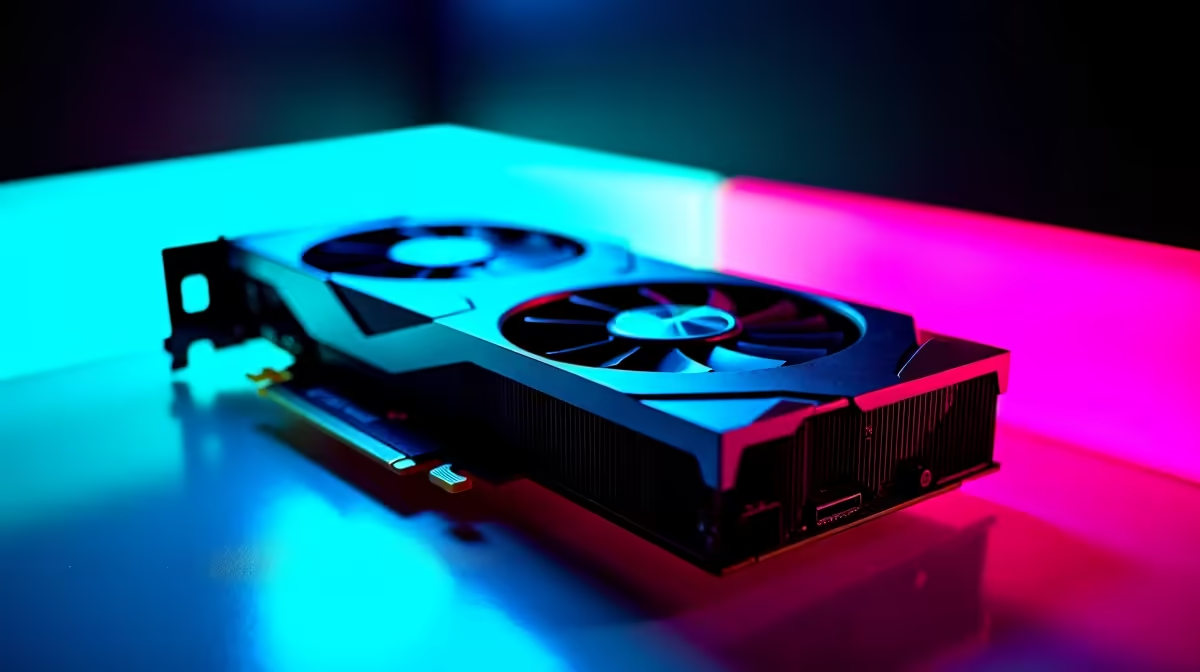
Night City is beautiful... but it is incredibly demanding on your hardware. If you want to experience those vibrant neon colours with ray tracing cranked up, you need serious graphical horsepower. We have compiled the ultimate Cyberpunk 2077 performance benchmarks to show your expected FPS by GPU tier. Whether upgrading an old rig or buying a new setup, here is what you need to know. 🚀
Cyberpunk 2077 Performance Benchmarks: 1080p Entry-Level
Let us start with 1080p gaming. Cards like the RTX 3060 or RX 7600 are incredibly popular in South Africa. At 1080p High settings without ray tracing, these cards comfortably push past 60 frames per second.
Turning on DLSS or FSR helps maintain a smooth framerate during heavy combat. If your current card is struggling, it might be time for an upgrade. You can browse the latest graphics cards to get your rig up to speed.
Mid-Tier FPS by GPU Tier at 1440p
Stepping up to 1440p requires more VRAM and raw computing power. The RTX 4070 and RX 7800 XT truly shine here. You can expect around 70 to 85 FPS on Ultra settings.
If you enable ray tracing, DLSS 3 Frame Generation becomes absolutely essential. Building a system from scratch to hit these numbers? You can find massive value in our best gaming PC deals that feature these exact mid-range powerhouses.
Enthusiast FPS by GPU Tier: Conquering 4K
For uncompromised 4K gaming, you are looking at the RTX 4080 Super or the mighty RTX 4090. Cyberpunk's RT Overdrive mode brings even the best hardware to its knees.
However, an RTX 4090 with DLSS Performance mode will net you a buttery smooth 80 FPS at 4K. Prefer a plug-and-play solution without the hassle of building? Checking out pre-built PC deals is the smartest route for premium performance. ✨
Cyberpunk 2077 Performance Benchmarks for Mobile
Can you run Night City on the go? Absolutely. Modern mobile GPUs are incredibly capable. An RTX 4060 laptop will handle 1080p High settings with ease.
Just remember that laptop GPUs have different power limits than desktop cards. If you need portability for work and play, explore the top notebooks for sale in South Africa. This helps you find a machine that balances battery life with gaming grunt.
Optimisation Pro Tip 🔧
Turn down Volumetric Fog and Screen Space Reflections. These two settings eat up your FPS without making a massive visual difference. Lowering them can boost your framerate by up to 15 percent across any GPU tier.
Maximising Your ZAR for Better FPS
Upgrading your setup does not have to drain your bank account. In South Africa, component prices fluctuate... so timing your purchase is vital.
Keep an eye on weekly promotions to stretch your ZAR further. You can often find fantastic Evetech specials that bundle high-performance parts at a fraction of the cost. ⚡
Ready to Rule Night City? Do not let low framerates ruin your immersion. Whether you need a simple GPU upgrade or a completely new battle station, we have the hardware to make your games shine. Explore our incredible gaming PC specials and experience true next-gen performance today.











