


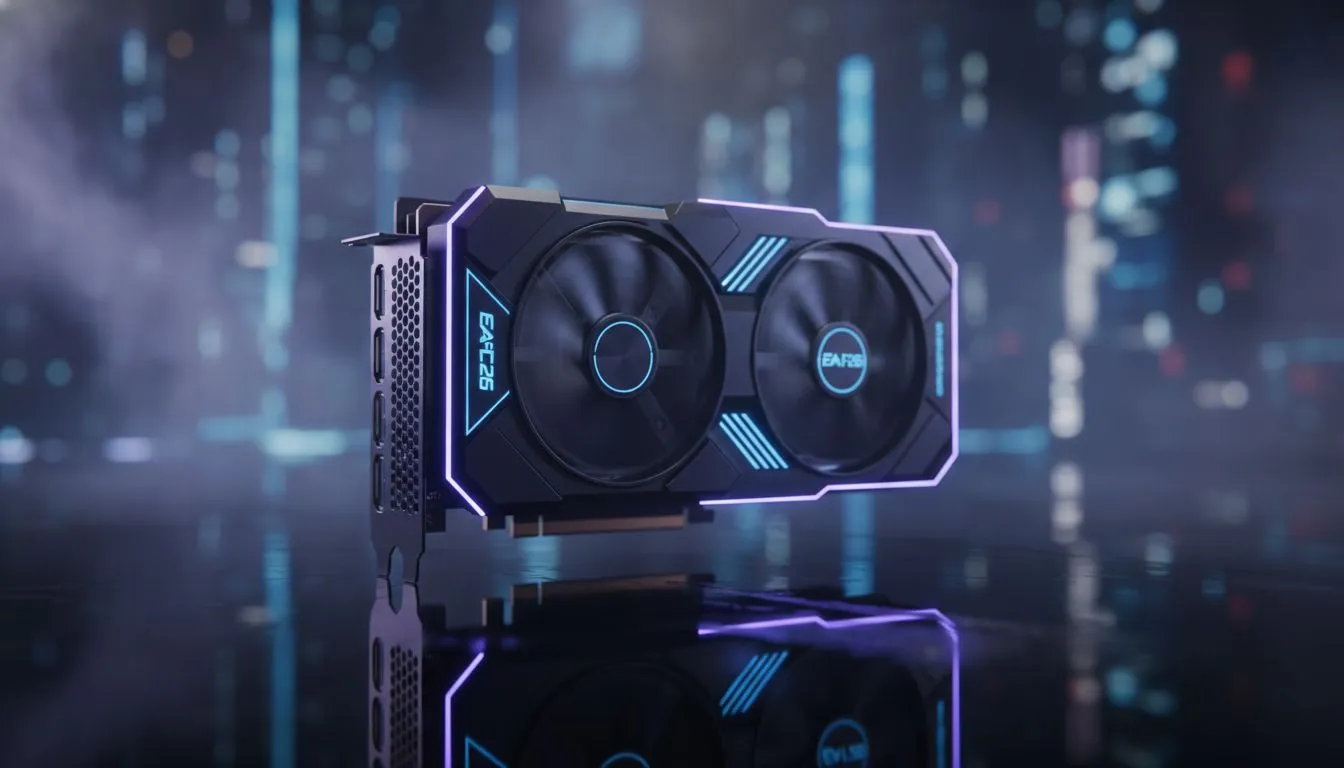
Does EA FC 26 Ray Tracing Make Gameplay Feel Heavy on PC?
Every South African gamer knows the feeling of a heavy pitch. You press the pass button, but the animation takes a lifetime. With the new release, the question remains: EA FC 26 Ray Tracing: Does It Make Gameplay Feel Heavy? While the visuals look incredible on a high-end monitor, that extra polish might be costing you wins in the Weekend League. Let's dive into the performance pulse.
The Visual Cost of Ray Tracing in EA FC 26
Ray tracing adds a layer of realism that we have never seen in a football sim. The way the stadium lights hit the grass and the realistic shadows on player jerseys look stunning. However, these effects require massive computing power. If you are using older graphics cards, you might notice a dip in responsiveness. The game looks like a broadcast... but it plays like it is stuck in slow motion.
When your GPU struggles to calculate light bounces in real-time, your frame times become inconsistent. This inconsistency is exactly what creates that "heavy" sensation. Even if your FPS counter shows 60, the delay between your controller input and the player's movement can spike. For those looking for consistent frames, MSI's cooling solutions help keep temperatures low to prevent thermal throttling during intense matches.
Input Latency and the Competitive Edge
In a game where a millisecond determines if you beat the offside trap, input lag is the enemy. Ray tracing often introduces a buffer in the rendering pipeline. This is why many pro players in South Africa choose to disable these features entirely. They prefer the raw speed of AMD Radeon graphics cards running at high refresh rates over cinematic shadows.
If you are a content creator who needs the game to look its best for YouTube, you might consider workstation graphics cards for stable rendering. But for the average player, the trade-off is often too steep. Does it make gameplay feel heavy? Yes, especially if your hardware is not top-tier. Even the newer Intel Arc options show that while ray tracing is possible, it requires careful setting management to stay competitive.
Performance Pro Tip ⚡
If you find the gameplay too sluggish, try disabling 'Ray Traced Ambient Occlusion' first while keeping other settings on high. This specific setting often eats the most resources in EA FC. It can reduce that heavy feeling without making the game look like it's from the PS3 era.
Optimising Your Setup for South African Servers
Playing from South Africa already introduces a bit of "ping-related" heaviness. Adding local hardware lag on top of that is a recipe for a broken controller. To combat this, ensure your monitor's refresh rate matches your in-game settings. If you are spending 15,000 ZAR or more on a GPU, you want it to work for you, not against you.
Lowering the ray tracing intensity allows your system to breathe. This results in snappier left-stick dribbling and more responsive goalkeeping. Ultimately, EA FC 26 Ray Tracing: Does It Make Gameplay Feel Heavy? The answer is a resounding yes for competitive play, but with the right hardware, you can find a balance that looks great and plays even better.
Ready to Find Your Perfect Match? The EA FC 26 experience is only as good as the hardware running it. For maximum power, choice, and value in South Africa, our GPU range is hard to beat. Explore our massive range of graphics card specials and find the perfect machine to conquer the pitch.











