


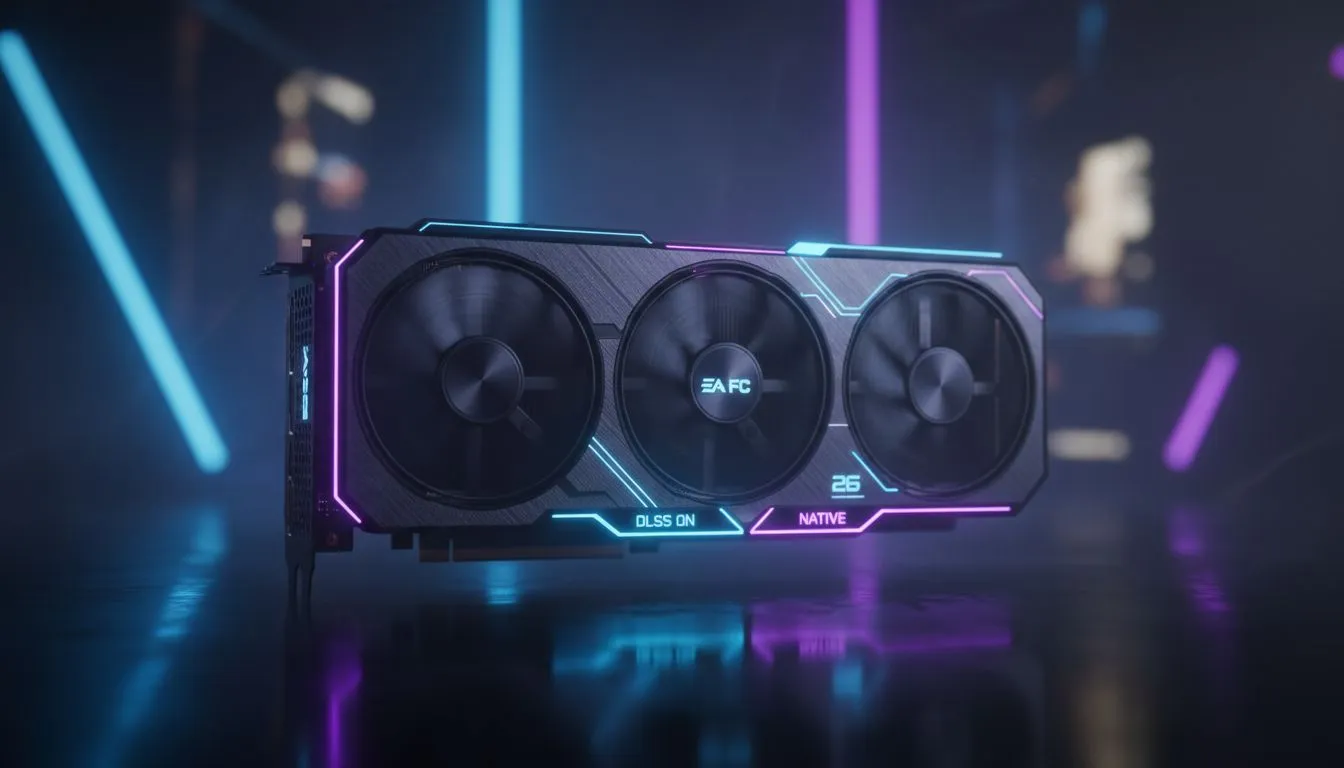
The Performance Pitch: EA FC 26 Upscaling: DLSS vs Native Resolution
Stuttering during a weekend league match in Johannesburg is a nightmare. As EA FC 26 pushes visual boundaries with more realistic grass and crowd animations, your hardware needs to keep up. The big question for South African PC gamers is whether to stick with the clarity of native resolution or embrace the frame rate boost of AI upscaling. Let's break down the best approach for your rig ⚽.
Why Resolution Matters on the Virtual Pitch
Native resolution used to be the gold standard for every competitive player. It offers the sharpest image... ensuring every blade of grass and player jersey looks crisp. However, hitting high frame rates at 4K native requires serious firepower. If you are looking to upgrade your setup, checking out the latest nvidia graphics cards is a great place to start. For many, the raw pixel count provides a level of visual consistency that upscaling can sometimes struggle to match during fast transitions.
The DLSS Advantage for EA FC 26
NVIDIA’s Deep Learning Super Sampling (DLSS) has evolved significantly. In EA FC 26, DLSS uses AI to render the game at a lower resolution and then intelligently upscale it. This results in much higher frame rates without a massive hit to visual quality. If you are running an MSI graphics card, you can often enable DLSS to maintain a steady 144Hz even on higher settings. It is particularly useful for reducing input lag... a vital factor when timing that perfect power shot.
Optimising Your Pitch ⚡
For the best balance in EA FC 26, set DLSS to 'Quality' mode. This provides an image nearly indistinguishable from native 4K while giving you a 20-30% boost in frames per second. Always disable 'Motion Blur' in the game settings to keep the action sharp during fast sprints.
Finding the Right Balance for Your Hardware
Not everyone is running the latest flagship GPU. If you are experimenting with entry-level setups, Intel Arc graphics cards offer XeSS, which serves as a solid alternative to DLSS. While native resolution provides the purest image, the reality of modern gaming is that upscaling makes high-refresh-rate gaming accessible to more people in South Africa.
For those who use their PC for more than just gaming, such as rendering or architecture, workstation graphics cards can handle the game, but they often lack the specific driver optimisations found in consumer cards. If your focus is purely on the win, sticking to dedicated gaming hardware is usually the smarter play.
AMD and the Future of FSR
AMD users aren't left behind in the EA FC 26 Upscaling: DLSS vs Native Resolution debate. FidelityFX Super Resolution (FSR) provides a similar boost for those using AMD Radeon graphics cards. While FSR is spatial rather than AI-driven in older versions, it still keeps your gameplay fluid when the action gets intense in the box 🚀.
Ultimately, if your PC can handle native resolution at your monitor's peak refresh rate, stay native. But if you see your frames dipping below 60 during corners or celebrations... upscaling is your best friend.
Ready to Dominate the Pitch? Choosing between DLSS and Native is easier when you have the right hardware to back you up. For the best deals on GPUs and gaming gear in South Africa, Evetech has you covered. Explore our massive range of graphics cards and find the perfect machine to conquer your world.











