

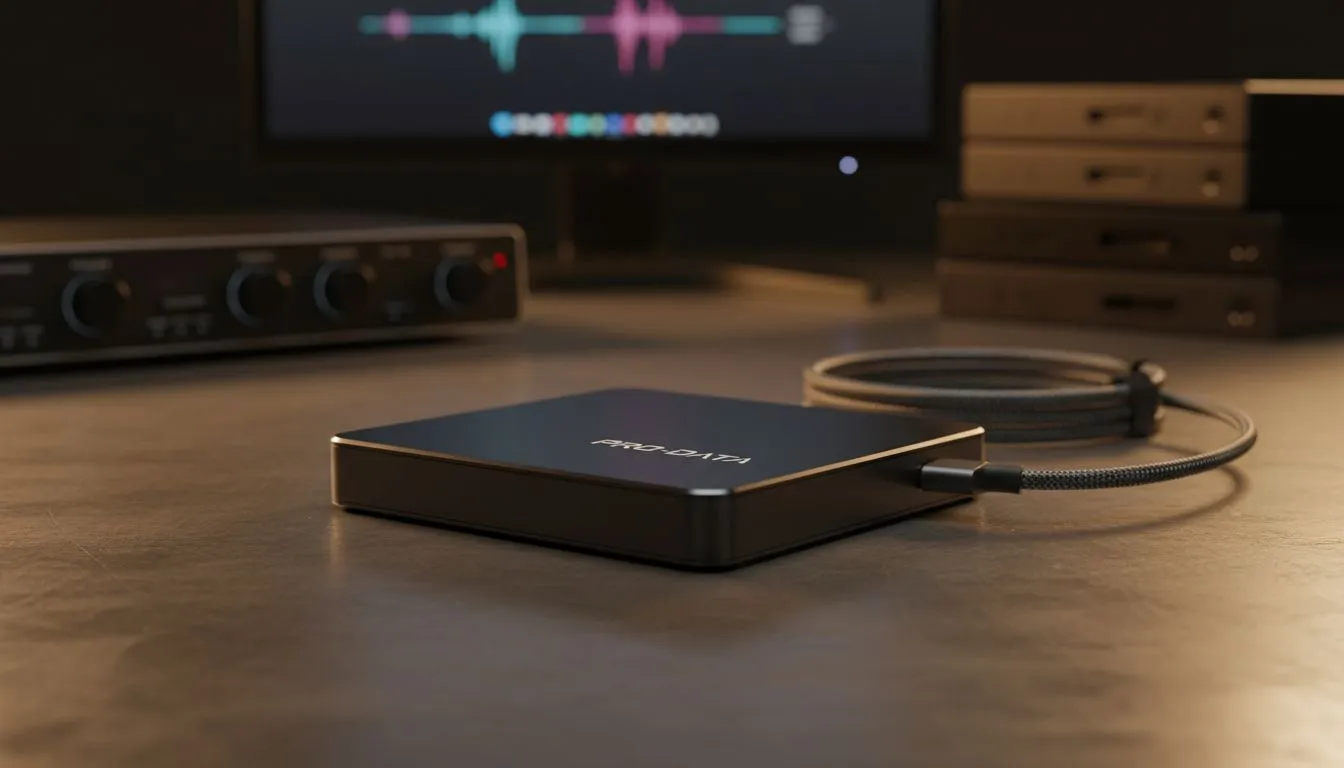
Tired of watching progress bars while your 4K footage crawls? In South Africa, time is money... especially when load-shedding is lurking. An external SSD for video editing is no longer a luxury for local creators. It is a necessity for keeping your timeline smooth and your exports fast. Let us look at how to supercharge your creative process without breaking the bank. 🚀
Why You Need an External SSD for Video Editing
When you are cutting high-bitrate footage, your storage device is often the bottleneck. Mechanical hard drives simply cannot keep up with the data throughput required for modern codecs. Choosing a high-quality external SSD for video editing allows you to edit directly off the drive. This keeps your internal storage free for applications and your OS.
Modern workflows demand sustained speeds. If your drive throttles during a long render, you lose precious hours. While many professionals still rely on solid state drives inside their workstations, the flexibility of a portable solution is unmatched for South African creators on the move.
Editing Efficiency ⚡
When working in Premiere Pro or DaVinci Resolve, set your scratch disk to your external SSD. This offloads temporary render files from your boot drive. It prevents your system from slowing down during intensive colour grading sessions and keeps your primary drive healthy.
Choosing the Right Drive for Your Timeline
Not all drives are created equal. You need to look at the interface and the controller. For those who need the absolute bleeding edge, Gen 5 NVMe technology offers staggering speeds for internal setups... but external options are catching up fast.
If you are often out in the field, look for a dedicated external form factor. These are designed to be rugged and heat-efficient. Heat is the enemy of speed. A drive that stays cool will maintain its performance throughout a long export process in our warm South African climate. ✨
Reliable Brands for Content Creators
Reliability is just as important as speed. You do not want to risk losing a day of shooting because of a hardware failure. We highly recommend looking at ADATA storage solutions for their excellent balance of price and performance. They offer great value for those starting their YouTube or film-making journey.
For those who want industry-standard reliability, Western Digital drives are a staple in many local edit suites. Whether you are working on a simple 1080p project or a complex 6K multicam sequence, having a dependable drive makes all the difference. 🔧
Ready to Speed Up Your Workflow? Don't let slow storage hold back your creativity. Whether you are a professional editor or a hobbyist, the right drive changes everything. Explore our massive range of external SSDs and find the perfect match for your next big project.





