

RTX 5060 Ti vs RX 9070: Gaming Performance Compared in South Africa 2026
Head-to-head comparison of RTX 5060 Ti vs RX 9070: Gaming Performance for SA gamers. Performance benchmarks, Rand pricing & which delivers better value.
Read moreGaming mouse polling rates impact your reaction speed and precision. Discover the differences between 1000Hz and 8000Hz to find the perfect setting for your competitive edge. 🖱️🚀
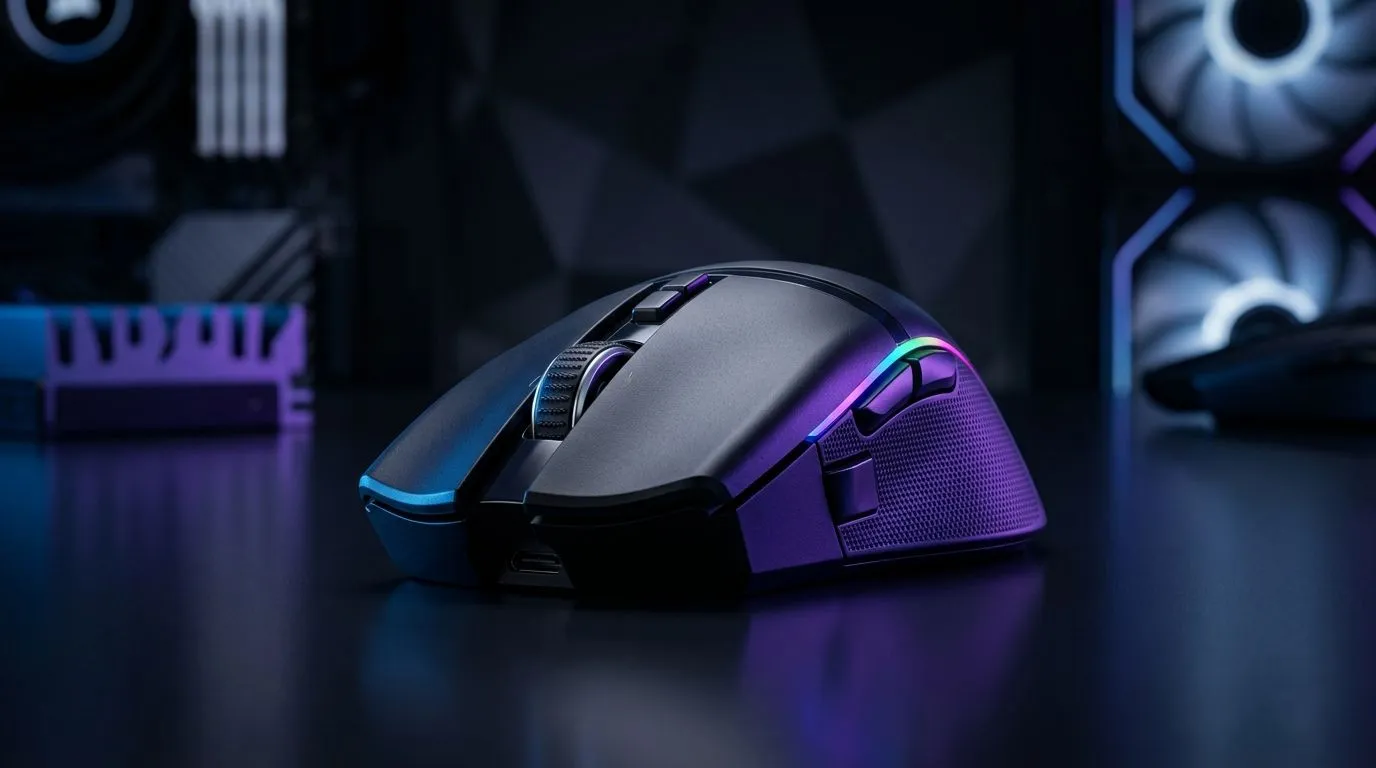
If you’re tweaking your gaming setup to squeeze every frame and split-second advantage, understanding gaming mouse polling rates can be a surprising unlock. South African gamers often ask: Is a 1000Hz polling rate good enough, or should they push towards an 8000Hz mouse? Getting this right affects your in-game precision and response time—crucial for FPS, MOBA, and esports contenders alike. Let’s break down the difference to help you make the best choice.
Polling rate is how often your mouse reports its position to your computer, measured in hertz (Hz). A 1000Hz rate means your mouse updates 1000 times per second. With an 8000Hz polling rate, it’s eight times faster, potentially reducing input lag. But is eight times always better?
While 8000Hz polling is on the cutting edge, many gamers won’t feel much difference beyond 1000Hz on typical South African setups. Factors like USB port capability, PC specs, and game engine responsiveness influence real-world impact. That said, competitive gamers seeking every millisecond edge may prefer 8000Hz for unrivalled precision.
If you want to explore your options, take a look at Evetech’s gaming mouse selection to compare top polling rate models at various price points.
A common question: Do wireless mice match wired mice in polling speed? Modern wireless gaming mice can reach up to 1000Hz or more, but higher polling rates like 8000Hz are mostly wired territory. Wired connections maintain stable, super-fast data transfer essential for ultra-low latency.
For South Africans looking at both convenience and performance, Evetech offers a solid range of wireless mice and wired mice that balance latency and mobility.
Polling rate isn’t your only lever. Optimising mouse settings, sensitivity, and grip style can dramatically influence control. For instance, while 8000Hz offers sharper reporting, pairing it with overly high sensitivity might negate benefits. Match your polling rate to personal playstyle and monitor refresh rate.
Upgrading accessories like mouse pads or investing in a quality cable can trim input lag too. Check out Evetech’s mouse accessories for budget-friendly tweaks.
High polling rates matter most when paired with a high FPS monitor and low-latency USB ports. Keep your drivers updated and avoid USB hubs that slow data throughput.
For everyday gamers, the jump from 1000Hz to 8000Hz offers incremental gains, if any. However, in competitive scenes or high-refresh-rate rigs, 8000Hz polling rates may sharpen reaction times enough to justify the premium. In South Africa’s thriving gaming hubs, making a data-driven mouse choice tailored to your rig can lead to smoother, more responsive gameplay.
Upgrade Your Gaming Precision Today Ready to boost your response time? Browse the latest gaming mouse deals at Evetech for top polling rates and unbeatable prices. Shop now at Evetech for performance that leaves lag in the dust.
Polling rate is the frequency at which your mouse reports its position to your PC, measured in Hertz (Hz). Higher rates mean more frequent updates for lower latency.
8000Hz provides lower input lag than 1000Hz, offering smoother tracking for high-refresh-rate monitors, though the benefit is most noticeable for competitive pros.
Yes, high polling rates like 8000Hz require more CPU cycles to process the increased data reports, which may impact performance on older or lower-end processors.
For casual gaming, 1000Hz is the industry standard and provides excellent performance. 8000Hz is primarily designed for competitive gamers seeking every millisecond.
By increasing the report frequency, the time gap between your physical movement and the cursor movement on screen shrinks, effectively reducing total system latency.
Most modern gaming mice allow you to adjust the polling rate via the manufacturer's dedicated software suite, usually offering options like 125, 500, 1000, or 8000Hz.
Head-to-head comparison of RTX 5060 Ti vs RX 9070: Gaming Performance for SA gamers. Performance benchmarks, Rand pricing & which delivers better value.
Read more
RTX 5090 Star Wars Outlaws at 1440p: FPS. Real-world benchmark data, FPS numbers & performance analysis. What SA gamers can actually expect.
Read more
RTX 5060 Star Wars Outlaws at 4K: FPS Benchmark. Real-world benchmark data, FPS numbers & performance analysis. What SA gamers can actually expect.
Read more
Head-to-head comparison of RTX 5060 vs RX 7700 XT: Price-to-Performance for SA gamers. Performance benchmarks, Rand pricing & which delivers better value.
Read more
RTX 3060 Red Dead Redemption 2 FPS: Performance. Real-world benchmark data, FPS numbers & performance analysis. What SA gamers can actually expect.
Read more
Head-to-head comparison of RTX 5060 Benchmarks vs Real Gaming Performance for SA gamers. Performance benchmarks, Rand pricing & which delivers better value.
Read more
When Will the RTX 6090 Launch in South Africa Detailed answer with SA data, expert analysis & practical recommendations for local buyers.

Top Valorant Settings for RTX 5070: FPS Optimisation picks evaluated on performance, value & SA availability with current Rand pricing from Evetech.

RDNA 3.5 Graphics in Ryzen AI 400? Can You Game. Plain-English explanation of what it means, why it matters & how it affects your buying decisions in SA.

GPU Price Index : December Report. Current stock data & price tracking for SA buyers. See what is available and where prices are heading.

Core i5-14600K + B760 + RTX 5060 Build Under. Full parts list, Rand pricing & expected performance. Build confidently with SA-available components.

RX 7600 Apex Legends at 4K: FPS Benchmark. Real-world benchmark data, FPS numbers & performance analysis. What SA gamers can actually expect.

RX 7900 XTX GTA 6 at 4K: FPS Benchmark & Optimal. Real-world benchmark data, FPS numbers & performance analysis. What SA gamers can actually expect.

Head-to-head comparison of RTX 5070 vs RX 9070 XT: Gaming Performance for SA gamers. Performance benchmarks, Rand pricing & which delivers better value.

GPU Setup Guide Gamers. Clear setup instructions with SA-specific considerations, troubleshooting tips & recommended components.

Top RTX 5090 Under R12000 picks evaluated on performance, value & SA availability with current Rand pricing from Evetech.

Call of Duty Warzone 2 Settings on RX 7600. Real-world benchmark data, FPS numbers & performance analysis. What SA gamers can actually expect.

GTA 6 Settings on RTX 5070 Ti: Performance. Real-world benchmark data, FPS numbers & performance analysis. What SA gamers can actually expect.