


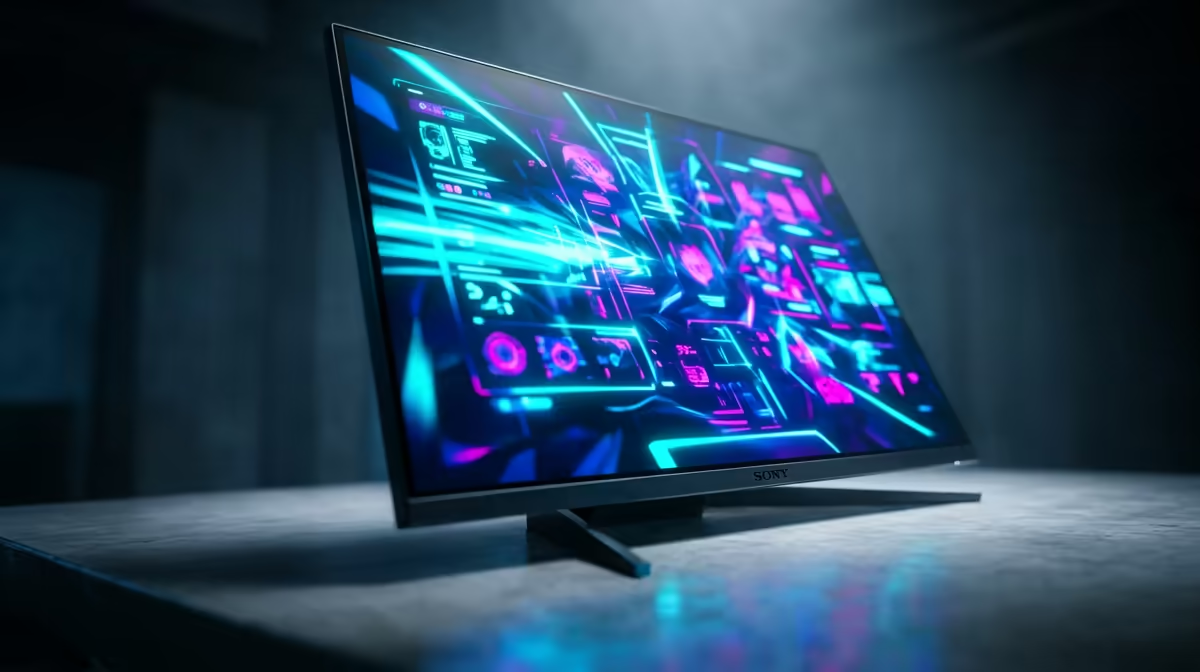
Stuck on a 144Hz panel while your opponents in Valorant seem to see the future? That split-second advantage isn't magic… it's refresh rate. A 240Hz monitor offers a massive leap in smoothness, but not all are created equal. Our 240Hz monitor benchmark guide is here to cut through the marketing noise, helping you find the perfect display to dominate the server and climb the ranks right here in South Africa. 🚀
Why a 240Hz Monitor Benchmark Matters
In competitive gaming, information is everything. A higher refresh rate gives you more visual information per second, allowing you to track targets with buttery smoothness and react faster. Moving from 144Hz to 240Hz means you see enemy movements sooner and with less motion blur. This isn't just a number on a box; it's a tangible competitive edge. A proper performance test looks beyond specs to see how a screen handles fast-paced action, making it a critical piece of hardware from our huge range of PC monitors.
Key Metrics in Our Pro Gaming Monitor Test
When we talk about a 240Hz monitor benchmark, the refresh rate is just the starting point. To find the best display for pro gaming, you need to look at the whole picture. These are the factors that separate a good monitor from a great one.
Response Time & Ghosting
Response time (measured in milliseconds) is how quickly a pixel can change colour. A slow response time on a fast 240Hz panel creates "ghosting" or motion blur, which defeats the purpose. Look for a 1ms Gray-to-Gray (GtG) response time for the cleanest image possible. This ensures that when you flick your mouse to a target, the image stays sharp and clear.
Panel Technology: IPS vs. VA
Modern gaming panels have come a long way. While older TN panels were the fastest, today's IPS (In-Plane Switching) panels offer the best of both worlds: incredible colour accuracy and pro-level response times. For gamers who want vibrant visuals without sacrificing speed, an IPS panel is the top choice. For those after deep blacks and high contrast, many top-tier 240Hz models are now available as immersive curved monitors, pulling you deeper into the game.
🔧 Pro Tip: Unlock Full Speed
Got your new 240Hz monitor? Don't forget the most important step! Right-click your desktop, go to Display Settings > Advanced Display Settings, and manually select the 240Hz refresh rate. You'd be amazed how many gamers are accidentally playing at 60Hz.
Finding the Best 240Hz Monitor for You
So, which one should you buy? The "best" monitor depends on your specific needs and budget. A benchmark helps compare raw performance, but personal preference for screen size, resolution (1080p vs. 1440p), and features like G-Sync or FreeSync Premium also play a huge role. Finding the right fit means browsing a comprehensive collection, just like our lineup of all gaming monitors where you can compare specs side-by-side.
Ultimately, a 240Hz monitor benchmark is a tool to guide your decision. The real test is how it feels in your favourite game. Investing in a high-refresh-rate display is one of the most noticeable upgrades you can make to your rig. It's an investment in your own performance. And with a bit of savvy shopping, you can keep an eye on Evetech's best PC monitor deals to snag pro-level tech without breaking the bank. ✨
Ready for a Pro-Level Upgrade? Stop guessing and start winning. A high-performance 240Hz monitor is the ultimate competitive edge, and we've got the perfect one for your rig. Explore our full range of gaming monitors at Evetech for performance that leaves lag in the dust.











