


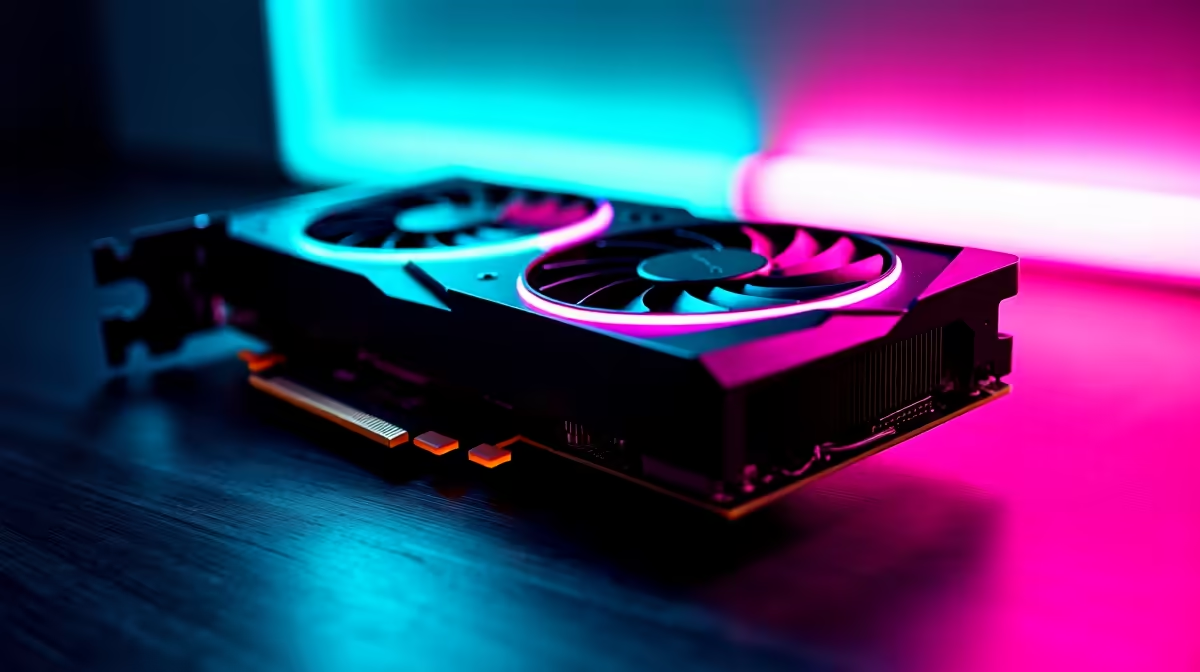
Understanding Overclocking for the RTX 4060 in South Africa
If you’re a South African gamer or PC builder, you’ve probably wondered: is overclocking the RTX 4060 worth the extra heat and hassle? This GPU already handles popular titles smoothly at 1080p, but pushing it beyond factory settings might squeeze more frames out of your rig. Before diving in, it's vital to weigh performance gains against power costs and cooling needs — especially given our local power grid and hardware prices.
Why Consider Overclocking the RTX 4060?
The RTX 4060 is praised for its efficient Ampere architecture, striking a balance between power consumption and gaming performance. Overclocking can unlock additional shader speed and boost clocks, producing gains of roughly 5-15% in FPS in demanding games. But with South Africa’s rising electricity costs, efficiency matters — and overclocking increases power draw and heat output.
If you’re looking for raw value, sometimes pairing your overclock efforts with smart component choices delivers bigger wins. For example, browsing through graphics cards at Evetech exposes you to competitive pricing for GPUs that might better suit your overclocking ambitions or budget.
The Real Costs: Heat, Power, and Stability
Overclocking isn’t just software tweaks — you need a reliable cooling setup to keep your RTX 4060 stable. South Africa’s warm climate can push temperatures higher, so investing in quality fans or a liquid cooler pays off in longer component life and smoother frame rates.
Remember, overclocking voids warranties — which is something to consider when local repair options can be costly or slow. Many gamers here prefer ready-to-run solutions with strong warranties, like those special deals on pre-built gaming PCs available locally.
How to Overclock the RTX 4060 Safely
Start slow; increase clock speeds in small increments, then test stability using stress-test software. Monitor temperatures closely: 75°C is a good maximum target under load. If your rig spikes hotter, dial back or improve your cooling. Power supply quality affects stability too, so pair your RTX 4060 overclock with a reliable PSU.
Don’t forget to check out Evetech’s best gaming PC deals — many bundles already include well-optimised cooling and power solutions to handle some overclock headroom.
Pro Tip for SA Gamers
Even a 5% overclock on your RTX 4060 can deliver smoother gameplay. Combine this with lowering your fan curve slightly to cut noise without a big temperature hit!
Alternatives to Manual Overclocking: Laptops and Specials
If the idea of tweaking settings scares you, consider the new wave of gaming laptops with RTX 4060 mobile GPUs, pre-tuned for balance between power and heat. South African gamers can shop the latest notebooks on sites like Evetech’s laptop store for portable and efficient gaming rigs.
Also, keep an eye on seasonal Evetech specials — you might snap up an overclock-ready GPU or PC package priced to move. That’s often a better entry point for gamers who want performance without daily manual tuning.
Ready to boost your rig’s power? Whether you want to tweak your RTX 4060 or explore pre-built options, Shop now at Evetech for performance that leaves lag in the dust.











