

144Hz monitor vs 27-inch monitor: Which Should SA Gamers Buy in 2026?
Head-to-head comparison of 144Hz monitor vs 27-inch monitor: Which Should for SA gamers. Performance benchmarks, Rand pricing & which delivers better value.
Read moreCurious about Lenovo gaming laptop battery life during intense sessions? We dive deep into real-world performance, factors affecting drain, and pro tips to maximize your unplugged playtime. 🔋 Get the most out of your Legion or IdeaPad and game longer! #Lenovo #GamingLaptop
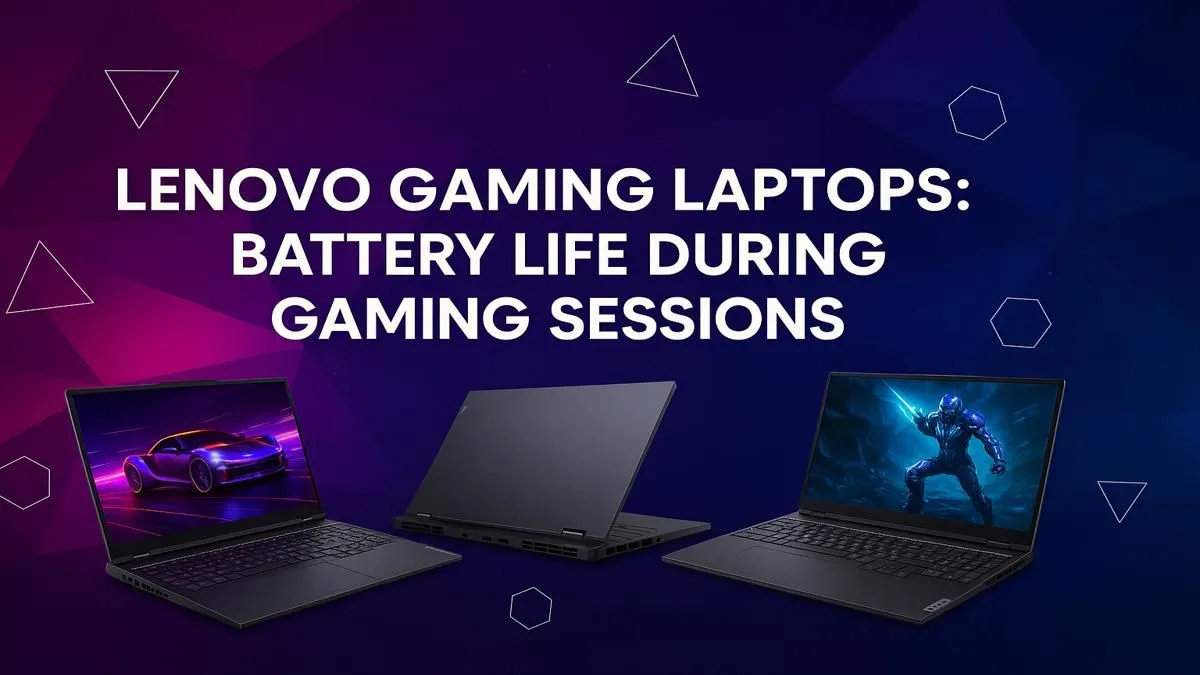
Load shedding hits, plunging your room into darkness. But your screen stays lit, the battle rages on... for a while. Ever wondered how long your Lenovo gaming laptop battery life really lasts when you're untethered from the wall? It's the million-rand question for any South African gamer. Forget the marketing hype; let's talk real-world numbers and how to squeeze every last drop of juice from your machine. 🚀
Before we get to the numbers, it's crucial to understand that "battery life" isn't a single, fixed value. It's a constant balancing act. The longevity of your Lenovo gaming laptop's battery depends heavily on what you're doing.
So, how long does a Lenovo gaming laptop battery last in the wild? Here’s a realistic breakdown, moving from general use to intense gaming.
For those entering the world of PC gaming, the Lenovo IdeaPad Gaming series offers incredible value. For general productivity, browsing, or watching series during load shedding, you can realistically expect 4 to 6 hours. When you fire up a game, that number will drop to around 1 to 1.5 hours, which is standard for most gaming laptops running on battery.
Positioned as a powerful and accessible option, the new Lenovo LOQ gaming laptops often feature modern, efficient components. Their battery performance is similar to the IdeaPad Gaming range, typically providing 4.5 to 6.5 hours of light use. For gaming, you're looking at a solid 1.5 hours before you need to reach for the charger.
Use the built-in Lenovo Vantage software. Switch to 'Quiet Mode' and enable 'Hybrid-iGPU Only Mode' when you're not gaming. This forces the laptop to use the power-saving integrated graphics, dramatically extending your battery life for everyday tasks. It’s the single best trick to improve your Lenovo laptop battery life.
The Lenovo Legion series is the pinnacle of Lenovo's gaming engineering. While they often pack larger batteries, they also power some of the most demanding hardware on the market. For non-gaming tasks, you can see an impressive 5 to 7 hours, thanks to excellent power management. However, when you unleash the beast for a proper gaming session, expect 1 to 2 hours of untethered performance. Gaming laptops are designed for peak performance while plugged in; battery power is for convenience, not marathons.
Ultimately, the Lenovo gaming laptop battery life is more than sufficient for surviving a few stages of load shedding while working or browsing. For serious gaming, you'll always want to be connected to AC power to get the full, unthrottled performance from your hardware. ✨
The key is to match the machine to your lifestyle. Think about how you'll use it when you're away from a plug point. By choosing the right model and optimising your settings, you can find a perfect balance of power and endurance. No matter your budget or performance needs, there is a wide variety of Lenovo gaming laptops to fit your specific requirements.
Ready to Find Your Perfect Lenovo? The ideal Lenovo gaming laptop battery life depends on your unique needs. Whether you're a competitive esports player or a casual gamer needing a load-shedding lifeline, we've got the machine for you. Explore our incredible laptop deals and find the perfect rig to conquer your world.
Expect 1 to 2.5 hours of battery life during active gaming on most Lenovo models. High-performance tasks drain the battery quickly. For longer sessions, plugging in is best.
Yes. Lower screen brightness, use Lenovo Vantage power modes, close background apps, and reduce in-game settings to significantly extend your unplugged gaming time.
No, it is recommended. Gaming while plugged in provides maximum performance without straining the battery. Modern laptops are designed to manage power and prevent overcharging.
Some high-end models use 'hybrid power' where the system draws from both the AC adapter and battery under extreme load to ensure peak performance. This is normal.
For optimal performance, use 'Performance Mode' while plugged in. On battery, 'Quiet Mode' can help conserve power, though it will reduce your in-game frame rates.
Absolutely. Lowering your display's refresh rate from 144Hz or higher down to 60Hz is one of the most effective ways to conserve battery life on a gaming laptop.
Head-to-head comparison of 144Hz monitor vs 27-inch monitor: Which Should for SA gamers. Performance benchmarks, Rand pricing & which delivers better value.
Read more
Head-to-head comparison of ultrawide monitor vs gaming monitor: Which Should for SA gamers. Performance benchmarks, Rand pricing & which delivers better value.
Read more
Head-to-head comparison of Rand vs Dollar: How Exchange Rate Affects Monitor for SA gamers. Performance benchmarks, Rand pricing & which delivers better value.
Read more
Is the 27-inch monitor Worth Buying in South Africa Detailed answer with SA data, expert analysis & practical recommendations for local buyers.
Read more
Head-to-head comparison of 1000R vs 1500R vs 1800R Curve Explained: Which for SA gamers. Performance benchmarks, Rand pricing & which delivers better value.
Read more
Head-to-head comparison of Curved Monitor vs Flat Monitor: Which Should for SA gamers. Performance benchmarks, Rand pricing & which delivers better value.
Read more
Every spec on PCIe 5.0 explained in plain English. What matters for gaming and creator work in 2026, what's marketing fluff, and how each number translates to real-world performance.

A head-to-head look at WiFi 7: real-world performance, ZAR pricing and which option delivers better value for SA builders. The clear answer — no fluff.

Everything you need to set up and tune PCIe 5.0 properly: the prep work, the settings that actually matter, and the mistakes to skip. Written for SA builders in 2026.

Everything you need to set up and tune X870E Motherboard properly: the prep work, the settings that actually matter, and the mistakes to skip. Written for SA builders in 2026.

Wondering what a 512GB SSD capacity really holds? This guide breaks down how many games, photos, and documents fit on 512GB, with real-world ranges 📦💾

Every spec on vrm explained in plain English. What matters for gaming and creator work in 2026, what's marketing fluff, and how each number translates to real-world performance.

Every spec on motherboard explained in plain English. What matters for gaming and creator work in 2026, what's marketing fluff, and how each number translates to real-world performance.

Premium vs Midrange Motherboards in South Africa: real-world performance, SA pricing, power draw and which one delivers better value for your build for SA buyers. The clear answer — without the fluff.
Wondering what a 512GB SSD capacity really holds? This guide breaks down how many games, photos, and documents fit on 512GB, with real-world ranges 📦💾
Every spec on PCIe 5.0 explained in plain English. What matters for gaming and creator work in 2026, what's marketing fluff, and how each number translates to real-world performance.
A head-to-head look at WiFi 7: real-world performance, ZAR pricing and which option delivers better value for SA builders. The clear answer — no fluff.

Every spec on USB4 explained in plain English. What matters for gaming and creator work in 2026, what's marketing fluff, and how each number translates to real-world performance.