

Intel Arc B580 Fable FPS: Performance Benchmark & Best Settings
Intel Arc B580 Fable FPS: Performance Benchmark. Real-world benchmark data, FPS numbers & performance analysis. What SA gamers can actually expect.
Read moreIs LIGHTSPEED wireless latency truly indistinguishable from a wired connection? Discover if you can finally ditch the cable for pro-level gaming performance without sacrificing speed. 🖱️⚡
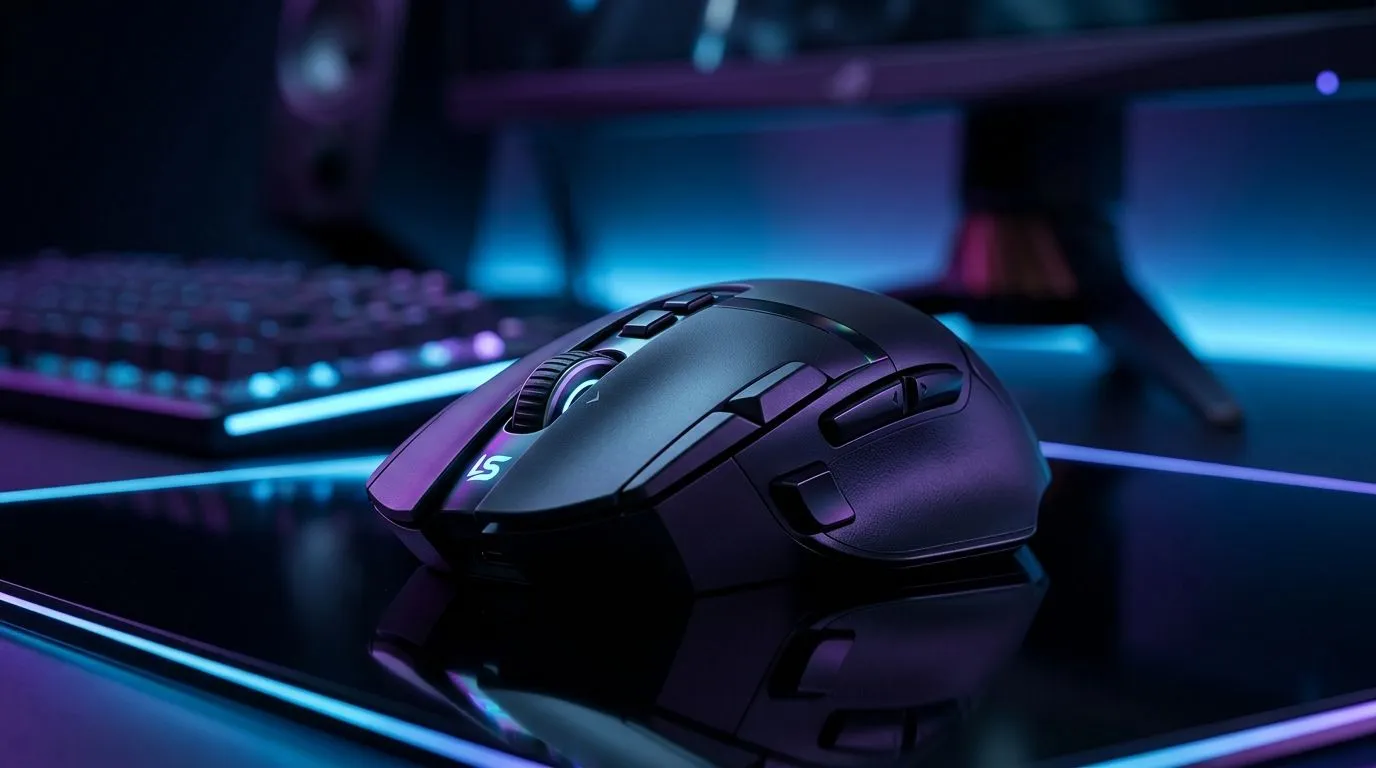
If you grew up on wired mice… and you’re tired of cable management, LIGHTSPEED promises something tempting: wireless that feels fast. ⚡ But is it actually low enough for competitive play, or will you miss the consistency of a cable?
Let’s break it down the practical way. We’ll talk about what latency really means, which settings matter, and how to choose a mouse that won’t leave you guessing mid-match.
Latency is the time it takes for your mouse movement to register on-screen. In real-world gaming, you’re not just fighting “latency”. You’re also fighting tracking consistency, sensor behaviour, and your own muscle memory.
Official Evetech product pages don’t always publish a single “latency number” for every LIGHTSPEED model, so the most reliable buying approach is to focus on:
If you’re coming from wired, your biggest concerns are usually “will it spike?” and “will it feel inconsistent?” For that, choosing a proven wireless gaming mouse line and then configuring it correctly is your best defence.
Even the best wireless setup can feel off if you run incompatible settings. Before you judge wireless against wired, do these checks:
On a gaming PC, plug your mouse into a rear motherboard USB port first for a fair baseline. Rear ports usually avoid front-panel interference and helps you judge whether any “wireless lag” is actually a connection issue.
The safest way to answer “replace wired?” is to buy a gaming-focused wireless mouse known for competitive performance. If you’d like to compare options, you can browse Evetech’s selection and target the models that match your playstyle and grip.
Check out:
Why this matters… because “low enough latency” isn’t only specs. It’s also sensor behaviour, clicks, and comfort. If your aim improves because your grip finally feels right, your “feel” lag disappears.
Sometimes the difference between “feels great” and “feels weird” is the surface and the setup around your mouse.
A mouse can only be as consistent as what it’s tracking on. If you’re changing from wired to wireless, also consider a mousepad that doesn’t cause tracking jitter. You can browse mouse accessories here: mouse accessories at Evetech.
Here’s a quick checklist:
For many competitive players, LIGHTSPEED-class wireless has reached “good enough” territory, especially when configured correctly and paired with a stable setup. The honest answer is: it can replace wired for most people… but the only way to know for your hands and your sensitivity is to test with the right settings.
If you want the cleanest experience in South Africa, focus on buying from a reputable retailer with clear product options and choosing the right shape for your grip.
Ready to Find Your Perfect Match? The Mac vs Windows debate is complex, but for maximum power, choice, and value in South Africa, Windows is hard to beat. Explore our massive range of laptop specials and find the perfect machine to conquer your world.
In modern testing, LIGHTSPEED wireless latency is often under 1ms, making it effectively indistinguishable from a wired connection for even elite esports professionals.
With modern 2.4GHz technology, wireless latency no longer impacts competitive play, allowing you to achieve the same reaction times as a wired setup.
LIGHTSPEED uses a dedicated 2.4GHz USB receiver to bypass the high latency and interference issues common with standard Bluetooth connections.
No, high-end wireless gaming mice now match or sometimes beat the input lag of older wired mice by optimizing sensor polling rates and signal stability.
Modern gaming mice are designed to maintain full performance and low latency even as the battery drains, ensuring consistent tracking during long sessions.
Keep your LIGHTSPEED receiver as close to the mouse as possible using an extension cable to minimize signal interference and ensure a stable connection.
Intel Arc B580 Fable FPS: Performance Benchmark. Real-world benchmark data, FPS numbers & performance analysis. What SA gamers can actually expect.
Read more
RTX 5080 for Photogrammetry: Professional. Real-world benchmark data, FPS numbers & performance analysis. What SA gamers can actually expect.
Read more
Head-to-head comparison of RTX 5050 vs RTX 3050: Price-to-Performance Gamers for SA gamers. Performance benchmarks, Rand pricing & which delivers better value.
Read more
RTX 3060 AI Features: Benchmark & Real-World Test. Real-world benchmark data, FPS numbers & performance analysis. What SA gamers can actually expect.
Read more
Benchmark Your RTX 5060 to Check Performance. Step-by-step instructions with SA-specific tips, common pitfalls to avoid & expert recommendations.
Read more
RTX 3050 DaVinci Resolve Performance: Benchmark. Real-world benchmark data, FPS numbers & performance analysis. What SA gamers can actually expect.
Read more
When Will the RTX 6090 Launch in South Africa Detailed answer with SA data, expert analysis & practical recommendations for local buyers.

Top Valorant Settings for RTX 5070: FPS Optimisation picks evaluated on performance, value & SA availability with current Rand pricing from Evetech.

RDNA 3.5 Graphics in Ryzen AI 400? Can You Game. Plain-English explanation of what it means, why it matters & how it affects your buying decisions in SA.

GPU Price Index : December Report. Current stock data & price tracking for SA buyers. See what is available and where prices are heading.

Core i5-14600K + B760 + RTX 5060 Build Under. Full parts list, Rand pricing & expected performance. Build confidently with SA-available components.

RX 7600 Apex Legends at 4K: FPS Benchmark. Real-world benchmark data, FPS numbers & performance analysis. What SA gamers can actually expect.

RX 7900 XTX GTA 6 at 4K: FPS Benchmark & Optimal. Real-world benchmark data, FPS numbers & performance analysis. What SA gamers can actually expect.

Head-to-head comparison of RTX 5070 vs RX 9070 XT: Gaming Performance for SA gamers. Performance benchmarks, Rand pricing & which delivers better value.

GPU Setup Guide Gamers. Clear setup instructions with SA-specific considerations, troubleshooting tips & recommended components.

Top RTX 5090 Under R12000 picks evaluated on performance, value & SA availability with current Rand pricing from Evetech.

Call of Duty Warzone 2 Settings on RX 7600. Real-world benchmark data, FPS numbers & performance analysis. What SA gamers can actually expect.

GTA 6 Settings on RTX 5070 Ti: Performance. Real-world benchmark data, FPS numbers & performance analysis. What SA gamers can actually expect.