Maximising FPS on a 3440x1440 Ultrawide at 165Hz
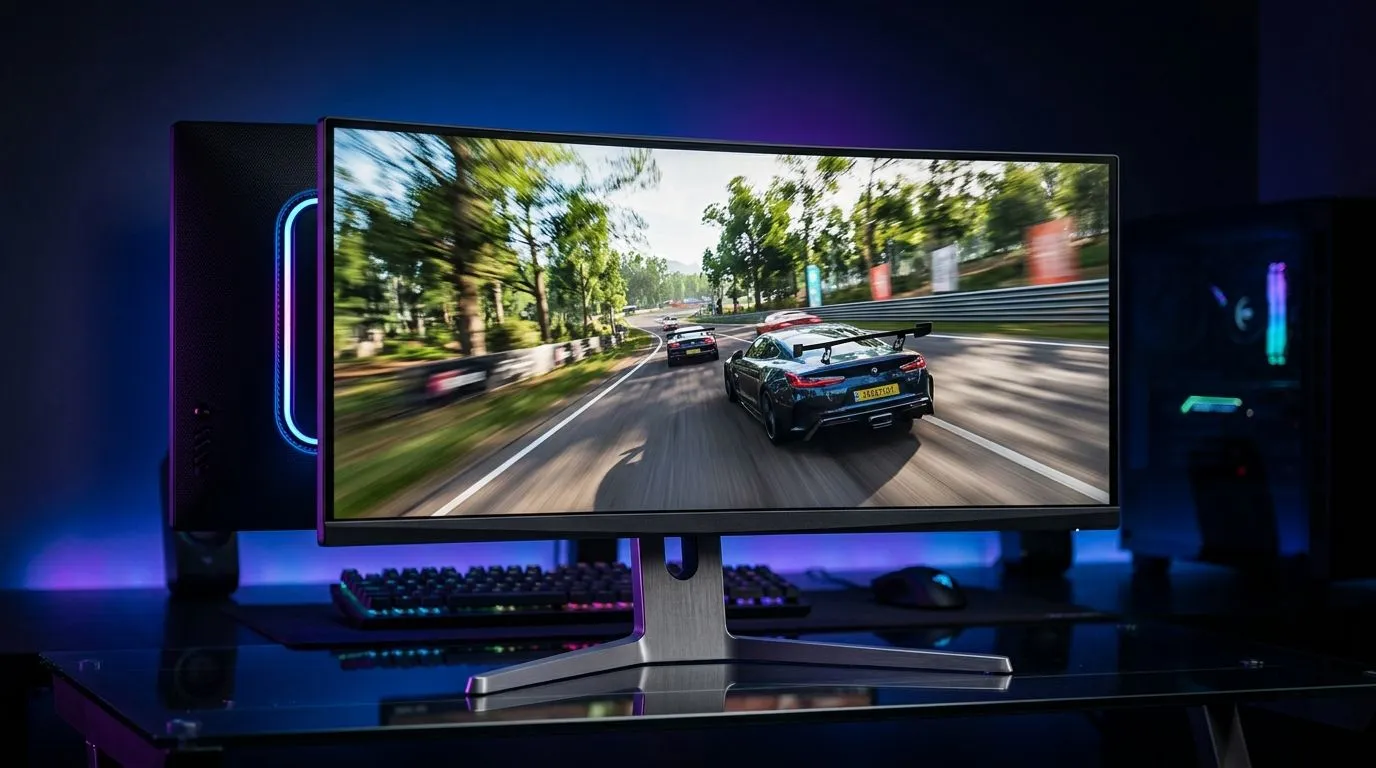
If you’ve ever fired up a game on a 3440x1440 ultrawide and thought, “Why does this look incredible... but my FPS took a knock?”, you’re not alone. That extra width pulls more pixels than standard 1440p, so your GPU has to work harder. At 165Hz, you also want smooth frame pacing, not just a big number on the counter ⚡. The good news? A few smart tweaks can make a real difference without ruining image quality.
Maximising FPS on a 3440x1440 Ultrawide with the right performance priorities
Start with the biggest bottleneck first. In most modern games, the GPU does the heavy lifting at 3440x1440. That means graphics settings matter more than flashy desktop tweaks. Before you touch textures, try lowering expensive options like shadows, ray tracing, ambient occlusion, and volumetric effects. These often cost a lot of performance for a small visual return.
If you’re unsure where to begin, use in-game benchmarks or repeatable scenes. Change one setting at a time. That way, you’ll know what actually helped. Many players chase a higher average FPS, but smooth consistency matters just as much on a 165Hz panel. A stable 120 FPS can feel better than erratic spikes between 90 and 160.
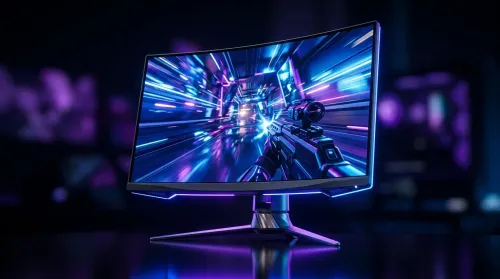
Also check your render scaling. Some games include DLSS, FSR, or XeSS. These upscalers can be especially useful at ultrawide resolutions. Reputable vendor guides from NVIDIA, AMD, and Intel confirm that these technologies are designed to improve performance by rendering at a lower internal resolution before reconstructing the final image. That makes them worth testing first in demanding titles.
Maximising FPS on a 3440x1440 Ultrawide by tuning Windows and drivers
Your operating system settings matter more than many gamers think. Keep GPU drivers updated through NVIDIA, AMD, or Intel’s official tools. New drivers can fix bugs, improve game support, and sometimes add useful optimisation profiles.
Windows power settings should also be checked. Use a high-performance or best-performance mode when plugged in. Close browser tabs, recording apps, and launchers you do not need while gaming. A background app can steal memory or CPU time at the worst moment... usually during a boss fight.
Ultrawide Setup Tip ⚡
On Windows, set your display to its native 3440x1440 resolution and refresh rate first, then tune games individually. That gives you a clean baseline and helps you spot whether a performance dip comes from the game, the driver, or a bad setting.
If you use multiple monitors, make sure the ultrawide is the main display for gaming. Some systems waste resources if a game is launching on the wrong screen or mirroring across displays.
Maximising FPS on a 3440x1440 Ultrawide with smarter hardware choices
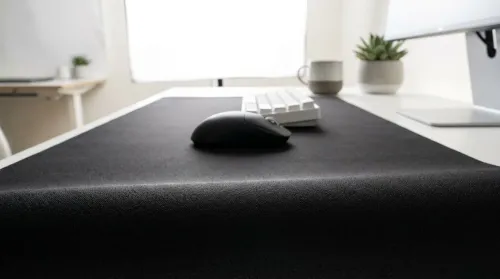
A strong PC can still feel worse if the setup is awkward. A proper desk helps you sit at the right distance, which matters on ultrawide panels. If you’re building a dedicated battle station, consider a gaming desk that gives your monitor and peripherals proper breathing room. It sounds simple, but a stable, well-sized surface improves posture and makes long sessions less tiring.
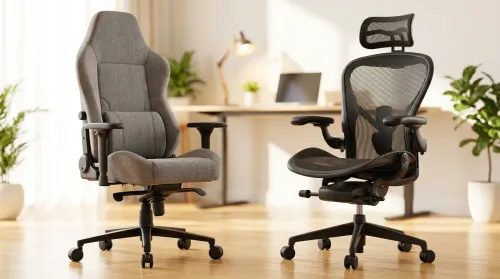
Comfort also matters more than people admit. If you’re leaning forward or constantly shifting in your chair, fatigue builds fast. That can make you notice stutter more, and it can affect reaction time. A solid gaming chair for South African setups helps keep you in the zone for longer sessions.
And if you want a cleaner visual loadout, small lighting touches can make your rig feel premium without affecting FPS. Something like NZXT case lighting for your build adds style without demanding more from the GPU. For some users, a tidy, balanced workspace even reduces distractions and improves focus during ranked play ✨.
Maximising FPS on a 3440x1440 Ultrawide with a practical South African approach
South African buyers know value matters. Don’t chase raw specs without checking the whole system. A fast CPU, enough RAM, and a capable GPU all need to work together. If one part is weak, the whole experience suffers. For ultrawide gaming, memory stability and GPU headroom matter a lot. That is especially true in open-world games, simulation titles, and competitive shooters with high refresh targets.
If your current rig struggles, prioritise upgrades in this order:
- GPU first, if frames are clearly capped by graphics load.
- RAM capacity and speed, if you’re multitasking or seeing hitching.
- CPU, if the game is heavily simulation or esports-focused.
- Storage, if load times and streaming stutter are a problem.
Also remember that 165Hz is a target, not a requirement. You do not need to hit 165 FPS in every game to enjoy the panel. What you want is responsiveness, low input lag, and consistent delivery. That is often easier to achieve with a few careful setting changes than with a full rebuild.
Maximising FPS on a 3440x1440 Ultrawide without sacrificing the fun
The best setup is the one you actually enjoy using. A beautifully tuned ultrawide can feel incredible when everything clicks. But the secret is balance... not just maxing every slider. Use the tools you have, test intelligently, and make changes that match the games you play most.
If you want the biggest uplift with the least hassle, start with upscaling, shadow settings, and background app cleanup. Then build from there. Small wins add up fast... and on a 165Hz ultrawide, they’re worth chasing.
Ready to Find Your Perfect Match?
The Mac vs Windows debate is complex, but for maximum power, choice, and value in South Africa, Windows is hard to beat. Explore our massive range of laptop specials and find the perfect machine to conquer your world.