

144Hz monitor vs 27-inch monitor: Which Should SA Gamers Buy in 2026?
Head-to-head comparison of 144Hz monitor vs 27-inch monitor: Which Should for SA gamers. Performance benchmarks, Rand pricing & which delivers better value.
Read moreNVIDIA Reflex Tarkov cuts input delay and sharpens aim. This guide shows step-by-step settings, driver tips, and simple benchmarks to reduce lag and boost responsiveness 🎯⚡
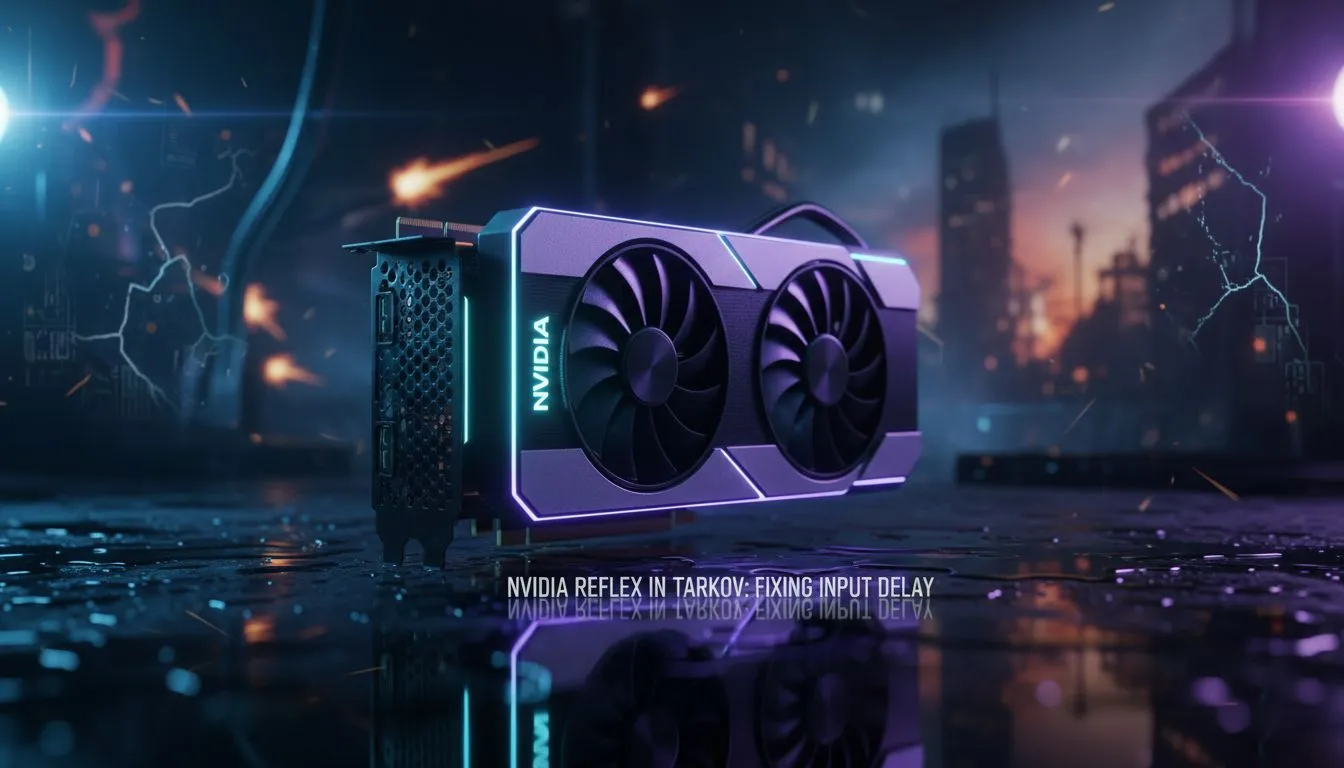
In the unforgiving world of Escape from Tarkov, a single millisecond determines whether you extract with a backpack full of loot or head back to the hideout with nothing. For South African players battling distance-based latency, every bit of local hardware optimisation counts. Using NVIDIA Reflex Tarkov settings to fix input delay for smoother aim is the most effective way to bridge the gap between your reaction and the server's response.
System latency is the delay between clicking your mouse and seeing the muzzle flash on your screen. In a high-stakes tactical shooter, this delay makes your aim feel "floaty" or heavy. When you engage NVIDIA Reflex, the technology bypasses the traditional GPU render queue... allowing the CPU to submit frames to the GPU just in time for rendering. This synchronisation drastically reduces the time it takes for your inputs to register.
If you are currently struggling with stuttering during intense firefights on Streets of Tarkov, upgrading to modern NVIDIA graphics cards is the most direct path to unlocking these latency-reducing features.
In the EFT graphics settings, set NVIDIA Reflex Low Latency to 'On + Boost'. This prevents your GPU from entering power-saving states, keeping clock speeds high and ensuring your frames are delivered to the monitor as fast as possible. This is especially useful if your CPU is older than your GPU.
While any 10-series card or newer supports Reflex, the benefits scale with better hardware. Many local enthusiasts prefer MSI NVIDIA GPUs because their robust thermal designs handle the South African summer heat without throttling performance. Maintaining high, stable frame rates is essential because Reflex works best when your system is GPU-bound.
Not every build requires the green team's flagship. For those looking at different value propositions, Intel Arc graphics cards offer unique AV1 encoding capabilities that are great for streamers. Similarly, users who double their gaming rig as a professional rendering station might find workstation graphics cards more suited to their 9-to-5 requirements... even if they spend their 5-to-9 hunting Killa.
If you prefer the "Red Team" ecosystem, you can buy AMD Radeon graphics cards to utilise Radeon Anti-Lag. While it functions differently than Reflex, it provides a similar reduction in input lag for AMD users, ensuring your flick shots remain crisp.
Beyond in-game settings, ensure your Windows "Game Mode" is active and your power plan is set to "High Performance". These small tweaks, combined with NVIDIA Reflex Tarkov optimisations, ensure that your hardware isn't waiting on software bottlenecks. When you spend upwards of R15,000 on a high-end GPU, you want every bit of that power dedicated to your survival in the Norvinsk region.
Ready to Dominate the Raid? Don't let input lag be the reason you lose your best gear set. Whether you need the latest RTX power or a budget-friendly upgrade, we have the hardware to keep you competitive. Explore our massive range of graphics card specials and find the perfect machine to conquer Tarkov.
Yes. NVIDIA Reflex supports Tarkov; enable it in-game or via NVIDIA Control Panel to help reduce input delay and improve responsiveness.
Open Tarkov settings > Video > NVIDIA Reflex and select Enabled or Enabled+Boost. Also update GPU drivers for best results.
Reflex reduces system latency but won't fix hardware problems. Combine Reflex with mouse polling, driver updates, and lower render latency.
Use Enabled or Enabled+Boost, set low-latency GPU options, cap FPS to stable range, and test with benchmarks to tune settings.
Reflex focuses on latency, not FPS. Enabled+Boost can improve responsiveness; FPS may stay similar or drop slightly depending on hardware.
Most modern NVIDIA GTX 900 series and newer support Reflex, but GTX 10/16 and RTX series deliver the best latency improvements.
Use NVIDIA Reflex Latency Analyzer or frame timing tools and in-game benchmarks to compare before and after enabling Reflex.
Head-to-head comparison of 144Hz monitor vs 27-inch monitor: Which Should for SA gamers. Performance benchmarks, Rand pricing & which delivers better value.
Read more
Head-to-head comparison of ultrawide monitor vs gaming monitor: Which Should for SA gamers. Performance benchmarks, Rand pricing & which delivers better value.
Read more
Head-to-head comparison of Rand vs Dollar: How Exchange Rate Affects Monitor for SA gamers. Performance benchmarks, Rand pricing & which delivers better value.
Read more
Is the 27-inch monitor Worth Buying in South Africa Detailed answer with SA data, expert analysis & practical recommendations for local buyers.
Read more
Head-to-head comparison of 1000R vs 1500R vs 1800R Curve Explained: Which for SA gamers. Performance benchmarks, Rand pricing & which delivers better value.
Read more
Head-to-head comparison of Curved Monitor vs Flat Monitor: Which Should for SA gamers. Performance benchmarks, Rand pricing & which delivers better value.
Read more
Every spec on PCIe 5.0 explained in plain English. What matters for gaming and creator work in 2026, what's marketing fluff, and how each number translates to real-world performance.

A head-to-head look at WiFi 7: real-world performance, ZAR pricing and which option delivers better value for SA builders. The clear answer — no fluff.

Everything you need to set up and tune PCIe 5.0 properly: the prep work, the settings that actually matter, and the mistakes to skip. Written for SA builders in 2026.

Everything you need to set up and tune X870E Motherboard properly: the prep work, the settings that actually matter, and the mistakes to skip. Written for SA builders in 2026.

Wondering what a 512GB SSD capacity really holds? This guide breaks down how many games, photos, and documents fit on 512GB, with real-world ranges 📦💾

Every spec on vrm explained in plain English. What matters for gaming and creator work in 2026, what's marketing fluff, and how each number translates to real-world performance.

Every spec on motherboard explained in plain English. What matters for gaming and creator work in 2026, what's marketing fluff, and how each number translates to real-world performance.

Premium vs Midrange Motherboards in South Africa: real-world performance, SA pricing, power draw and which one delivers better value for your build for SA buyers. The clear answer — without the fluff.
Wondering what a 512GB SSD capacity really holds? This guide breaks down how many games, photos, and documents fit on 512GB, with real-world ranges 📦💾
Every spec on PCIe 5.0 explained in plain English. What matters for gaming and creator work in 2026, what's marketing fluff, and how each number translates to real-world performance.
A head-to-head look at WiFi 7: real-world performance, ZAR pricing and which option delivers better value for SA builders. The clear answer — no fluff.

Every spec on USB4 explained in plain English. What matters for gaming and creator work in 2026, what's marketing fluff, and how each number translates to real-world performance.