


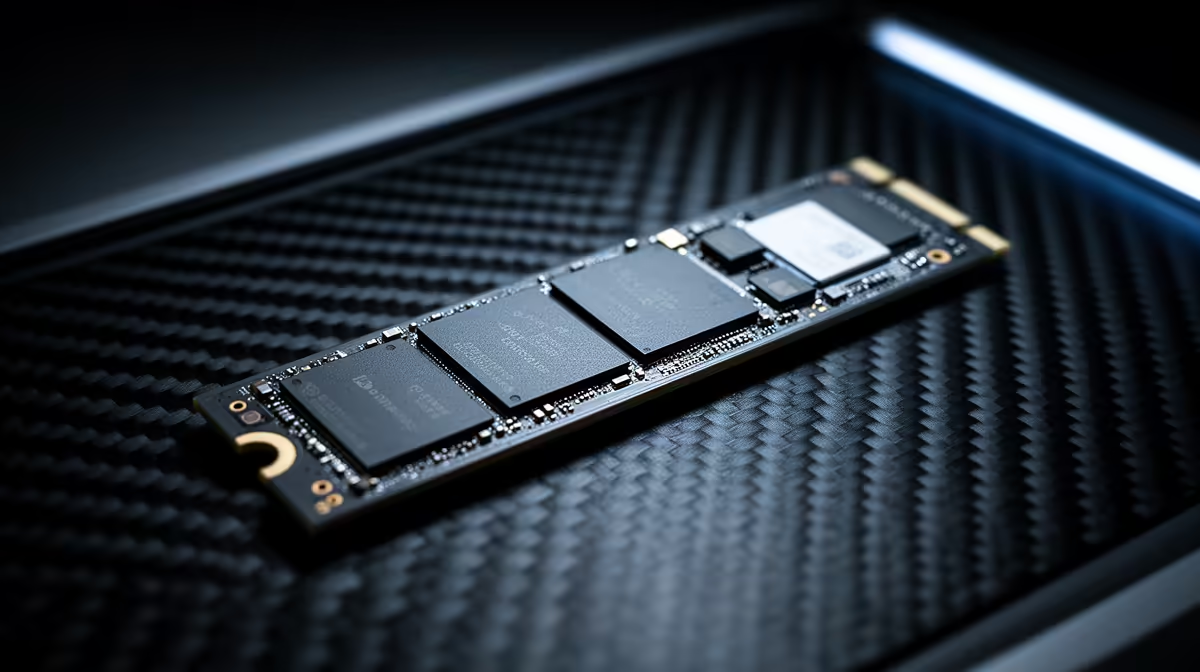
Tired of staring at loading screens while your mates are already dropping into the action? We've all been there. That spinning wheel is the ultimate vibe killer. The culprit is often your storage drive. The big question for any PC builder in South Africa today is NVMe vs SATA. Is the speed difference really noticeable, or is it just numbers on a box? Let's dive into the benchmark data and find out. 🚀
Understanding the Core Differences: NVMe vs SATA
Before we get into the performance data, let's quickly break down what we're comparing. Think of it like this: a SATA SSD is like a reliable sedan on a national highway. It's fast, dependable, and a massive upgrade over an old dirt road (your mechanical hard drive). An NVMe SSD, on the other hand, is a Formula 1 car on a dedicated racetrack. It uses the PCIe bus, a direct lane to your CPU, slashing latency and unlocking incredible speeds.
While both are types of solid-state drives (SSDs), their underlying technology dictates their performance ceiling.
The SSD Benchmark Showdown: Analysing the Numbers
This is where the NVMe vs SATA SSD benchmark gets interesting. Numbers don't lie, and the performance gap is massive.
Sequential Speeds: The Big Number Game
Sequential speeds measure how quickly a drive can read or write large, single files… think transferring a 4K movie or installing a massive game like Baldur's Gate 3.
- SATA 3 SSDs: Typically max out around 550 MB/s.
- PCIe Gen4 NVMe SSDs: Can reach speeds of 7,000 MB/s and beyond. Some newer Gen5 drives are pushing past 12,000 MB/s! ⚡
The data is clear: for large file operations, NVMe is in a completely different league. You'll feel this difference most when moving big project files or installing hefty applications. You can browse a wide range of blazing-fast NVMe SSDs to see these specs in action.
Check Your Motherboard! 🔧
"Before you buy a super-fast NVMe drive, check your motherboard's specs. You'll need a free M.2 slot that supports the correct PCIe generation (e.g., PCIe 4.0) to get the advertised speeds. Plugging a Gen4 drive into a Gen3 slot will limit its performance."
Random Read/Write (4K) Speeds: The Real-World Impact
While sequential speeds look impressive, 4K random speeds are often more important for general system responsiveness. This benchmark measures how the drive handles small, scattered files—like the ones your operating system and games access constantly.
Here too, NVMe has a significant advantage due to its lower latency. This translates into:
- Faster Windows boot times.
- Quicker application launches.
- Snappier game level loading.
An NVMe drive makes your entire PC feel more instantaneous and responsive.
Does the NVMe vs SATA Benchmark Matter for Your Rig?
So, the benchmarks show NVMe is the undisputed speed king. But do you need that performance?
For most South African gamers and power users, the answer is a resounding yes. Modern games with vast open worlds stream assets directly from your SSD. A faster NVMe drive can reduce in-game stuttering and texture pop-in, creating a smoother experience. For content creators editing high-resolution video, the time saved on rendering and file access is a massive productivity boost.
However, that doesn't make SATA obsolete. For a budget-conscious build or a secondary games library drive, reliable 2.5-inch SATA SSDs still offer fantastic value and are a monumental upgrade over any mechanical hard drive. ✨
The final verdict on the NVMe vs SATA debate comes down to your specific needs and budget. If you're building a new performance rig or want the most responsive experience possible, NVMe is the way to go. If you're looking for a cost-effective speed boost, a SATA SSD remains a brilliant choice.
Ready to Ditch the Loading Screens? Your PC deserves a speed upgrade that you can actually feel. Check out the best SSD deals in South Africa and find the perfect drive for your budget and performance needs.











