

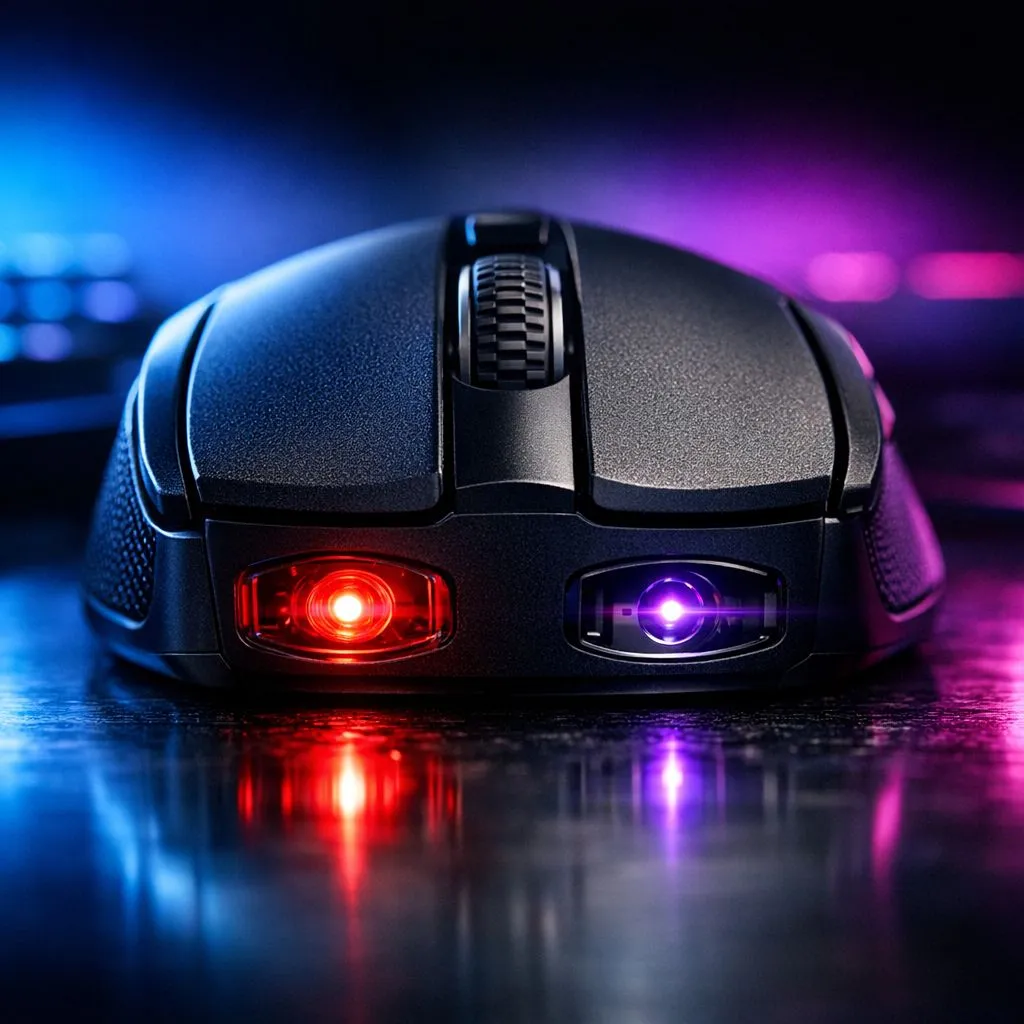
Understanding Optical vs Laser Mouse Sensors: Why Optical Wins for Precision
Ever missed a headshot in Counter-Strike because your cursor skipped? It might not be lag. In the battle of Optical vs Laser Mouse Sensors: Why Optical Wins for Precision, the choice of tech under your palm matters. Whether you are climbing the ranks in Valorant or editing 4K video in Joburg, understanding your sensor is the first step to better performance. 🎮
The Fundamental Difference in Tracking Technology
Optical and laser sensors both use CMOS sensors to take "pictures" of your desk. The difference lies in the light source. Laser sensors use an infrared laser diode. This light penetrates deeper into the surface texture. While this sounds good, it often leads to "jitter" or unwanted acceleration.
If you want a consistent feel, you should look for a wired mouse featuring a modern optical sensor. These sensors use LED light to track the top layer of your mousepad. This results in a much smoother, 1:1 movement that matches your hand perfectly.
Precision Pro Tip ⚡
Always disable 'Enhance Pointer Precision' in your Windows Mouse Settings. This feature adds artificial acceleration that ruins muscle memory. For the best results in competitive gaming, keep your Windows sensitivity at 6 11 and adjust your DPI directly on your mouse software instead.
Why Optical Sensors Dominate the Competitive Scene
In South Africa, our local esports scene is growing fast. Competitive players demand reliability. Optical sensors are favoured because they lack the inherent "acceleration" found in laser tech. When you flick your wrist, the cursor moves exactly where you expect.
When browsing for a high-performance gaming mouse, you will notice that almost every top-tier model uses optical technology. These sensors have evolved to handle incredibly high speeds without losing track. You can often find these premium sensors at great prices by checking out gaming mouse deals starting from as low as R499.
Surface Compatibility and Maintenance
Laser mice do have one advantage... they work on glass and glossy desks. Optical sensors require a non-reflective surface to function correctly. However, a dedicated gaming surface is a small price to pay for superior accuracy.
To keep your tracking flawless, you might need to buy mouse accessories like microfibre cloths or replacement skates. Dust and hair can easily block the small sensor opening... leading to those annoying stutters during a match.
Is Wireless Still Laggy?
The old myth that wireless is slower than wired is officially dead. Modern wireless tech from brands like Logitech and Razer is now faster than many wired alternatives. If you want to declutter your desk, you can confidently buy a wireless mouse without worrying about sensor lag. Just ensure it uses a high-grade optical sensor for that crisp, precise feel.
Ready to Find Your Perfect Match? The debate between optical and laser sensors is clear... for precision and gaming, optical is the undisputed king. Explore our massive range of gaming mouse specials and find the perfect sensor to dominate your next match.











