

Is Overclocking TKL keyboard Worth It in SA?
Is Overclocking TKL keyboard Worth It in SA Detailed answer with SA data, expert analysis & practical recommendations for local buyers.
Read moreDiscover the best PC specs for streaming South Africa has to offer. 🚀 This guide breaks down how your CPU, GPU, and RAM directly impact your stream quality, helping you eliminate lag and deliver a professional broadcast to your audience. Learn what to prioritize for a smooth, high-definition stream every time. Ready to level up? Let's dive in! 🎮
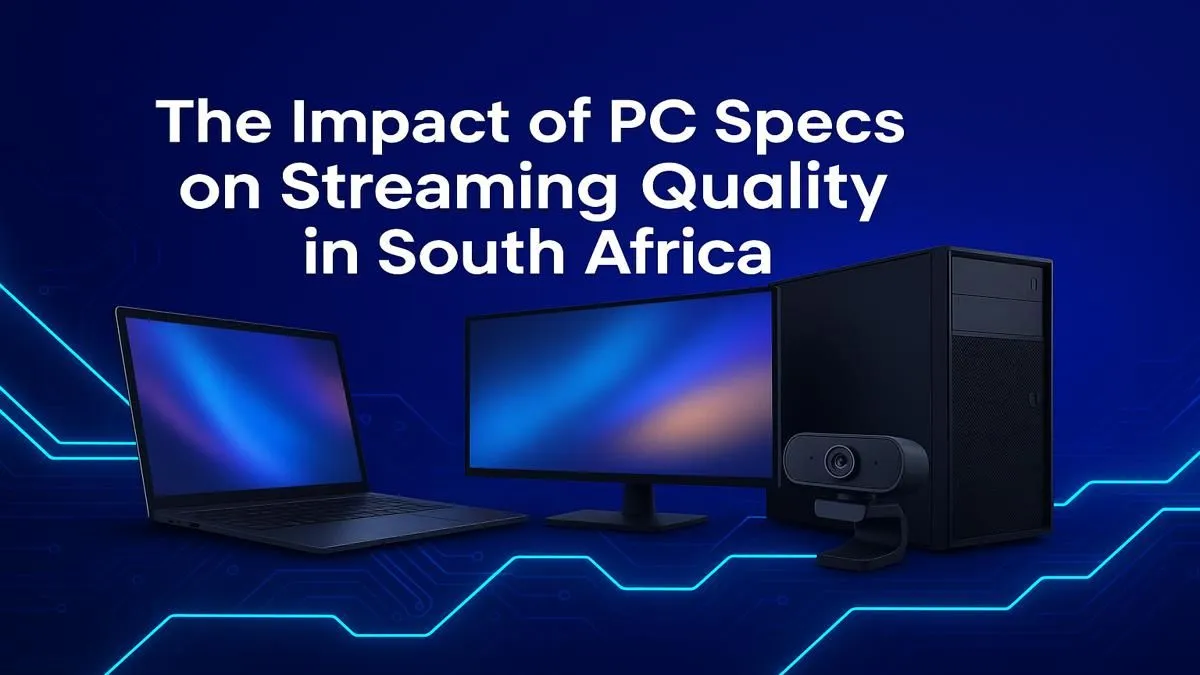
Dreaming of hitting 'Go Live' and sharing your gameplay with Mzansi and the world? Awesome! But a choppy, pixelated stream can kill your vibe faster than a surprise loadshedding announcement. Getting the right PC specs for streaming in South Africa isn't just about raw power; it's about smart, balanced choices that deliver a smooth experience for you and a crystal-clear broadcast for your viewers. Let’s get your channel looking professional. 🚀
Before we dive into the components, let's get one thing straight. Streaming is demanding. You're essentially asking your PC to do two heavy jobs at once: run a demanding game at high frame rates and simultaneously encode that gameplay into a video feed to broadcast online.
This dual workload is why a standard gaming PC can sometimes struggle. A dedicated streaming build needs a bit more muscle in key areas. Getting the right balance in your streaming PC specs is crucial for avoiding frustrating in-game stutters and dropped frames on your broadcast.
The Central Processing Unit (CPU) is the brain of your operation. When it comes to streaming, it plays a massive role in encoding your video. You have two main options: encode with your CPU (using the x264 encoder in software like OBS) or with your GPU.
While GPU encoding is excellent, a powerful CPU gives you flexibility and raw power for multitasking. More cores and threads mean your PC can juggle Discord, your game, OBS, and browser tabs without breaking a sweat.
Your Graphics Card (GPU) is king for gaming, but it's also a streaming superstar. Modern NVIDIA and AMD GPUs have dedicated media encoders built right in. The most popular is NVIDIA's NVENC encoder, found in their GeForce cards. It's incredibly efficient and has a minimal impact on your gaming frame rates.
Using your GPU for encoding frees up your CPU to focus entirely on the game, often resulting in a smoother overall experience.
South Africa's internet upload speeds can be a challenge. In OBS, go to Settings > Output. Set your video bitrate between 3500 and 5000 Kbps for a stable 1080p stream on a typical fibre line. Always run a speed test first and never set your bitrate higher than 80% of your upload speed!
Don't overlook your memory and storage when planning your PC specs for streaming. These components are vital for smooth, hitch-free operation.
So, what does this all mean for you? You don't need to spend R50,000 to get started. Many modern systems offer a fantastic streaming experience without breaking the bank. The key is balance.
You can find some excellent starter streaming rigs that pair a solid CPU like a Ryzen 5 with an RTX 30-series card, which is more than enough to get a high-quality 1080p stream live. For those who want to jump straight in without the hassle of building, exploring powerful pre-built PC deals is the quickest way to get from unboxing to 'Go Live'.
Ready to Go Live? Choosing the right PC is the first step to building your streaming empire. Stop guessing and start broadcasting. Explore our massive range of gaming PCs and find the perfect machine to launch your channel today.
For a smooth 1080p stream, you need at least an Intel Core i5 or AMD Ryzen 5 CPU, 16GB of RAM, and a dedicated GPU like an NVIDIA GeForce RTX 3050 or better.
16GB of RAM is the sweet spot for gaming and streaming simultaneously. It gives your system enough memory to handle the game, streaming software, and OS without performance issues.
Yes. A powerful GPU with a modern encoder (like NVIDIA's NVENC) significantly improves stream quality by handling the video encoding, which frees up your CPU and prevents dropped frames.
The CPU is crucial for encoding your stream, but a modern GPU is equally important. A balanced system with a good CPU and GPU is the key to a high-quality broadcast.
Absolutely. The key is ensuring your PC build for streaming in South Africa meets the demands of modern software. This guide helps you choose the right local components from Evetech.
A stable upload speed is critical. For a 1080p stream, aim for at least 6-8 Mbps upload speed. Fibre is highly recommended in South Africa for its reliability and low latency.
Is Overclocking TKL keyboard Worth It in SA Detailed answer with SA data, expert analysis & practical recommendations for local buyers.
Read more
Geekbench Keyboard Benchmarks: Rankings. Real-world benchmark data, FPS numbers & performance analysis. What SA gamers can actually expect.
Read more
Head-to-head comparison of Keyboard Prices: Online vs Physical Stores for SA gamers. Performance benchmarks, Rand pricing & which delivers better value.
Read more
Head-to-head comparison of Apple Magic Keyboard vs Third-Party: Is It Worth for SA gamers. Performance benchmarks, Rand pricing & which delivers better value.
Read more
Snapdragon X2 NPU Explained: How 80 TOPS Changes. Plain-English explanation of what it means, why it matters & how it affects your buying decisions in SA.

HBM? High Bandwidth Memory Used in GPUs and AI. Plain-English explanation of what it means, why it matters & how it affects your buying decisions in SA.

How much should you spend on sim racing accessories in South Africa for a realistic setup? We break down budgets by quality tiers, so you buy smart gear and avoid overspending 🎮💸

G-Sync and FreeSync? Variable Refresh Rate. Plain-English explanation of what it means, why it matters & how it affects your buying decisions in SA.

AMD Laptop: Value. SA-focused analysis with local pricing data, real-world insights & actionable buying advice.

How MacBook Neo Handles 30+ Chrome Tabs with Only. SA-focused analysis with local pricing data, real-world insights & actionable buying advice.

Why Apple Put 8GB RAM in MacBook Neo: The A18 Pro. SA-focused analysis with local pricing data, real-world insights & actionable buying advice.

Upgrade your work laptop with a New Motherboard. Step-by-step instructions with SA-specific tips, common pitfalls to avoid & expert recommendations.

MacBook Pro 16-Inch M5 Max: Complete Specs,. Everything you need to know with SA pricing, step-by-step instructions & expert recommendations.

Travelling With a MacBook: Travellers. Everything you need to know with SA pricing, step-by-step instructions & expert recommendations.

Back-to-School Parent Guide: Laptops. Everything you need to know with SA pricing, step-by-step instructions & expert recommendations.

MacBook Air 13-Inch M5: Complete Specs, Features. Everything you need to know with SA pricing, step-by-step instructions & expert recommendations.