


144Hz monitor vs 27-inch monitor: Which Should SA Gamers Buy in 2026?
Head-to-head comparison of 144Hz monitor vs 27-inch monitor: Which Should for SA gamers. Performance benchmarks, Rand pricing & which delivers better value.
Read moreDeciding on PCIe 5.0 vs 4.0 SSD for gaming? We break down the real-world performance, load times, and prices in South Africa. Discover if the next-gen speed of PCIe 5.0 is a game-changer or if PCIe 4.0 is still the champion for your rig. Get the data you need to win! ���🎮
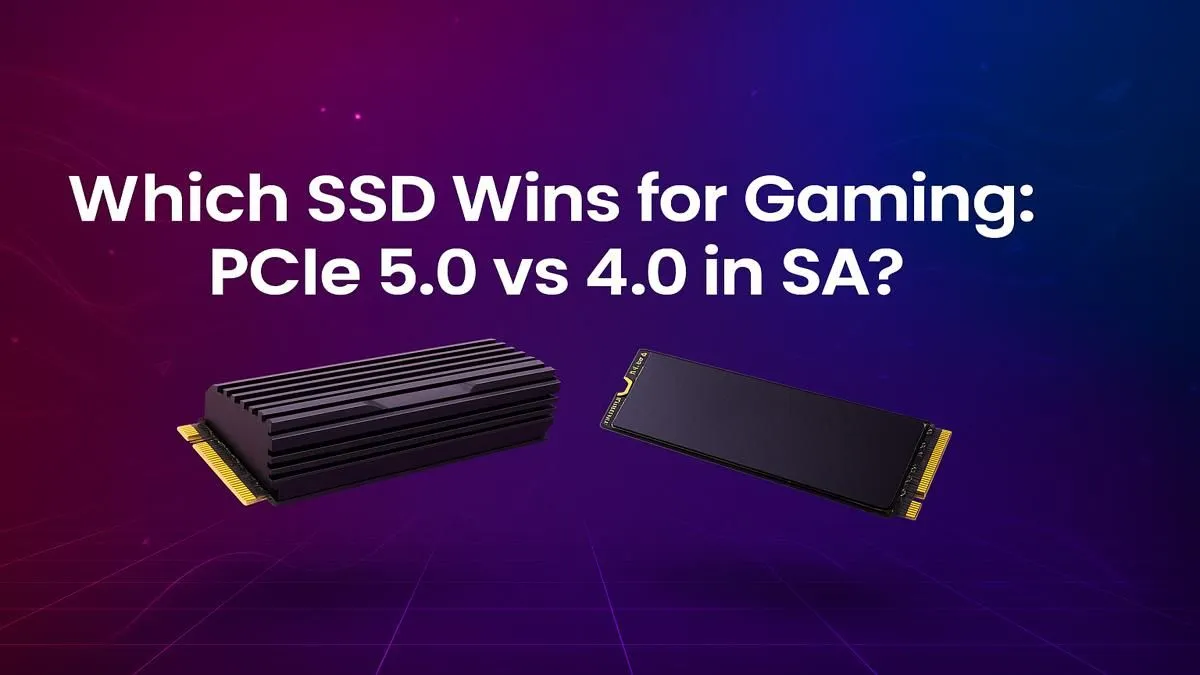
Staring at a loading screen is every gamer’s nightmare. You’ve got the rig, the skills, and the snacks… but you’re stuck waiting. In the quest for instant action, the PCIe 5.0 vs 4.0 SSD for gaming debate is heating up across South Africa. Is the jump to the latest generation worth your hard-earned Rands, or is the trusty Gen 4 still the champion for Mzansi gamers? Let's find out.
At its core, the difference is all about speed. Think of PCI Express (PCIe) as a digital highway connecting your SSD to the rest of your PC. PCIe 4.0 was a fast, multi-lane highway. PCIe 5.0 simply doubles the number of lanes, effectively doubling the potential data transfer speed. 🚀
A top-tier PCIe 4.0 NVMe SSD might peak at around 7,000 MB/s. A new PCIe 5.0 drive? We're talking blistering speeds of 12,000 MB/s or even more. This raw power means data can be accessed and loaded at a pace we've never seen before. While the underlying tech is complex, the takeaway is simple: Gen 5 is theoretically twice as fast. You can explore the technical specs across our complete range of NVMe SSDs to see the evolution for yourself.
This is where the PCIe 5.0 vs 4.0 SSD for gaming discussion gets interesting. Will a Gen 5 drive slash your game load times in half? Right now… not exactly.
For most current games, the leap from a good SATA SSD to a PCIe 4.0 drive was massive. The jump from PCIe 4.0 to 5.0 is far more subtle. You might see a second or two shaved off loading into Cyberpunk 2077's Night City or hopping into a map in Call of Duty. It’s faster, for sure, but maybe not life-changing just yet. Why? Because most current games aren't designed to fully utilise that extra bandwidth.
The real potential lies in future technologies like Microsoft's DirectStorage API, which allows the GPU to directly stream assets from the SSD, bypassing the CPU. As more developers adopt this, the speed of a Gen 5 drive will become a significant advantage. For now, the performance of proven Gen 4 NVMe SSDs remains the sweet spot for pure gaming value.
Before you even think about a Gen 5 SSD, confirm your hardware is compatible. You'll need a motherboard and CPU that support the PCIe 5.0 standard. For Intel, this means a 12th Gen or newer CPU with a Z690 Z790 motherboard. For AMD, you're looking at a Ryzen 7000 series CPU on an X670 B650 board. Always check your motherboard's spec sheet!
While the immediate benefit for gaming is still emerging, the advantage of PCIe 5.0 is crystal clear for content creators and power users. If your workflow involves…
For these tasks, a Gen 5 SSD isn't a luxury; it's a productivity machine that saves you valuable time. If your PC is a tool for both work and play, it's worth taking a moment to explore the latest Gen 5 NVMe SSDs and what they can do for your workflow.
So, after weighing the PCIe 5.0 vs 4.0 SSD for gaming pros and cons, what's the final call for South African gamers? It comes down to your priorities and budget.
Go for PCIe 4.0 if: You are a dedicated gamer looking for the absolute best price-to-performance ratio. A quality 1TB or 2TB Gen 4 drive delivers lightning-fast load times for all current titles and will serve you well for years. The money you save can be better spent on a more powerful GPU or a bigger monitor.
Go for PCIe 5.0 if: You are building a brand-new, top-of-the-line system and want it to be future-proof. If you're also a content creator, or simply someone who demands the absolute fastest performance with zero compromises, the investment in Gen 5 makes perfect sense. It’s the pinnacle of storage technology today. ✨
Ultimately, both are fantastic choices. The best move is to find a drive that fits your system and your wallet. It's always a good idea to check out the latest SSD deals to see where you can get the most gigabytes for your Rand.
Ready to Obliterate Loading Screens? Whether you're chasing ultimate future-proof performance with PCIe 5.0 or smart value with PCIe 4.0, the right SSD is waiting for you. Explore our massive range of SSD deals and find the perfect drive to power up your rig.
For most current games, the difference in load times is minimal, often just a fraction of a second. The real benefit of PCIe 5.0 will be seen in future titles using DirectStorage.
Yes, you need a compatible motherboard with a PCIe 5.0 M.2 slot and a supporting CPU (like Intel 12th Gen+ or AMD Ryzen 7000 series+) to get full Gen 5 speeds.
Absolutely. PCIe 4.0 SSDs offer incredible performance for gaming at a much more affordable price in SA, making them the best value choice for most gamers today.
The main benefit is future-proofing. As games adopt technologies like Microsoft's DirectStorage, the ultra-high speeds of Gen 5 drives will significantly reduce asset loading times.
Check your motherboard's specifications on the manufacturer's website. Look for an M.2 slot designated as 'PCIe 5.0 x4' or 'Gen 5'. Your CPU must also support it.
No, an SSD's speed does not directly impact your frames-per-second (FPS). FPS is primarily determined by your GPU and CPU. An SSD only affects loading times and asset streaming.
Head-to-head comparison of 144Hz monitor vs 27-inch monitor: Which Should for SA gamers. Performance benchmarks, Rand pricing & which delivers better value.
Read more
Head-to-head comparison of ultrawide monitor vs gaming monitor: Which Should for SA gamers. Performance benchmarks, Rand pricing & which delivers better value.
Read more
Head-to-head comparison of Rand vs Dollar: How Exchange Rate Affects Monitor for SA gamers. Performance benchmarks, Rand pricing & which delivers better value.
Read more
Is the 27-inch monitor Worth Buying in South Africa Detailed answer with SA data, expert analysis & practical recommendations for local buyers.
Read more
Head-to-head comparison of 1000R vs 1500R vs 1800R Curve Explained: Which for SA gamers. Performance benchmarks, Rand pricing & which delivers better value.
Read more
Head-to-head comparison of Curved Monitor vs Flat Monitor: Which Should for SA gamers. Performance benchmarks, Rand pricing & which delivers better value.
Read more
Every spec on PCIe 5.0 explained in plain English. What matters for gaming and creator work in 2026, what's marketing fluff, and how each number translates to real-world performance.

A head-to-head look at WiFi 7: real-world performance, ZAR pricing and which option delivers better value for SA builders. The clear answer — no fluff.

Everything you need to set up and tune PCIe 5.0 properly: the prep work, the settings that actually matter, and the mistakes to skip. Written for SA builders in 2026.

Everything you need to set up and tune X870E Motherboard properly: the prep work, the settings that actually matter, and the mistakes to skip. Written for SA builders in 2026.

Wondering what a 512GB SSD capacity really holds? This guide breaks down how many games, photos, and documents fit on 512GB, with real-world ranges 📦💾

Every spec on vrm explained in plain English. What matters for gaming and creator work in 2026, what's marketing fluff, and how each number translates to real-world performance.

Every spec on motherboard explained in plain English. What matters for gaming and creator work in 2026, what's marketing fluff, and how each number translates to real-world performance.

Premium vs Midrange Motherboards in South Africa: real-world performance, SA pricing, power draw and which one delivers better value for your build for SA buyers. The clear answer — without the fluff.
Wondering what a 512GB SSD capacity really holds? This guide breaks down how many games, photos, and documents fit on 512GB, with real-world ranges 📦💾
Every spec on PCIe 5.0 explained in plain English. What matters for gaming and creator work in 2026, what's marketing fluff, and how each number translates to real-world performance.
A head-to-head look at WiFi 7: real-world performance, ZAR pricing and which option delivers better value for SA builders. The clear answer — no fluff.

Every spec on USB4 explained in plain English. What matters for gaming and creator work in 2026, what's marketing fluff, and how each number translates to real-world performance.