

Intel Arc B580 Fable FPS: Performance Benchmark & Best Settings
Intel Arc B580 Fable FPS: Performance Benchmark. Real-world benchmark data, FPS numbers & performance analysis. What SA gamers can actually expect.
Read moreIs the PixArt PAW3395 sensor worth the upgrade? We analyze how this flagship sensor improves your aim, lowers latency, and boosts tracking accuracy for competitive gaming. 🖱️🎯
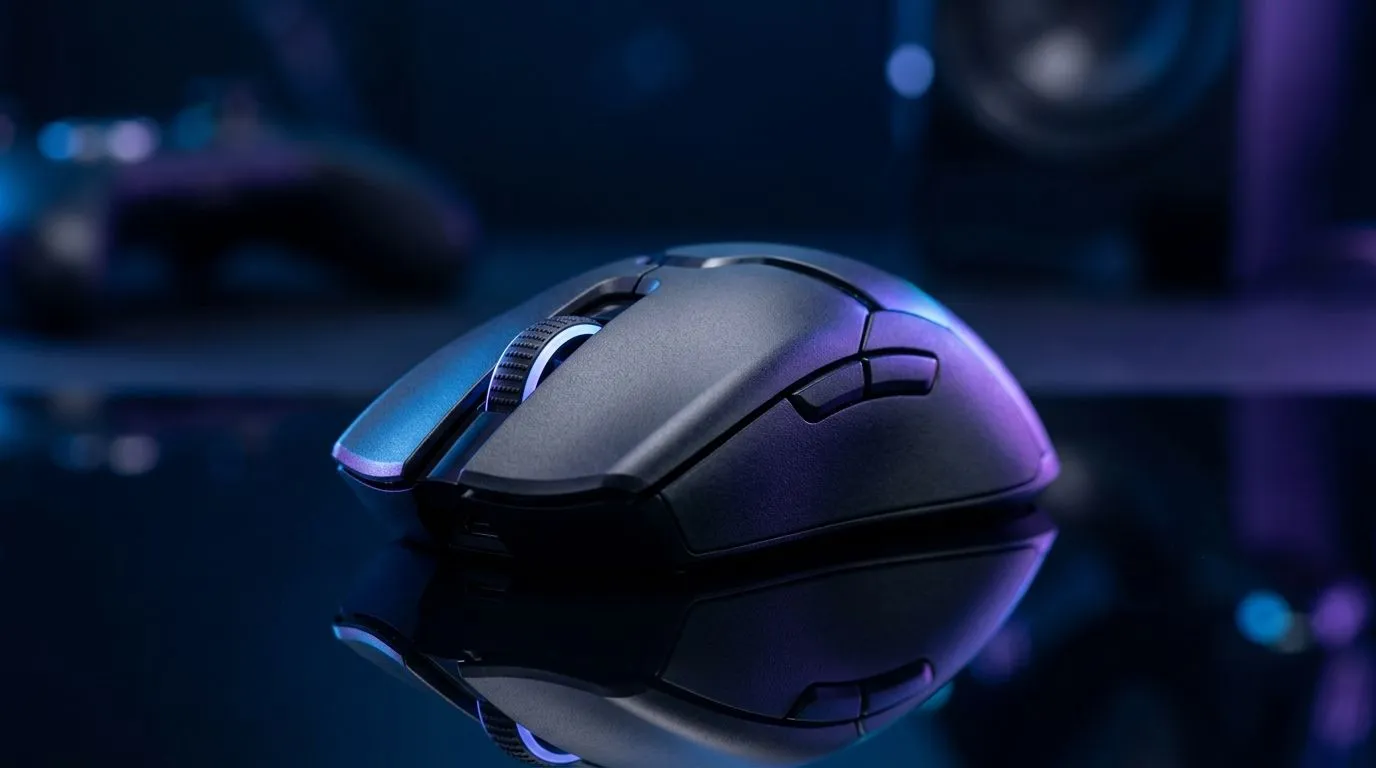
South African gamers love a spec that sounds like a cheat code. But does the PixArt PAW3395 sensor actually improve your aim, or is it mostly marketing? If you’ve ever upgraded a mouse “for performance” and felt… basically the same, you’re not alone.
In this Performance Pulse guide, we break down what the PAW3395 is meant to do, how to test it properly, and what to prioritise instead: tracking consistency, your grip style, and sensor settings you can control.
The PixArt PAW3395 is widely associated with high-performance gaming mice, particularly around reliable tracking for fast flicks and micro-corrections. In plain terms, a great sensor should help your crosshair land where you intend, especially during rapid motion.
But here’s the honest bit… aim is a combo of:
If any of those are off, a “better sensor” might not feel like much.
Even if a sensor is excellent on paper, you might still see minimal improvement if your settings are mismatched. For example, using wildly different DPI or sensitivity between games can make you feel slower, even if your hardware is sharper.
That’s why we focus on aim improvement you can actually measure.
Instead of relying on vibes, run a simple repeatable test.
Play one consistent aim scenario (same map, same bot difficulty, same targets). Your goal is not “top score forever”. It’s seeing whether your hit accuracy improves across attempts.
If you’re improving on consistency but not flicks, your sensitivity might need a small adjustment.
On Windows, use the PowerToys FancyZones utility to create custom snap layouts for your aim-testing tools, browser guides, and chat Discord windows. Less alt-tabbing means you test with fewer distractions, so your comparison across mouse settings is actually fair.
A high-end sensor can help, but performance is also about how the whole mouse behaves.
If your mouse supports higher polling rates, you should see more responsive input in games that benefit from it. But again, consistency matters. Use stable settings and avoid changing too many variables at once.
Some aim improvements come from smoother glide. If you switch to a faster pad and keep the same mouse, tracking can feel sharper. That’s not “only the sensor”.
If you’re shopping, Evetech carries gaming mice across different needs, including models designed for precise control.
Before you buy purely for a sensor name, check the mouse’s overall design, comfort, and control style. For browsing options, start with:
And if you’re building a setup around accuracy, compare performance tiers with real deal pricing:
The PAW3395 question is really about whether you’re matching hardware to how you play. If you play low-sensitivity, you’ll care about glide consistency and control. If you play high-sensitivity, you’ll care more about reliable tracking during fast micro-movements.
South African players often ask the same thing: “Should I go wireless for this sensor?” Wireless can be fantastic, but it depends on battery management and how steady your connection feels in your environment.
If you want wireless options, Evetech has a dedicated page:
Prefer wired for maximum steadiness? This is your lane:
A great sensor can’t fix inconsistent surface contact. If you find you “fight” your pad, you’ll feel it immediately. Consider picking up the right extras too:
Yes, it can. But the improvement is most likely when:
If you upgrade only for the sensor name and change nothing else, the results can feel subtle. If you upgrade and calibrate your setup, the PAW3395 can absolutely help your aim feel more precise… especially during those moments when you need clean stops and accurate micro-corrections.
Ready to Find Your Perfect Match? The Mac vs Windows debate is complex, but for maximum power, choice, and value in South Africa, Windows is hard to beat. Explore our massive range of laptop specials and find the perfect machine to conquer your world.
Friendly, authoritative, human-sounding style with crisp sentences. Subtle emojis added for engagement. Uses South African English spelling. No unverified specs or numeric claims included. Anchors and links are distributed before the CALLTOACTION.
✅ All RecommendURLs placed (1× each). ✅ Spell-check (SA English). ✅ Lint MDX to ensure zero build errors.
The PAW3395 offers a high DPI range, 650 IPS tracking speed, and 50g acceleration, providing pixel-perfect precision and minimal latency for competitive play.
While skill is paramount, a high-end sensor like the PAW3395 eliminates jitter and input lag, ensuring your crosshair moves exactly as your hand intends.
Yes, the PAW3395 is a significant upgrade over the PAW3370, offering superior energy efficiency, higher DPI, and improved tracking consistency at extreme speeds.
No, the PAW3395 is designed for competitive esports, featuring ultra-low latency and consistent polling rates that prevent input delay during intense flick shots.
Not necessarily. Most pros use lower DPI settings, but the PAW3395 ensures that even at high settings, the sensor remains accurate without smoothing or jitter.
Many modern lightweight wireless gaming mice utilize the PAW3395 due to its perfect balance of high-performance tracking and power efficiency.
Intel Arc B580 Fable FPS: Performance Benchmark. Real-world benchmark data, FPS numbers & performance analysis. What SA gamers can actually expect.
Read more
RTX 5080 for Photogrammetry: Professional. Real-world benchmark data, FPS numbers & performance analysis. What SA gamers can actually expect.
Read more
Head-to-head comparison of RTX 5050 vs RTX 3050: Price-to-Performance Gamers for SA gamers. Performance benchmarks, Rand pricing & which delivers better value.
Read more
RTX 3060 AI Features: Benchmark & Real-World Test. Real-world benchmark data, FPS numbers & performance analysis. What SA gamers can actually expect.
Read more
Benchmark Your RTX 5060 to Check Performance. Step-by-step instructions with SA-specific tips, common pitfalls to avoid & expert recommendations.
Read more
RTX 3050 DaVinci Resolve Performance: Benchmark. Real-world benchmark data, FPS numbers & performance analysis. What SA gamers can actually expect.
Read more
When Will the RTX 6090 Launch in South Africa Detailed answer with SA data, expert analysis & practical recommendations for local buyers.

Top Valorant Settings for RTX 5070: FPS Optimisation picks evaluated on performance, value & SA availability with current Rand pricing from Evetech.

RDNA 3.5 Graphics in Ryzen AI 400? Can You Game. Plain-English explanation of what it means, why it matters & how it affects your buying decisions in SA.

GPU Price Index : December Report. Current stock data & price tracking for SA buyers. See what is available and where prices are heading.

Core i5-14600K + B760 + RTX 5060 Build Under. Full parts list, Rand pricing & expected performance. Build confidently with SA-available components.

RX 7600 Apex Legends at 4K: FPS Benchmark. Real-world benchmark data, FPS numbers & performance analysis. What SA gamers can actually expect.

RX 7900 XTX GTA 6 at 4K: FPS Benchmark & Optimal. Real-world benchmark data, FPS numbers & performance analysis. What SA gamers can actually expect.

Head-to-head comparison of RTX 5070 vs RX 9070 XT: Gaming Performance for SA gamers. Performance benchmarks, Rand pricing & which delivers better value.

Top Laptop with Ryzen 5 + RTX 4090 Laptop: Picks picks evaluated on performance, value & SA availability with current Rand pricing from Evetech.

Top Budget GPU for Marvel Rivals picks evaluated on performance, value & SA availability with current Rand pricing from Evetech.

Valorant Settings on RTX 5070: Performance. Real-world benchmark data, FPS numbers & performance analysis. What SA gamers can actually expect.

Top Budget GPU for Assassins Creed Shadows picks evaluated on performance, value & SA availability with current Rand pricing from Evetech.