


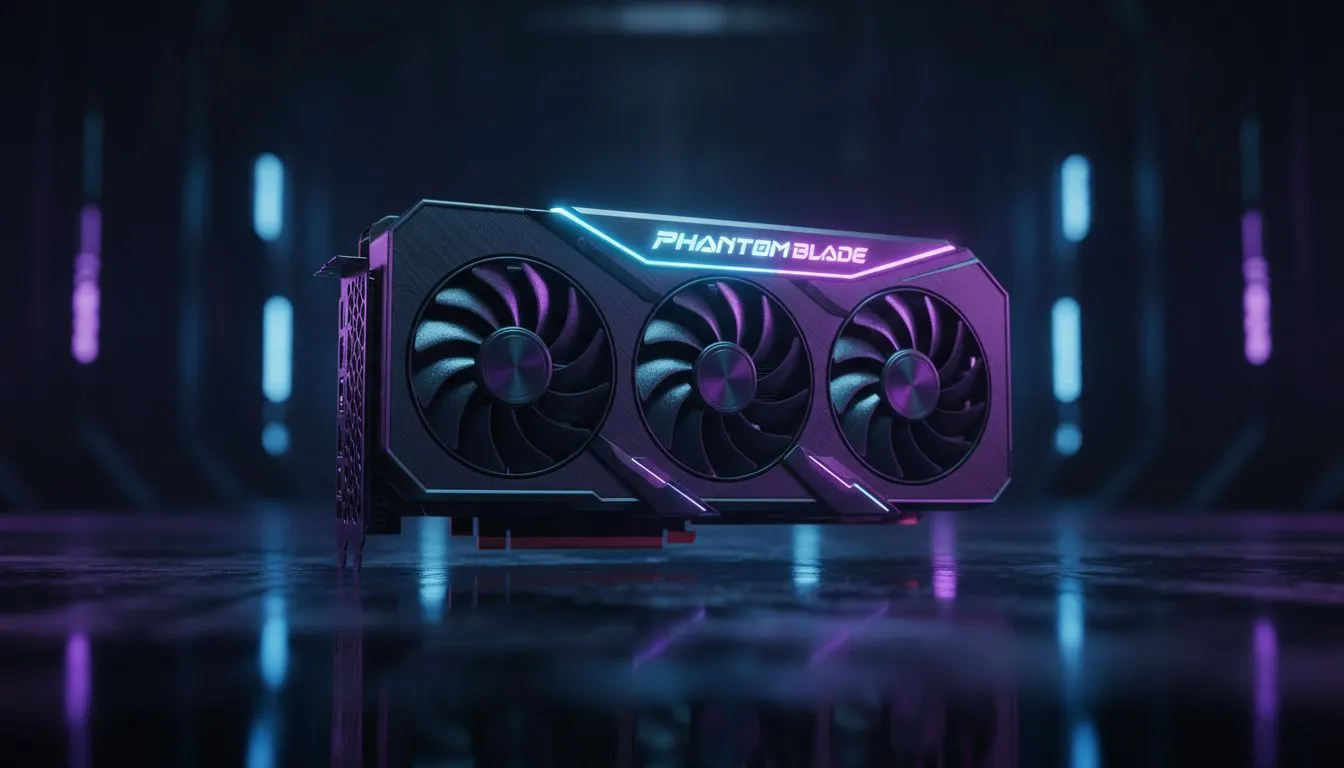
South African gamers know the struggle. You want those gorgeous reflections in Phantom Blade: Zero, but your mouse feels like it's moving through melktert. Ray tracing input lag can ruin a perfect boss fight. Is the visual upgrade worth the delay in your response time? Let’s dive into how you can balance stunning graphics with the snappy performance needed to survive. ⚡
The Real Cost of Ray Tracing Input Lag
When you enable high-end lighting effects, your GPU works overtime. This extra processing time increases the "frame time," which directly leads to ray tracing input lag. In a fast-paced title like Phantom Blade: Zero, even a few milliseconds can mean the difference between a perfect parry and a trip back to the checkpoint. To mitigate this, many players look for the latest NVIDIA and AMD graphics cards that feature dedicated hardware for ray tracing calculations.
While the visual fidelity is breathtaking, the weight on your system is heavy. If your frame rate drops below 60 FPS, the delay between your click and the on-screen action becomes noticeable... and frustrating.
Balancing Visual Fidelity and Competitive Response
To get the best experience, you need to optimise your settings. High-end MSI graphics cards often come with superior cooling and factory overclocks that help maintain stable frame rates under heavy ray-traced loads. Stable frames lead to predictable input latency.
If you are on a tighter budget, AMD Radeon graphics cards offer incredible value for money in South Africa. Using technologies like FSR 3 can help recover those lost frames, effectively reducing the perceived lag while keeping the game looking sharp. For those exploring the entry-level or mid-range market, Intel Arc graphics cards have shown impressive growth in driver stability and ray tracing performance for their price point.
Performance Tip ⚡
enable NVIDIA Reflex or AMD Anti-Lag in your game settings when using Ray Tracing. These technologies synchronise the CPU and GPU to reduce the "render queue," significantly cutting down the time it takes for your inputs to appear on screen. It is a must-have for Phantom Blade: Zero.
Is Phantom Blade Worth the Performance Hit?
Phantom Blade: Zero is designed with a specific dark, rain-slicked aesthetic. Ray tracing brings this world to life... adding depth to the shadows and realism to the water reflections on the cobblestone streets. However, if you are a competitive purist, you might find the slight increase in latency off-putting.
Interestingly, even professionals using workstation graphics cards for development have to find this balance. For the average gamer in Jozi or Cape Town, the goal is to hit that "sweet spot" where the game looks like a next-gen masterpiece without feeling sluggish. Investing in a GPU with strong AI-upscaling support is the most effective way to achieve this. 🔧
Ready to Find Your Perfect Match? Don't let lag hold you back from experiencing the next generation of visuals. For maximum power and the best tech deals in South Africa, upgrading your GPU is the ultimate move. Explore our massive range of graphics card specials and find the perfect hardware to conquer Phantom Blade: Zero.











