


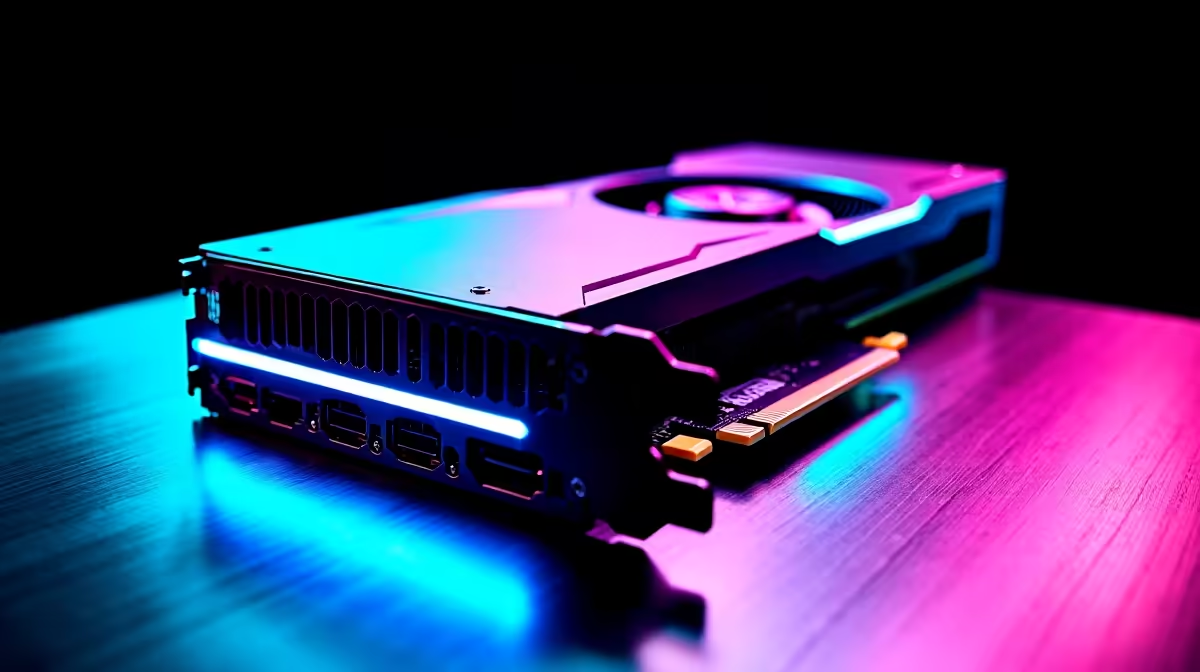
RTX 4060 Minecraft FPS: Real-World Performance in South Africa
If you’re a Minecraft fan hunting for smooth gameplay on the RTX 4060, you’ll want to know exactly what kind of frames per second (FPS) you can expect. South African gamers and tech enthusiasts are eager to see how this Nvidia card tackles Minecraft’s blocky worlds — especially at popular resolutions like 1080p and 1440p. Let’s dive into the performance benchmarks and best settings to unlock the full power of your RTX 4060 and keep your game silky smooth ⚡.
How the RTX 4060 Handles Minecraft FPS
The RTX 4060 offers a solid mix of efficiency and raw power, perfectly suited for the vibrant and sometimes demanding visuals in Minecraft — especially with ray tracing enabled. On average, players report stable FPS well above 100 at 1080p when using medium to high settings. Even with RTX on, expect performance around 60-70 FPS depending on your world size and mods.
For South African gamers, pairing an RTX 4060 with quality PC components is crucial to maximise FPS. Explore the latest graphics cards available locally to find cards that complement your setup without overspending. A good balance between your CPU and GPU accelerates rendering and avoids bottlenecks that hurt FPS.
Best Graphics Settings for Maximised Minecraft FPS
Getting the best Minecraft FPS on an RTX 4060 isn’t just about raw power — your graphics settings matter. Here’s what you want to tweak:
- Render Distance: Limit to 12-16 chunks. It keeps loading times light but maintains decent world views.
- Ray Tracing: Turn RTX on for immersive lighting; just drop shadows or reflections to medium to keep FPS above 60.
- V-Sync: Disable it if you want raw FPS, but turn it on if you want a tear-free experience.
- Texture Packs: Use lightweight or optimised packs for better FPS without losing appearance.
If you’re still on the hunt for a whole system that pairs perfectly with the RTX 4060, check out the best gaming PC deals tailored to South African gamers. They combine powerful CPUs and fast RAM to unlock higher Minecraft FPS right out of the box 🚀.
Optimise Your In-Game Settings
Tweaking your render distance downward by just a few chunks can boost FPS by 10% without sacrificing your view. Small changes add up for buttery smooth gameplay.
Why Combining Hardware and Settings Matters for FPS
Minecraft’s lightweight engine can still tax your system once you turn on RTX features or add intensive mods. The RTX 4060 thrives on a well-matched rig. Matching this card with sufficient RAM (16GB+), a strong CPU, and fast SSD storage will prevent FPS dips during big world builds or mob-heavy scenes.
Looking to buy a ready-to-go PC with a strong RTX 4060 setup? Browse the pre-built PC deals designed specifically for South African gamers. They come ready-tuned for maximum FPS with the RTX 4060’s ray tracing features fully enabled 🔧.
South African Gamers: Portable RTX 4060 Power
For Minecraft on the go, some gamers prefer laptops packing the RTX 4060. These notebooks blend desktop-class performance with the convenience of mobility. Expect solid FPS around 60-90 on medium to high settings in Minecraft, making them great for both casual play and creative builds.
Find the latest notebooks for sale in South Africa with RTX 4060 power that fit your budget and style, perfect for gaming lounges or LAN sessions with friends 🖥️.
Take Advantage of South Africa’s Best RTX 4060 Offers
Always keep an eye on special offers to grab your RTX 4060 or system upgrades for less. Whether you want a new GPU, a complete gaming PC, or a laptop, Evetech’s specials page regularly features discounts and bundles suited to your gaming ambitions.
Elevate your Minecraft experience with the right RTX 4060 setup — where high FPS meets crisp visuals and fluid gameplay. ⚡
Upgrade Your Minecraft Setup Today Discover unbeatable deals and gaming gear designed to maximise your RTX 4060 performance. Shop now at Evetech for performance that leaves lag in the dust.




