


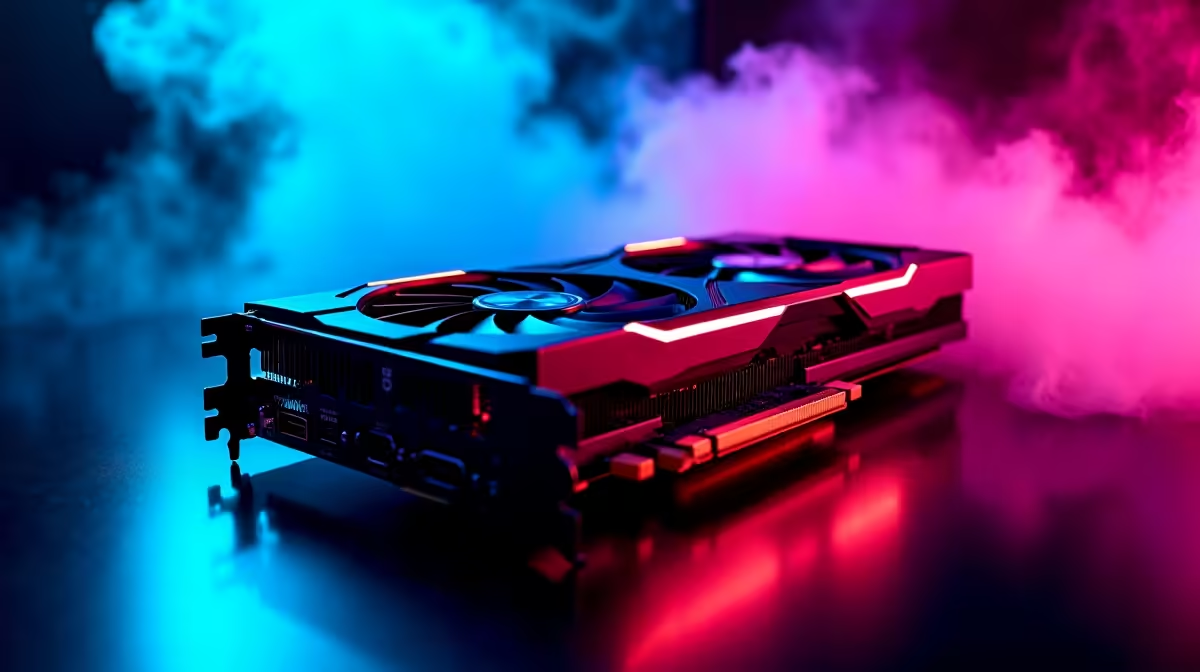
Pearl Abyss is about to drop a visual masterpiece. Crimson Desert looks absolutely stunning... but it is going to punish average hardware. South African gamers are already asking how their rigs will hold up. If you are aiming for that sweet spot of performance and price, maximising your RTX 4060 Ti Crimson Desert FPS is crucial. Let us break down the benchmarks and settings you need.
Analysing RTX 4060 Ti Crimson Desert FPS
The RTX 4060 Ti remains a brilliant 1080p powerhouse. It handles most modern titles with ease. However... an open-world action RPG of this massive scale requires smart tweaking. Based on early engine footage and similar next-gen titles, achieving a stable 60 frames per second at 1440p will require some compromises.
The game features complex physics and incredibly dense environments. These elements demand serious graphical horsepower. If your current rig is struggling to keep up with these demands, browsing the latest graphics cards is a smart first step. You want enough VRAM and raw speed to handle those intense mercenary battles.
1080p vs 1440p Performance Benchmarks
At 1080p resolution, the 4060 Ti truly flexes its muscles 🚀. You can expect around 70 to 85 FPS on High settings without breaking a sweat. Pushing everything to Ultra might drop those numbers closer to 55 FPS during explosive combat sequences. Moving up to 1440p changes the story slightly. You will likely need to rely heavily on upscaling technologies to maintain a smooth 60 FPS experience.
If you want to skip the hassle of building a system from scratch to reach these numbers, checking out our gaming PC deals can save you thousands of ZAR. A well-balanced system ensures you never drop frames when it matters most.
Best Settings for Crimson Desert
Visual fidelity is great... but smooth, responsive combat is always better ⚔️. To truly optimise your RTX 4060 Ti Crimson Desert FPS, you need a balanced approach. Here are the recommended tweaks:
- Textures: High (The 8GB VRAM handles this perfectly).
- Shadows: Medium (Shadows drain performance incredibly fast).
- Volumetric Clouds: Low or Medium.
- Ray Tracing: Off (Save this for the higher-tier GPUs).
For gamers who prefer mobility without sacrificing this level of visual quality, modern laptops packing the mobile RTX 40-series chips offer incredible on-the-go performance. You can explore the vast continent of Pywel from anywhere.
Frame Gen Magic ⚡
Always enable DLSS 3 Frame Generation if the game supports it. The RTX 40-series architecture uses AI to create extra frames... giving you a massive FPS boost without sacrificing visual clarity during fast-paced sword fights.
Preparing Your Rig for the Journey
Crimson Desert is not just heavy on the GPU. It demands a fast multi-core CPU and snappy NVMe storage to load those massive environments quickly. Bottlenecks will ruin your experience. If your older processor is holding back your graphics card, it might be time to look at fully tested pre-built PCs. These machines balance every component perfectly.
Upgrading your setup does not have to break the bank. Keeping a close eye on our weekly specials ensures you get the absolute best ZAR value. You can gear up properly when preparing for the biggest game releases of the year. South African gamers know that finding the right balance of price and performance is the key to a legendary setup.
Ready to Conquer Pywel? Do not let low frame rates ruin your next-gen RPG experience. Whether you need a simple GPU upgrade or a brand-new rig, Evetech has the best hardware at unbeatable prices in South Africa. Upgrade your gaming setup today and prepare for the ultimate adventure.











