


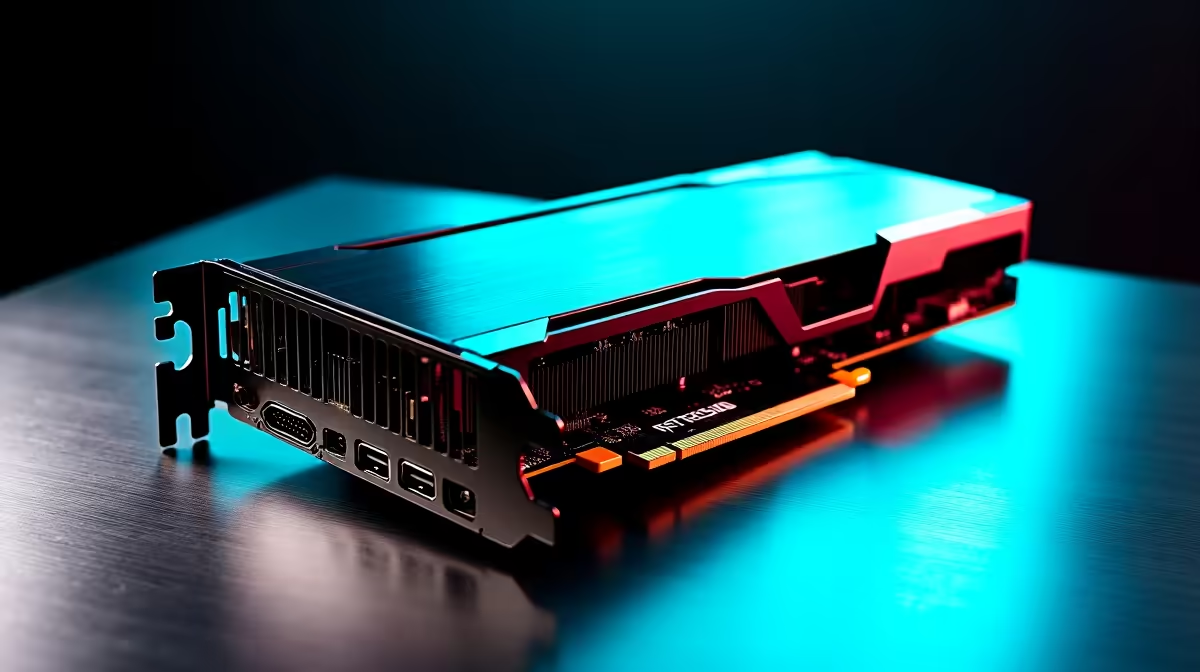
South African engineers and designers know the struggle. You are working on a massive assembly in SolidWorks, and suddenly your viewport stutters like a slideshow. Time is money in ZAR, and waiting for renders is not an option. If you are eyeing the next generation of hardware, the RTX 5060 for CAD work in SolidWorks is shaping up to be a serious contender for the 2026 professional benchmark. 🚀
Why the RTX 5060 Architecture Makes Sense
Nvidia's 50-series architecture brings massive improvements to CUDA core efficiency and ray tracing capabilities. While dedicated workstation cards are traditional favourites, the mainstream RTX 5060 offers incredible value for local professionals. When you browse the latest graphics cards, you will notice that modern mainstream GPUs now pack enough VRAM to handle complex parametric models and large assemblies with ease.
The anticipated memory bandwidth will provide the speed necessary to load intricate textures and complex material properties without bottlenecking your system. For South African creators, this means fewer crashes and more time designing. The RTX 5060 for CAD work in SolidWorks effectively bridges the gap between premium gaming performance and professional reliability.
Professional Benchmark 2026 Expectations
We expect the 2026 professional benchmark to focus heavily on real-time rendering and AI-accelerated denoising. SolidWorks Visualize relies heavily on CUDA cores to render photorealistic product shots. The RTX 5060 handles these workloads brilliantly... significantly cutting down your export times.
If you are building a dedicated workstation, starting with one of the best gaming PC deals and customising it for CAD is a highly cost-effective route for South African firms. You get high clock speeds for single-core modelling tasks and robust GPU power for rendering.
SolidWorks Performance Tip 🔧
To get the most out of your RTX 5060, always enable 'Enhanced Graphics Performance' in your SolidWorks settings. This forces the software to offload more viewport calculations to the GPU rather than relying on your CPU... keeping your frame rates buttery smooth even with complex assemblies.
Choosing the Right Setup for Your Firm
Not every engineer has the time to build a system from scratch. Sometimes you need a machine ready to deploy straight out of the box. That is where pre-built PC deals shine... giving you tested, warranty-backed systems that chew through demanding CAD projects.
Of course, many modern professionals are hybrid workers. If you need to take your designs to client meetings across Johannesburg or Cape Town, a desktop will not cut it. Thankfully, the mobile variants of these modern GPUs are incredibly capable. You can explore a wide range of high-performance laptops that pack desktop-tier rendering power into a portable chassis. ✨
Balancing Your ZAR Budget
Upgrading your design department does not have to drain your budget. A well-optimised system delivers the performance of last generation's high-end cards at a fraction of the cost. Whether you are a solo freelancer or managing a growing engineering firm, keeping an eye on daily tech specials ensures you get the maximum return on your ZAR investment. ⚡
When evaluating the RTX 5060 for CAD work in SolidWorks, remember that a balanced system is key. Pair your new GPU with a fast NVMe SSD and at least 32GB of RAM to prevent memory swapping during intensive simulation tasks.
Ready to Find Your Perfect Match? The workstation vs gaming PC debate is complex, but for maximum power, choice, and value in South Africa, a custom Windows machine is hard to beat. Explore our massive range of PC specials and find the perfect machine to conquer your engineering world.








