


Quick Answer
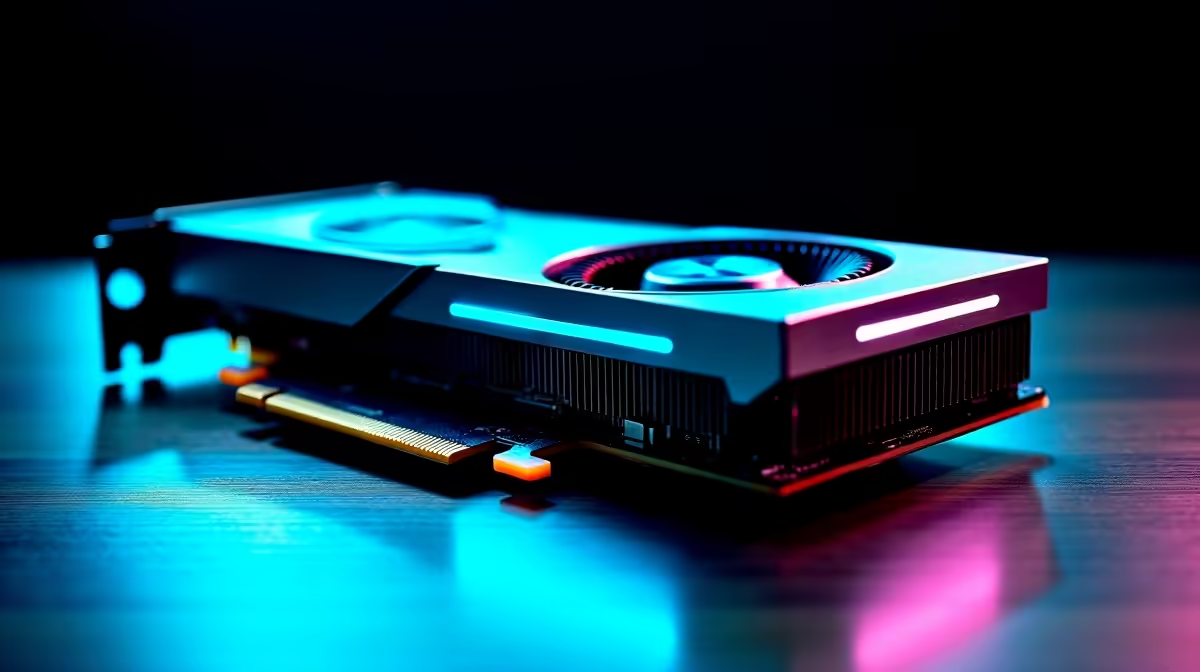
The RTX 5060 handles small to mid-sized LLM inference comfortably for SA professionals running 7B to 13B parameter models locally. Its 8GB VRAM constrains larger models, but for everyday assistant workloads, code completion, and summarisation tasks, it punches above its price tier in Rand value.
Where the RTX 5060 Fits in Local LLM Workloads
For South African developers and analysts wanting offline AI tooling, the RTX 5060 sits at the entry point of serious inference work. Outage-friendly local inference means you can keep working when fibre drops, and the card sips power compared to bigger Blackwell siblings. Quantised 7B models like Llama 3.1 and Mistral 7B run smoothly at usable token-per-second rates, while 13B models work with 4-bit quantisation. Privacy-sensitive work like legal note review or internal docs stays on your machine rather than crossing the border to a foreign endpoint.
VRAM Reality Check at the 8GB Tier
Eight gigabytes is the honest ceiling here. You will fit Q4_K_M quantised 7B models with comfortable context windows, and squeeze 13B models if you trim context. Beyond that, layer offloading to system RAM kicks in and tokens-per-second tank. For SA buyers eyeing serious 30B-plus work, step up to a 16GB card. For chat assistants, RAG over local docs, or coding copilots, the 5060 delivers solid value at its ZAR price point.
Real-World Throughput for Professional Use
Expect roughly 40 to 60 tokens per second on quantised 7B models, and 20 to 30 on 13B with offload. That is fast enough to feel conversational. CUDA support means llama.cpp, Ollama, and LM Studio all work out the box. For an Evetech-supplied build, pair the 5060 with 32GB DDR5 and a Gen 4 NVMe so model loading from disk does not bottleneck your workflow. Local stock with full SA delivery means you skip grey-import warranty headaches and get up and running fast.
Frequently Asked Questions
Can the RTX 5060 run a 70B parameter model?
Not practically. Even with aggressive 2-bit quantisation, 70B models need around 20GB of VRAM minimum. The 5060 will offload heavily and run at single-digit tokens per second, which kills productivity.
Is the RTX 5060 worth it for AI work over a used 3090 in SA?
For new-buyer warranty, lower power draw, and Blackwell features, the 5060 wins on peace of mind. A used 3090 has more VRAM but higher risk and Eskom-unfriendly wattage.
What software stack works best for LLM inference on this card?
Ollama for ease of use, LM Studio for a friendly UI, and llama.cpp for raw control. All three leverage CUDA acceleration on the 5060 with no fuss.
Ready to Find Your Perfect Match? Build your local AI workstation around proven Blackwell silicon today. Browse RTX 5060 graphics cards on Evetech











