Struggling to spot that Hoodwink in the trees during a chaotic teamfight at the Roshan pit? Even with the latest hardware, the wrong settings can turn a high-stakes match into a blurry mess. For South African gamers rocking the new RTX 5060 Ti, finding the sweet spot between eye candy and competitive clarity is essential. Let’s dive into the ultimate visibility guide to ensure you never miss a blink again. ⚡
Optimising RTX 5060 Ti Dota settings for Competitive Play
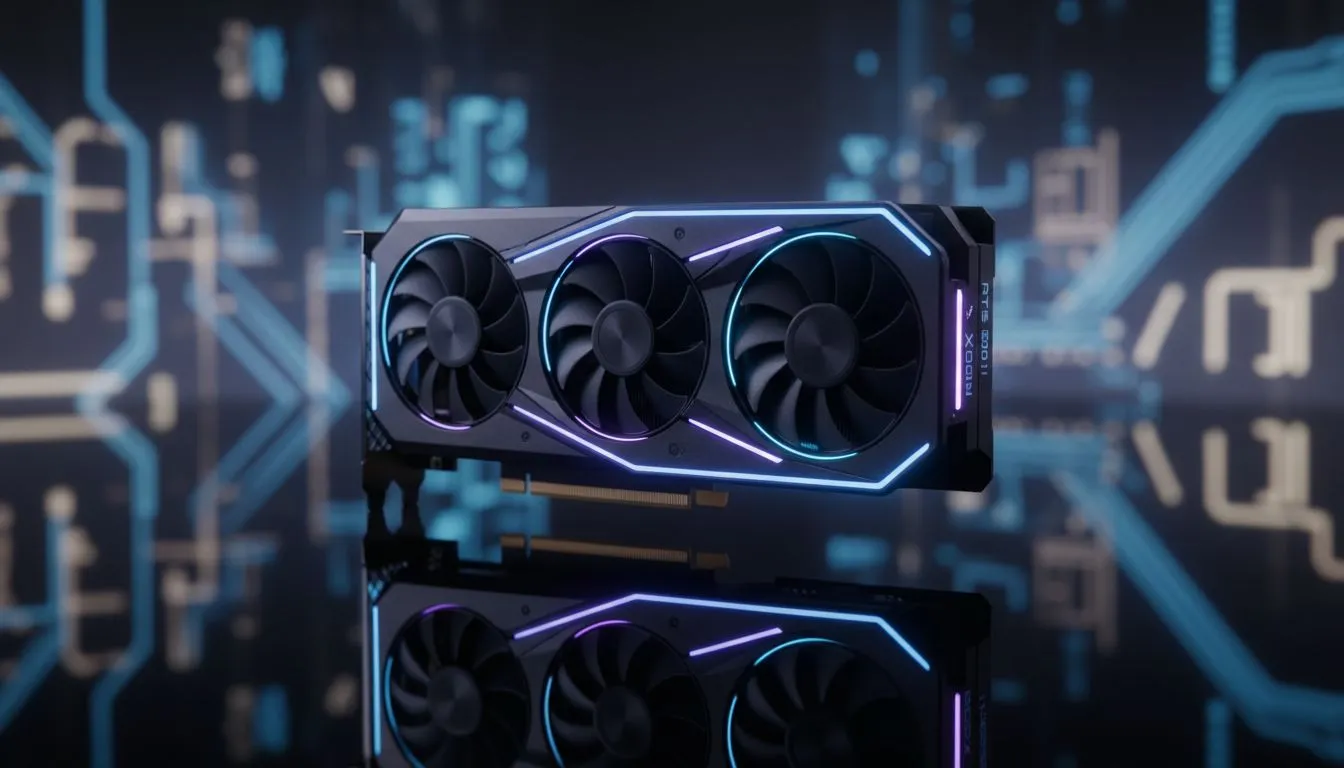
The RTX 5060 Ti is a powerhouse for 1080p and 1440p gaming. However, Dota 2 is a game where visual clutter can be your worst enemy. To get the best visibility, you need to strip away the fluff that hides enemy animations. While many players browse the broader range of NVIDIA graphics cards for raw power, the 5060 Ti specifically benefits from modern architecture that handles particle effects with ease.
Essential Video Settings for Clarity
To start, set your "Rendering API" to DX11 or Vulkan. For most South African builds, DX11 offers the most stable frame times. Turn off "Motion Blur" and "Depth of Field" immediately. These settings add a cinematic feel but make it harder to click on fast-moving targets like a blinking Anti-Mage.
If you are using one of the high-performance MSI variants, you can afford to keep "Texture Quality" on High. This ensures that hero models and ground textures remain crisp... making it easier to see subtle spell effects on the floor.
Balancing Shadows and Effects
Shadows provide depth, but "Ultra" shadows often create dark patches where heroes can hide. Set shadows to "Medium" or "Low". This maintains enough contrast to see hero silhouettes without the unnecessary darkness. If you are comparing this performance against AMD Radeon graphics cards, you will notice that NVIDIA's Reflex technology helps significantly with input lag in these high-intensity scenarios.
Visibility Pro Tip ⚡
"In the Dota 2 Advanced Video settings, find the 'Compute Shaders' toggle. Enabling this allows the GPU to handle certain tasks more efficiently, which can smooth out frame drops during massive teamfights. It is a small change that keeps your visibility consistent when the screen is filled with ultimates."
Why Visibility Matters in the South African Meta
Local players often deal with varying latency. When you have a slight ping disadvantage, visual clarity becomes your primary tool for reaction. Unlike workstation graphics cards that are designed for precision rendering, the RTX 5060 Ti focuses on rapid frame delivery.
Even when looking at budget-friendly options like Intel Arc graphics cards, the goal remains the same... reducing "visual noise." Turn off "Grass" and "Ambient Creatures." They look lovely but offer zero competitive advantage. You want the map to be as clean as possible so that a stray ward or a smoked enemy stands out instantly. 🚀
Final Performance Tweaks
Ensure your "Game Screen Render Quality" is set to 100%. Dropping this below 100% makes the game look pixelated, which is a nightmare for visibility. With an RTX 5060 Ti, you should comfortably hit 144+ FPS at 1080p with these optimised settings. This ensures your hardware isn't the reason you missed that crucial stun. ✨
Ready to Find Your Perfect Match? The right GPU can transform your competitive experience from frustrating to flawless. For maximum power, choice, and value in South Africa, our selection is hard to beat. Explore our massive range of graphics card specials and find the perfect machine to conquer the lanes.