


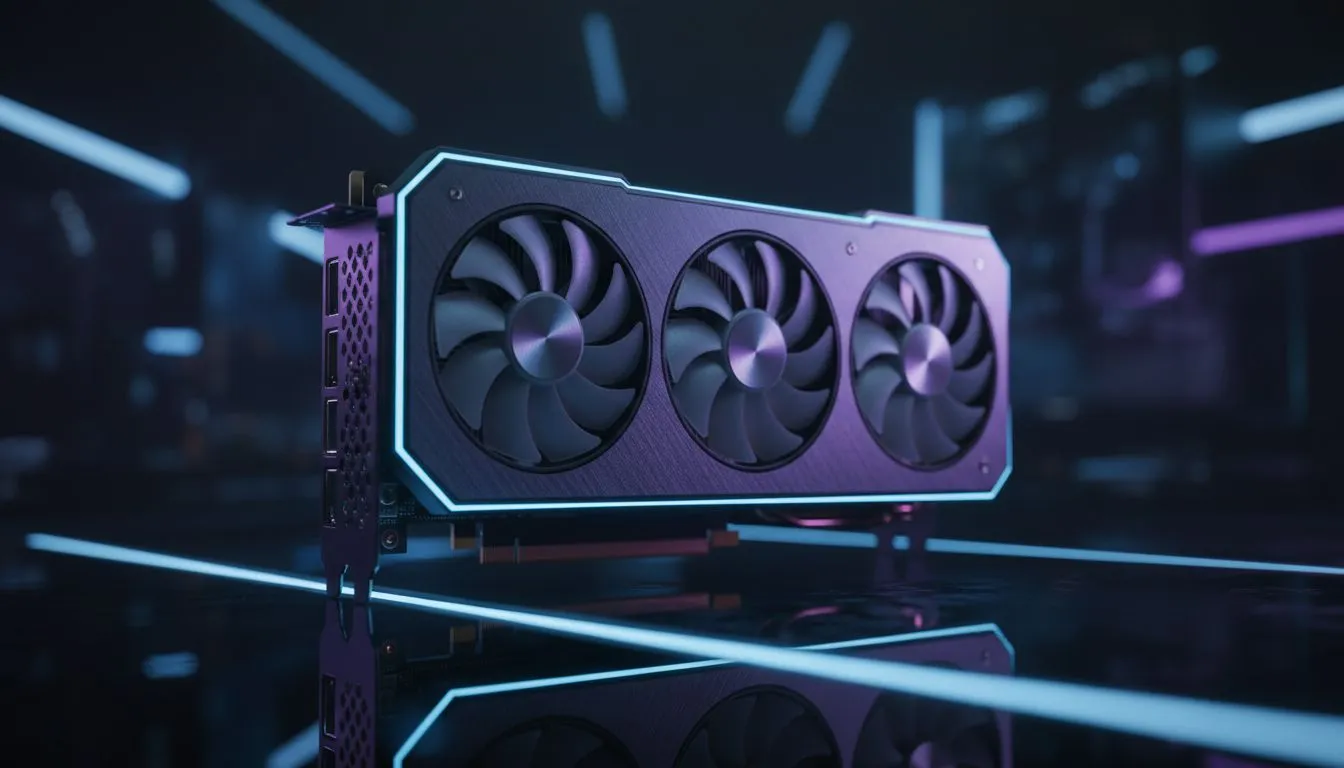
Finding the Sweet Spot for RTX 5070 LOD Settings
South African gamers are finally getting their hands on the latest hardware. But are you getting the most out of your ZAR investment? Finding the right RTX 5070 LOD settings: Maximize Performance and Visuals is the secret to balancing that crisp 1440p look with high frame rates. Whether you are raiding in Cape Town or competing in Jo'burg, understanding these tweaks is essential for your local setup ⚡.
Understanding Level of Detail (LOD) on Blackwell Architecture
Level of Detail refers to how much geometry and texture complexity the GPU renders at various distances. High LOD makes distant objects look sharp... but it can tank your FPS if not managed correctly. If you are currently browsing the latest NVIDIA graphics cards, you likely want that hardware to sing without unnecessary stutter.
The RTX 5070 handles geometry much more efficiently than previous generations. However... setting everything to "Ultra" blindly is a mistake. Most modern titles allow you to adjust LOD bias. A setting of "Medium" or "High" often looks identical to "Ultra" during gameplay while saving precious milliseconds on frame times.
Optimising Your Visual Fidelity and Frame Rates
Not all cards handle these transitions the same way. While MSI graphics cards often feature superior cooling to sustain high clock speeds during heavy rendering, the software side remains king. You should aim for a "High" LOD setting in open-world games to avoid "pop-in" while keeping your frame floor stable.
Competition in the South African market is healthy. Some users might look at Intel Arc graphics cards for budget-friendly builds... or perhaps AMD Radeon graphics cards for pure rasterization value. However... the RTX 5070 brings specific architecture improvements that make LOD transitions smoother than ever before.
Performance Pro Tip ⚡
"If you notice objects 'popping' into view too late, increase your LOD Distance but lower your Shadow Quality. Shadows consume significantly more VRAM and processing power than geometry LOD, allowing you to maintain a sharp image without losing your 144Hz target."
Beyond Gaming: Professional LOD Usage
For those using their rigs for more than just gaming... perhaps on workstation graphics cards... LOD settings in viewport renders are equally vital. It is all about managing the VRAM overhead. The RTX 5070 is a versatile beast, but keeping your LOD bias neutral ensures that what you see in the viewport matches your final render without slowing down your workflow 🚀.
By fine-tuning your RTX 5070 LOD settings: Maximize Performance and Visuals, you ensure your PC remains relevant for years to come. Start with the "High" preset and only move to "Ultra" if your frame rate stays well above your monitor's refresh rate.
Ready to Upgrade Your Visual Experience? Finding the right balance between beauty and speed is easier with the right hardware. For the best prices and widest selection of GPUs in South Africa, Evetech has you covered. Explore our massive range of NVIDIA graphics cards and find the perfect match for your gaming rig today.











