

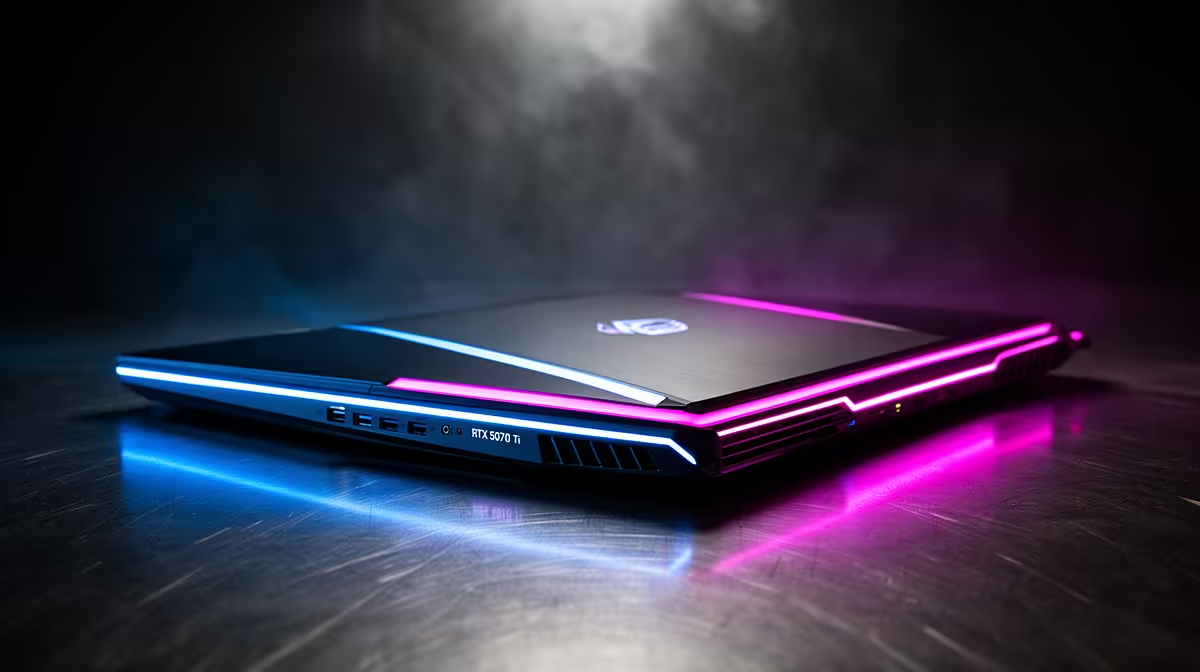
Tired of your stream lagging the moment the action kicks off in a Warzone final circle? We've all been there. For years, South African gamers have juggled two PCs or sacrificed precious frames for content. But what if one machine could do it all, flawlessly, from anywhere? The future of portable power is coming, and its heart is the much-anticipated NVIDIA GeForce RTX 5070 Ti. This isn't just an upgrade; it's a new era for RTX 5070 Ti laptop streaming.
Why the RTX 5070 Ti is a Beast for Laptop Streaming
Let's get straight to it. A powerful GPU is non-negotiable for a smooth stream, but the magic of the RTX 5070 Ti lies in its efficiency and specialised hardware. We're expecting a significant leap over the already impressive 40-series, built on an entirely new architecture.
The real star for streamers is the next-generation NVIDIA Encoder (NVENC). This dedicated chip on the GPU handles the heavy lifting of encoding your gameplay video, taking the strain off your CPU. This means your game runs at maximum FPS while your stream looks crisp and professional for your viewers on Twitch or YouTube. Paired with expected advancements in DLSS and AI-driven tech, the RTX 5070 Ti laptop streaming performance will allow you to run demanding titles with high settings without your broadcast skipping a beat. 🚀
Your Ultimate RTX 5070 Ti Laptop Streaming Setup Guide
Getting the best hardware is only half the battle. To truly unlock the potential of your machine, you need to optimise your setup. A proper RTX 5070 Ti laptop setup guide ensures you're not leaving performance on the table.
Hardware: The Supporting Cast
A powerful GPU needs a strong team. The CPU is critical for running your game, Discord, and other background apps. You'll want a modern processor with a good balance of core count and clock speed. Whether you lean towards the multi-tasking prowess of the latest Intel laptops on special with their P-core and E-core designs, or the raw power and efficiency found in top-tier AMD laptops on special, make sure it's a good match. For memory, 16GB of RAM is the absolute minimum, but 32GB is the sweet spot for serious streaming and future-proofing.
Software: Dialling in the Perfect Broadcast 🔧
With your hardware sorted, it's time to tweak your software for a flawless broadcast. This is where your RTX 5070 Ti laptop truly shines.
- Keep Drivers Updated: Always use the latest NVIDIA Game Ready drivers from the GeForce Experience app. These often include optimisations for new games and streaming software.
- Optimise OBS Studio: Open-source and powerful, OBS is the go-to for most streamers. Dive into the settings to make the most of your hardware.
- Windows Game Mode: Ensure Game Mode is enabled in your Windows settings. It helps prioritise system resources for your game, leading to more stable performance.
Pro OBS Setting for NVENC ⚡
OBS Studio, navigate to Settings > Output. Change the Output Mode to Advanced. Under the Streaming tab, set the Encoder to NVIDIA NVENC H.264. For a crisp 1080p60 stream, a Bitrate of 6000-8000 Kbps is ideal. Set the Preset to P6: Slower (Better Quality) for a fantastic balance between performance and visual fidelity on your powerful new laptop.
Real-World Performance: What to Expect
So, what does this all mean for your favourite games? Imagine dropping into Apex Legends or Call of Duty, running the game at a buttery-smooth 144+ FPS on your laptop's high-refresh-rate display… all while simultaneously broadcasting a high-quality 1080p60 stream to your audience. No stutters, no compromises. This is the one-PC setup dream made real. The efficiency of the RTX 5070 Ti laptop streaming capabilities means you no longer need a second dedicated PC, saving you space, complexity, and some serious ZAR. ✨
This level of performance turns any location into a potential streaming studio. Whether you're at a friend's place, a LAN event, or just want to game from the couch, you have all the power you need in one portable package. Finding a machine with these specs will be key, so keeping an eye on the best gaming laptop deals is a smart move as new models arrive.
Ready to Find Your Perfect Match? The era of compromised laptop streaming is over. For maximum power, choice, and value in South Africa, a high-performance gaming laptop is hard to beat. Explore our massive range of laptop specials and find the perfect machine to conquer your world.











