

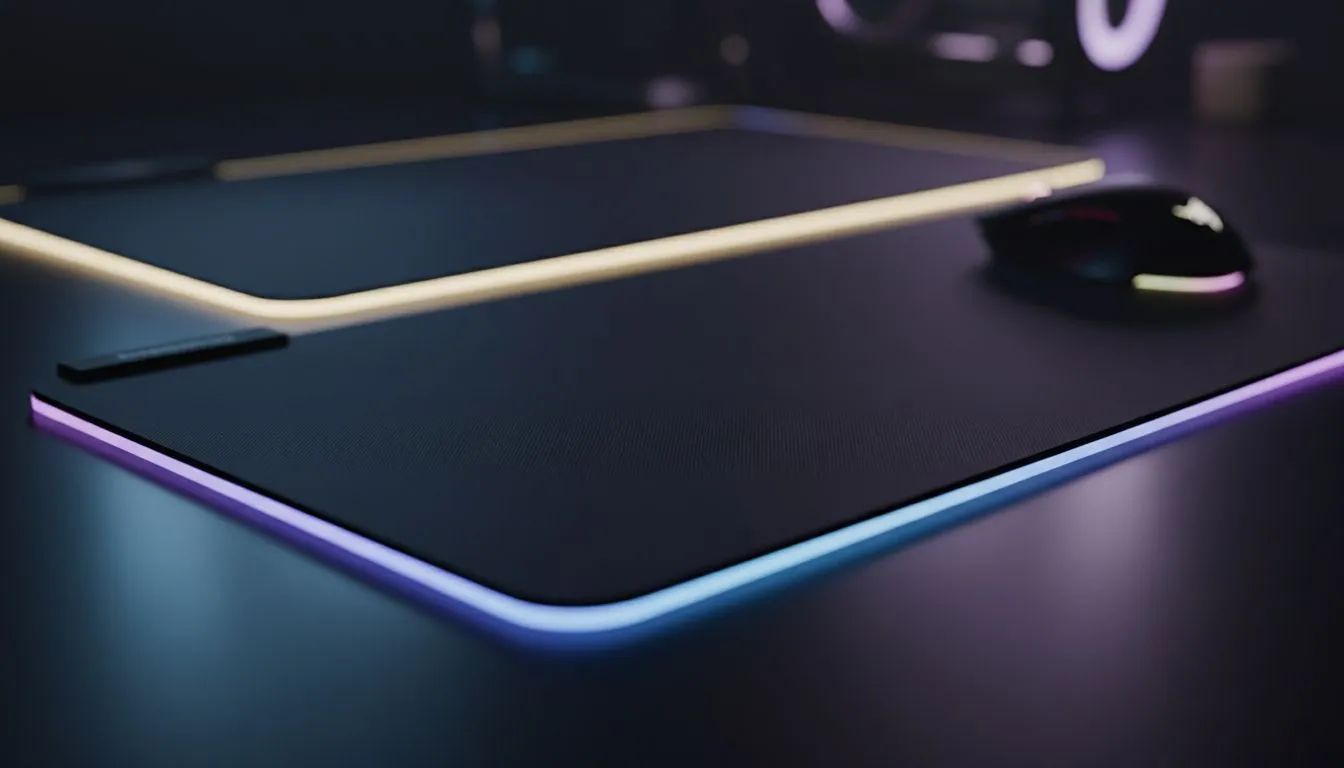
Slim mousepad vs thick mousepad: why low-profile matters 🔧
If your flick shots feel floaty or your wrist keeps snagging on a chunky pad, low-profile is the missing link. South African gamers and creators swear by smooth tracking and desk harmony... and that often means choosing a slim mousepad over a thick one. This short read breaks down why slim options can sharpen aim, improve desktop ergonomics, and pair better with low-sensitivity settings. For a quick primer, check Evetech’s mouse pads guide for specs and fabrics: https://www.evetech.co.za/components/mouse-pads-101
Slim mousepad vs thick mousepad — tracking and control
Slim pads keep the sensor close to the desk, which helps consistent tracking for many optical sensors. If you use low DPI and large, sweeping mouse movements, a slim surface reduces the vertical variance your sensor sees. Want specific models? Browse the Evetech Mousepad collection for low-profile options and materials tested by local players: https://www.evetech.co.za/components/mouse-pads-101?category=Evetech+Mousepad
Low-profile matters for comfort and desk setup ⚡
A thinner mat lets your keyboard and mouse sit at similar heights, cutting wrist strain during long sessions. It also means more usable space on smaller desks common in SA dorms and apartments. If you prefer branded surfaces, check out SteelSeries performance pads tailored for pro play: https://www.evetech.co.za/components/mouse-pads-101?category=Steelseries+Gaming+Mouse+Pads
Slim mousepad vs thick mousepad — glide, stop, and feel
Surface texture matters more than thickness alone. Cloth slim pads offer controlled glide while thin polymer or hard pads give speed. Prefer budget-friendly alternatives? Marvo makes affordable options that punch above their weight: https://www.evetech.co.za/components/mouse-pads-101?category=Marvo+Gaming+Mousepads
Low-profile matters for RGB, size and desk aesthetics 🚀
Thickness affects how RGB lighting sits and diffuses. If you want clean lighting lines, compare non-lit and RGB mats side by side. Non-RGB surfaces keep focus on function: https://www.evetech.co.za/components/mouse-pads-101?attributes-lightingeffects=No While RGB pads add ambience, pick one where the electronics don’t raise the pad too high: https://www.evetech.co.za/components/mouse-pads-101?attributes-lightingeffects=Yes+%28RGB%29
If you use an ultrawide desk or want a single surface for keyboard and mouse, think about XXL and Extended sizes. They keep cables tidy and preserve low-profile benefits across the whole workspace: https://www.evetech.co.za/components/mouse-pads-101?attributes-size=XXL and https://www.evetech.co.za/components/mouse-pads-101?attributes-size=Extended
Productivity Pro Tip ⚡
On Windows, use the PowerToys FancyZones utility to create custom snap layouts for your windows. It's a lifesaver for managing multiple apps on an ultrawide monitor, letting you organise your timeline, preview window, and asset folders perfectly for video editing.
Slim mousepad vs thick mousepad — final pick and quick checklist ✨
Choose slim if you:
- Run low DPI and large arm movements
- Need a consistent sensor height
- Want a neat desk profile with keyboard and mouse aligned
Choose thick if you:
- Need extra cushioning for wrist comfort
- Want to smooth an uneven desk surface
Curious which pad suits your setup? Compare models, sizes and lighting options on Evetech’s mouse pads page to match your desk, grip, and playstyle: https://www.evetech.co.za/components/mouse-pads-101
Ready to Find Your Perfect Match? The Mac vs Windows debate is complex, but for maximum power, choice, and value in South Africa, Windows is hard to beat. Explore our massive range of laptop specials and find the perfect machine to conquer your world.





